Supercreator AI vs Descript
In the battle of Supercreator AI vs Descript, which AI tool comes out on top? We compare reviews, pricing, alternatives, upvotes, features, and more.
Between Supercreator AI and Descript, which one is superior?
Upon comparing Supercreator AI with Descript, which are both AI-powered tools, The upvote count shows a clear preference for Supercreator AI. Supercreator AI has 52 upvotes, and Descript has 8 upvotes.
Don't agree with the result? Cast your vote and be a part of the decision-making process!
Supercreator AI


What is Supercreator AI?
Supercreator AI lets you plan a short video scene by scene, record it with a scrolling teleprompter, then trim and caption the footage in the same browser workspace. Storyboarding, recording, timeline editing, and mini apps for AI media, talking avatars, and multi-shot sequences all sit on one home screen. You sign in to save creations, but every tool is listed before you start.
Where many video editors assume you already have footage, Supercreator AI front-loads scripting and recording. The storyboard maps scenes before capture, the recorder scrolls your script while you film, and one-click templates plus AI captions sit beside standalone tools like a Reel transcriber and clip editor. That workflow keeps scripting, capture, and polish in one tab instead of three separate apps.
It fits creators who publish to TikTok, Reels, and Shorts and want scripting, capture, and caption polish without switching tools. Founders, educators, and on-camera marketers get teleprompter support, visual aids, and reusable identity presets across projects.
Descript
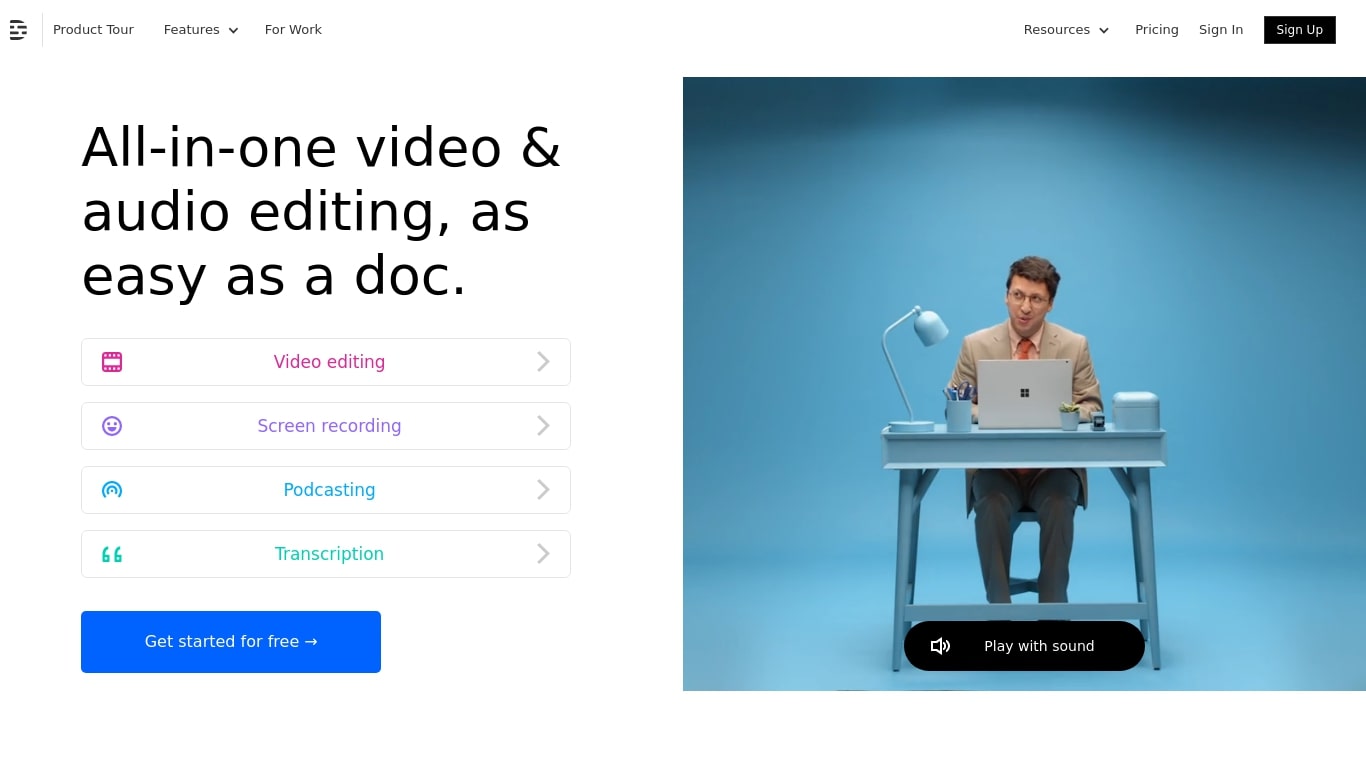
What is Descript?
Descript is a video and podcast editor built around a transcript. You record or import media, get an automatic transcript, and edit the timeline by editing text. Creators, marketers, and teams use it to produce tutorials, demos, podcasts, and social clips without living inside a traditional NLE.
The core idea is text-based editing: delete a sentence from the transcript and the matching video or audio disappears. Underlord, Descript's built-in co-editor, can tighten cuts, suggest changes, apply layouts, generate B-roll, and handle repetitive cleanup when you describe what you want in plain language.
It targets people who need polished video but do not want a steep learning curve. Marketing teams ship product demos and webinar recaps. Podcasters edit multitrack audio like a document. Solo creators use Rooms for remote recording, Studio Sound for noisy rooms, and one-click filler word removal to publish faster.
Supercreator AI Upvotes
Descript Upvotes
Supercreator AI Top Features
Storyboard maps scripts scene by scene before you hit record
Built-in recorder pairs a teleprompter with visual aids and smart overlays
Timeline editor cuts clips and adds AI-generated stylized captions
One-click templates turn raw clips into scroll-stopping social videos
Script Trainer collects high-performing videos, transcribes them, and drafts new scripts
Avatars mini app builds talking-head videos with AI voices
Super Director stitches multi-shot AI video sequences from one workspace
Descript Top Features
Edit video and audio by editing the transcript, like a document
Underlord co-editor handles cuts, layouts, and visuals from plain instructions
Studio Sound removes noise and boosts voice clarity without extra mics
Strip ums, uhs, and filler words across a project in one click
Record remote podcasts and video in Rooms with separate cloud tracks
Regenerate fixes spoken mistakes by typing the corrected word or phrase
Supercreator AI Category
- Video Generation
Descript Category
- Video Editing
Supercreator AI Pricing Type
- Freemium
Descript Pricing Type
- Freemium