Supercreator vs AI Portrait in Filmora
Explore the showdown between Supercreator vs AI Portrait in Filmora and find out which AI Video Editing tool wins. We analyze upvotes, features, reviews, pricing, alternatives, and more.
In a face-off between Supercreator and AI Portrait in Filmora, which one takes the crown?
When we contrast Supercreator with AI Portrait in Filmora, both of which are exceptional AI-operated video editing tools, and place them side by side, we can spot several crucial similarities and divergences. There's no clear winner in terms of upvotes, as both tools have received the same number. Join the aitools.fyi users in deciding the winner by casting your vote.
Does the result make you go "hmm"? Cast your vote and turn that frown upside down!
Supercreator


What is Supercreator?
Supercreator.ai is a creator platform from CLB Creative that pairs AI-assisted scripting and video tools with templates, communities, and automations. The product is available through the web app at app.supercreator.ai and an iOS app where users sign in with Apple ID, pick interest categories, and move from idea to finished short-form content.
The public site positions Supercreator as an invitation-only entry point for creators and partners, while legal pages describe a broader ecosystem: registered users can browse template libraries, join free or paid communities, and publish creations after account review. Premium subscribers keep scripts and videos private; free users may have their generated content visible to others on the platform.
AI Portrait in Filmora
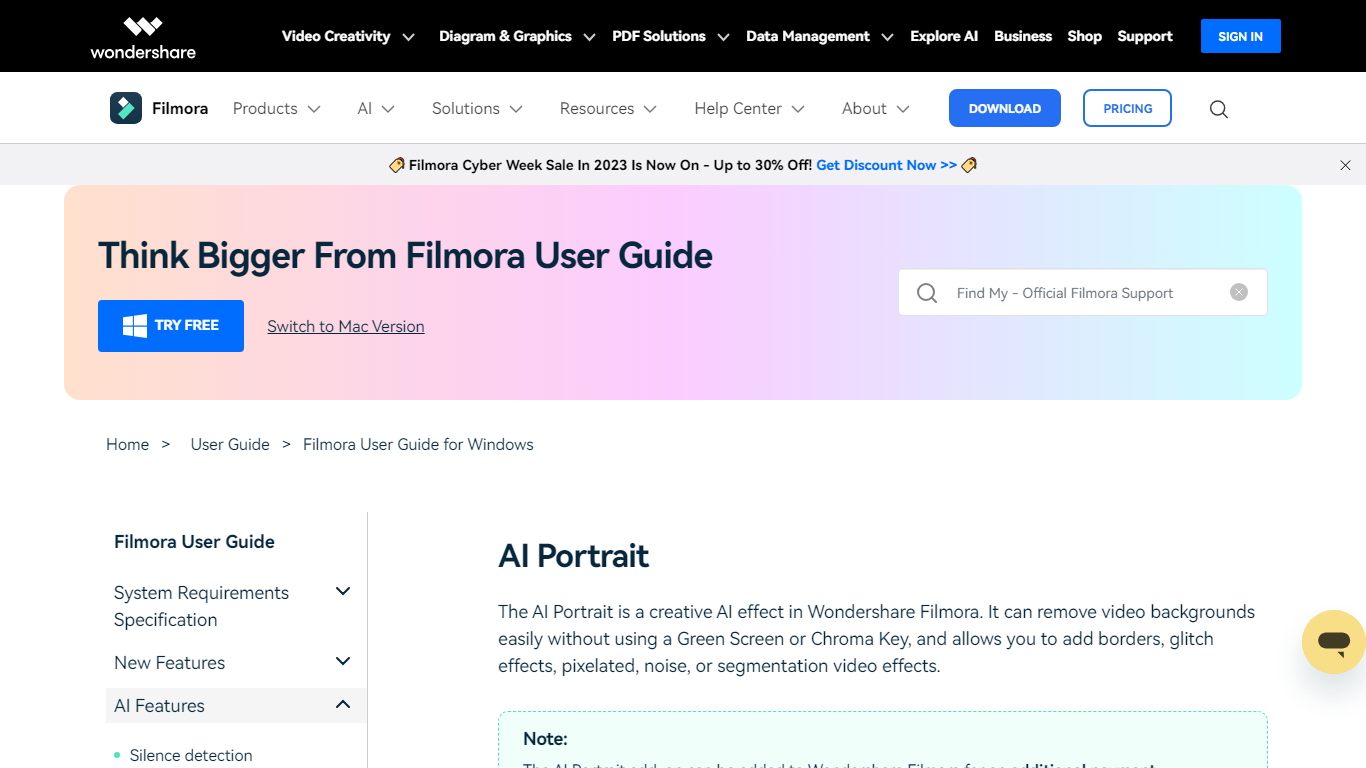
What is AI Portrait in Filmora?
AI Portrait in Filmora is a video editing feature inside Wondershare Filmora for Windows that removes portrait backgrounds without a green screen. You stack portrait footage above a background clip, enable AI Portrait Cutout, and Filmora makes the subject transparent so you can composite the person over another scene.
Standalone background removers export a cutout file you re-import elsewhere. Filmora keeps the workflow on the timeline with Advanced and Quick cutout modes, plus 70 plus body and sticker effects you can layer directly on the subject. That makes it a fit when you already edit in Filmora and want portrait compositing beside the rest of your cuts.
It suits YouTube creators, tutorial makers, and social editors who film talking-head clips at home without chroma key gear. Editors who need a dedicated rotoscoping app or node-based compositing will outgrow what this guide-page feature offers on its own.
Supercreator Upvotes
AI Portrait in Filmora Upvotes
Supercreator Top Features
Generate video scripts with AI from your topics or existing source material
Record in-app with speech mode that turns spoken lines into on-screen text
Apply TrueDepth AR face masks and effects while filming on iPhone
Separate foreground subjects from backgrounds for green-screen style shots
Browse a template library to start projects faster
Join free or paid creator communities inside the platform
Choose interest categories such as sports, fashion, education, or finance for tailored suggestions
AI Portrait in Filmora Top Features
AI Portrait Cutout detects people in video or images and removes the background automatically
Works without a green screen or chroma key setup according to the official guide
Offers Advanced Cutout Mode and Quick Cutout Mode for different processing speeds
Includes 70 plus body effects and sticker effects to stylize the subject
Layers portrait footage above a background clip directly on the Filmora timeline
Body effects can be added from the AI Portrait panel or the Effects toolbar
Exports finished composites through Filmora standard export workflow on Windows
Supercreator Category
- Video Editing
AI Portrait in Filmora Category
- Video Editing
Supercreator Pricing Type
- Freemium
AI Portrait in Filmora Pricing Type
- Freemium