Supercreator vs ClipMaker
In the face-off between Supercreator vs ClipMaker, which AI Video Editing tool takes the crown? We scrutinize features, alternatives, upvotes, reviews, pricing, and more.
In a face-off between Supercreator and ClipMaker, which one takes the crown?
If we were to analyze Supercreator and ClipMaker, both of which are AI-powered video editing tools, what would we find? Interestingly, both tools have managed to secure the same number of upvotes. Be a part of the decision-making process. Your vote could determine the winner.
Don't agree with the result? Cast your vote and be a part of the decision-making process!
Supercreator


What is Supercreator?
Supercreator.ai is a creator platform from CLB Creative that pairs AI-assisted scripting and video tools with templates, communities, and automations. The product is available through the web app at app.supercreator.ai and an iOS app where users sign in with Apple ID, pick interest categories, and move from idea to finished short-form content.
The public site positions Supercreator as an invitation-only entry point for creators and partners, while legal pages describe a broader ecosystem: registered users can browse template libraries, join free or paid communities, and publish creations after account review. Premium subscribers keep scripts and videos private; free users may have their generated content visible to others on the platform.
ClipMaker
What is ClipMaker?
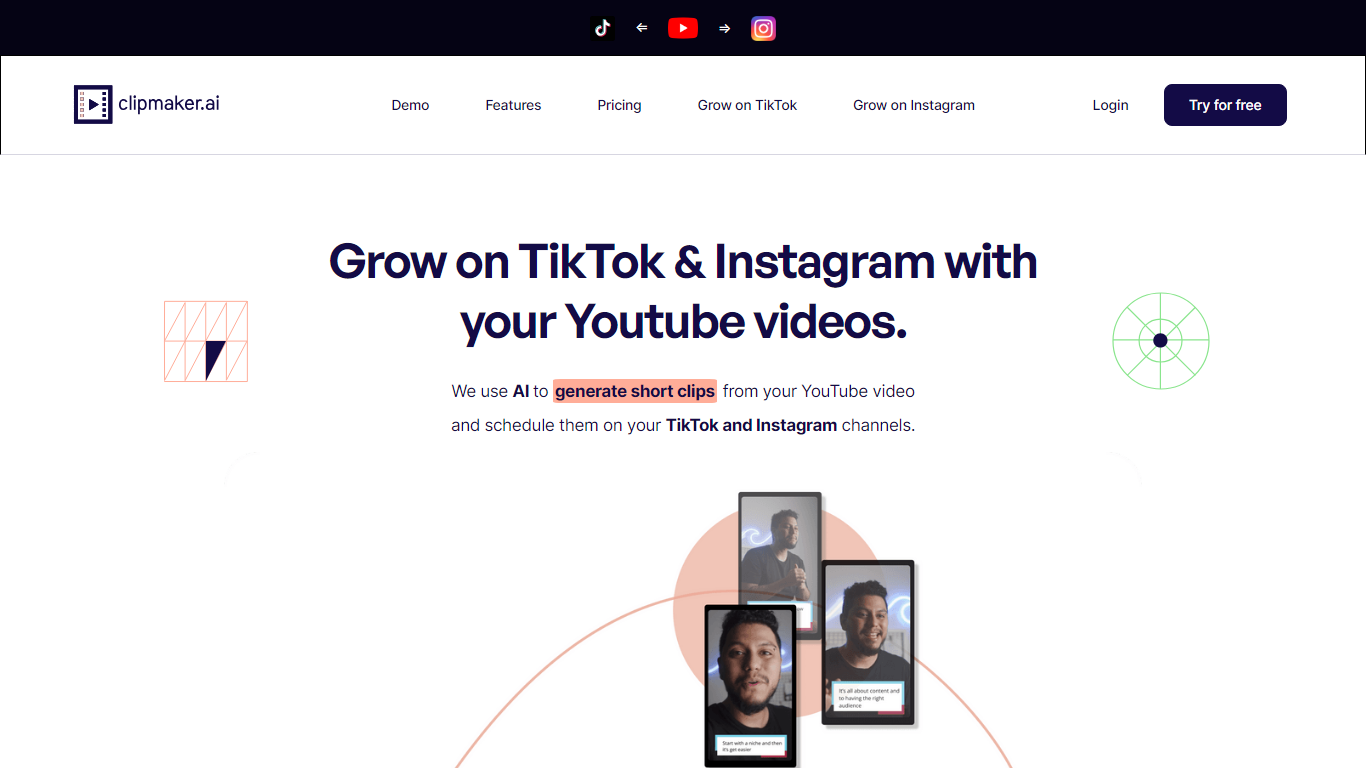
ClipMaker turns long YouTube uploads into short clips sized for TikTok and Instagram. Paste a YouTube URL, and the tool analyzes the video, generates multiple clips with auto captions, applies your template, and can auto-schedule posts when you connect your channels.
Repurposing tools like Opus Clip focus on finding viral moments. ClipMaker also wires in scheduling and channel growth positioning: it monitors new YouTube publishes, creates clips for each upload, and posts to TikTok and Instagram so you are not manually re-editing the same long video every week.
YouTube creators who want short-form reach without a separate editor are the target audience. The free Starter plan includes 20 minutes of video credit per month; Pro is $35 with 150 minutes and Premium is $95 with 600 minutes plus auto scheduling. The site also offers done-for-you service tiers starting at $399 per month for human-assisted production.
Supercreator Upvotes
ClipMaker Upvotes
Supercreator Top Features
Generate video scripts with AI from your topics or existing source material
Record in-app with speech mode that turns spoken lines into on-screen text
Apply TrueDepth AR face masks and effects while filming on iPhone
Separate foreground subjects from backgrounds for green-screen style shots
Browse a template library to start projects faster
Join free or paid creator communities inside the platform
Choose interest categories such as sports, fashion, education, or finance for tailored suggestions
ClipMaker Top Features
Generates short clips from YouTube videos with AI chapter detection and up to 10 clips per video
Auto captions on every clip with templates for consistent branding across posts
Auto-schedule feature posts new clips to TikTok and Instagram when you publish on YouTube
Free Starter plan with 20 minutes of video credit per month and 10-minute max uploads
Pro at $35/month includes 150 video minutes; Premium at $95 adds 600 minutes and auto scheduler
Exports clips formatted for TikTok, Instagram, LinkedIn, Facebook, and YouTube Shorts
Supercreator Category
- Video Editing
ClipMaker Category
- Video Editing
Supercreator Pricing Type
- Freemium
ClipMaker Pricing Type
- Freemium