Supercreator vs Powder
In the contest of Supercreator vs Powder, which AI Video Editing tool is the champion? We evaluate pricing, alternatives, upvotes, features, reviews, and more.
If you had to choose between Supercreator and Powder, which one would you go for?
When we examine Supercreator and Powder, both of which are AI-enabled video editing tools, what unique characteristics do we discover? The upvote count reveals a draw, with both tools earning the same number of upvotes. Join the aitools.fyi users in deciding the winner by casting your vote.
Feeling rebellious? Cast your vote and shake things up!
Supercreator


What is Supercreator?
Supercreator.ai is a creator platform from CLB Creative that pairs AI-assisted scripting and video tools with templates, communities, and automations. The product is available through the web app at app.supercreator.ai and an iOS app where users sign in with Apple ID, pick interest categories, and move from idea to finished short-form content.
The public site positions Supercreator as an invitation-only entry point for creators and partners, while legal pages describe a broader ecosystem: registered users can browse template libraries, join free or paid communities, and publish creations after account review. Premium subscribers keep scripts and videos private; free users may have their generated content visible to others on the platform.
Powder
What is Powder?
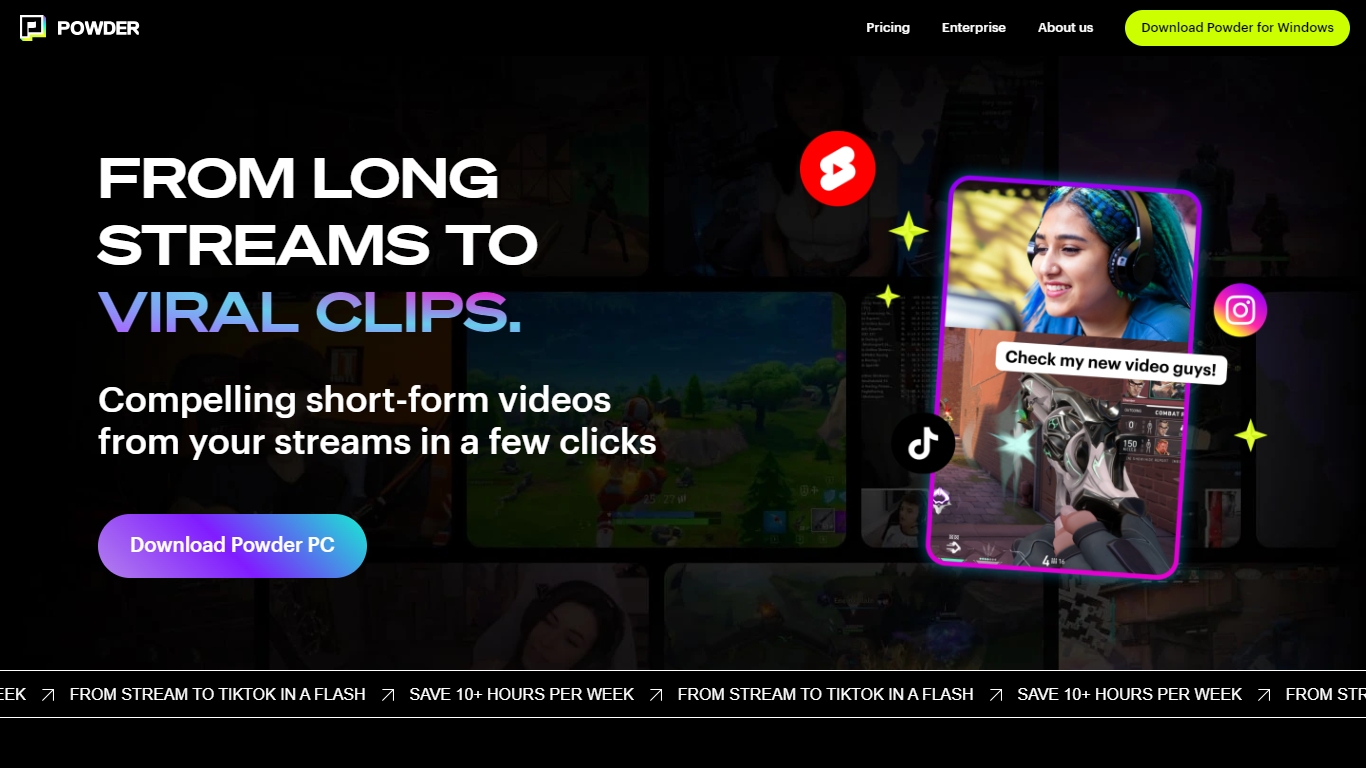
Powder automatically extracts and creates short video clips from gaming streams and local video files. It detects key moments such as emotional reactions, victories, and chat highlights to help content creators quickly generate engaging highlights.
The tool supports integration with Twitch, YouTube, and local files, covering over 50,000 games and Just Chatting streams. Powder's unique keyword search allows users to find specific moments by spoken words during streams, which speeds up content discovery compared to manual clipping.
Powder includes an editing suite for trimming clips and converting them into vertical formats optimized for social media platforms like TikTok, Instagram, Twitter, and YouTube. Users can upload clips directly to TikTok from the app, streamlining the sharing process.
By automating highlight detection and simplifying editing, Powder helps creators save over 10 hours weekly on video editing tasks. It offers Premium and Enterprise pricing plans with features such as 4K video output, campaign creation, and collaboration tools via a web app.
Supercreator Upvotes
Powder Upvotes
Supercreator Top Features
Generate video scripts with AI from your topics or existing source material
Record in-app with speech mode that turns spoken lines into on-screen text
Apply TrueDepth AR face masks and effects while filming on iPhone
Separate foreground subjects from backgrounds for green-screen style shots
Browse a template library to start projects faster
Join free or paid creator communities inside the platform
Choose interest categories such as sports, fashion, education, or finance for tailored suggestions
Powder Top Features
🎮 Stream Integration: Connect Twitch, YouTube, and local files to analyze and clip your streams automatically.
🤖 AI Moment Detection: Finds key gaming events, emotional reactions, and chat highlights to create engaging clips.
🔍 Keyword Search: Use CTRL+F style search to quickly locate specific moments by what was said during streams.
✂️ Easy Editing Suite: Trim clips and convert them to vertical formats ready for social media sharing.
📲 Direct Sharing: Upload clips straight to TikTok and other platforms without leaving the app.
🕹️ Game Coverage: Supports over 50,000 games and Just Chatting streams for broad content compatibility.
💼 Collaboration Tools: Available in Premium and Enterprise plans for team campaign management.
Supercreator Category
- Video Editing
Powder Category
- Video Editing
Supercreator Pricing Type
- Freemium
Powder Pricing Type
- Freemium