Supercreator vs Shortdeo
Explore the showdown between Supercreator vs Shortdeo and find out which AI Video Editing tool wins. We analyze upvotes, features, reviews, pricing, alternatives, and more.
In a face-off between Supercreator and Shortdeo, which one takes the crown?
When we contrast Supercreator with Shortdeo, both of which are exceptional AI-operated video editing tools, and place them side by side, we can spot several crucial similarities and divergences. There's no clear winner in terms of upvotes, as both tools have received the same number. Your vote matters! Help us decide the winner among aitools.fyi users by casting your vote.
Disagree with the result? Upvote your favorite tool and help it win!
Supercreator


What is Supercreator?
Supercreator.ai is a creator platform from CLB Creative that pairs AI-assisted scripting and video tools with templates, communities, and automations. The product is available through the web app at app.supercreator.ai and an iOS app where users sign in with Apple ID, pick interest categories, and move from idea to finished short-form content.
The public site positions Supercreator as an invitation-only entry point for creators and partners, while legal pages describe a broader ecosystem: registered users can browse template libraries, join free or paid communities, and publish creations after account review. Premium subscribers keep scripts and videos private; free users may have their generated content visible to others on the platform.
Shortdeo
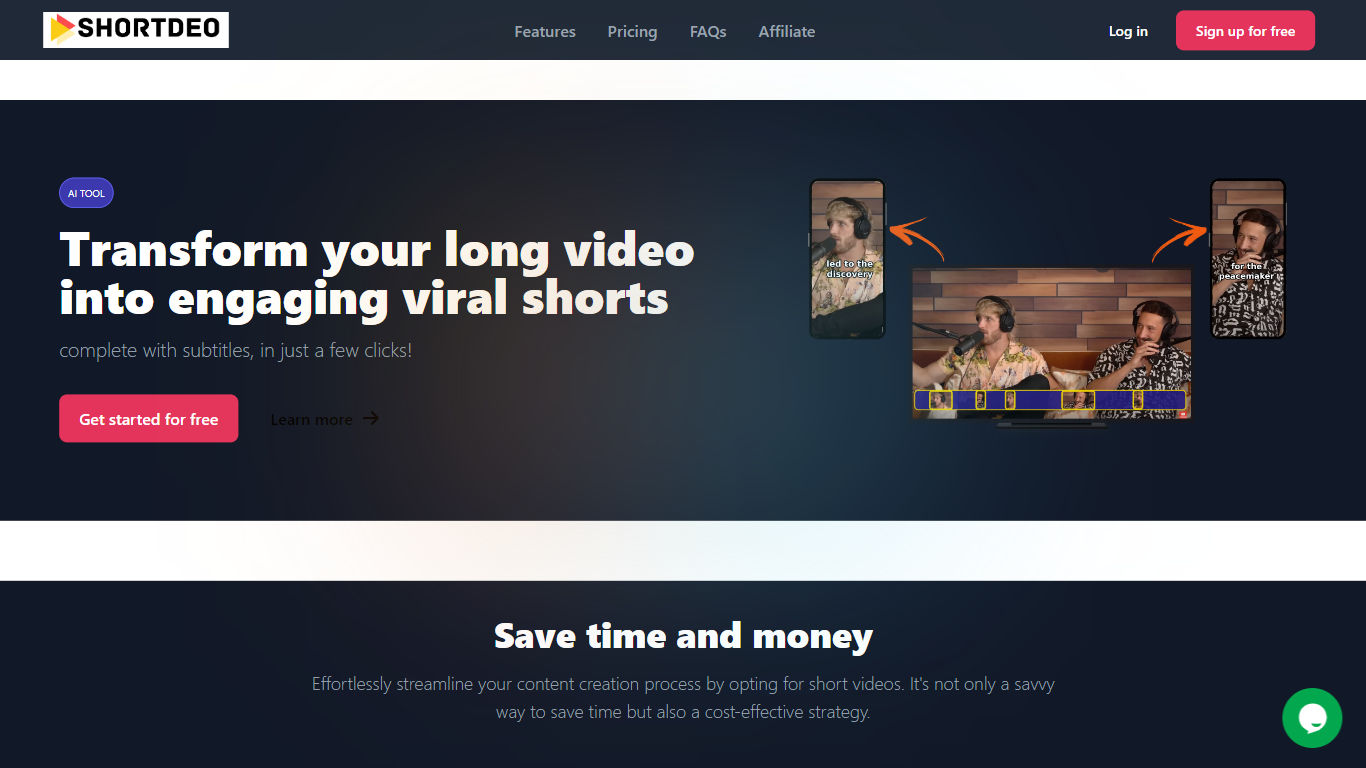
What is Shortdeo?
Shortdeo turns long uploads or YouTube links into short vertical clips with auto captions. Paste a URL or MP4, and its scene detection splits the footage into shareable segments sized for TikTok, Instagram Reels, and similar feeds. The tool targets Video Editing workflows where you already have a long recording and need many social clips fast.
Manual clipping means scrubbing timelines and typing subtitles by hand. Shortdeo chains scene detection, auto-cropping around active speakers, multi-face split screens, and transcription into one workflow, then exports up to 4K at 2160x3840. That combination suits creators who have a long podcast or webinar recording and want dozens of social clips without hiring an editor.
Podcasters, course creators, and social media managers use it to repurpose interviews, reviews, and commentary videos across platforms. Paid plans start at $19.99 per month with clip export limits, and the company currently disables free trials while offering purchase refunds for unsatisfied customers.
Supercreator Upvotes
Shortdeo Upvotes
Supercreator Top Features
Generate video scripts with AI from your topics or existing source material
Record in-app with speech mode that turns spoken lines into on-screen text
Apply TrueDepth AR face masks and effects while filming on iPhone
Separate foreground subjects from backgrounds for green-screen style shots
Browse a template library to start projects faster
Join free or paid creator communities inside the platform
Choose interest categories such as sports, fashion, education, or finance for tailored suggestions
Shortdeo Top Features
Starter plan exports 50 clips per month at up to 1080x1920 Full HD
Professional plan exports 400 clips monthly with 4K output at 2160x3840
Magic Scene Detection splits long videos into short segments automatically
Auto-captions transcribe speech and add subtitles without manual typing
Multi-face detection builds split-screen layouts when several speakers are active
Supports 11 languages including English, French, German, Spanish, and Japanese
Supercreator Category
- Video Editing
Shortdeo Category
- Video Editing
Supercreator Pricing Type
- Freemium
Shortdeo Pricing Type
- Paid