Supercreator vs Unscreen
Dive into the comparison of Supercreator vs Unscreen and discover which AI Video Editing tool stands out. We examine alternatives, upvotes, features, reviews, pricing, and beyond.
When comparing Supercreator and Unscreen , which one rises above the other?
When we compare Supercreator and Unscreen , two exceptional video editing tools powered by artificial intelligence, and place them side by side, several key similarities and differences come to light. The upvote count shows a clear preference for Unscreen . Unscreen has received 8 upvotes from aitools.fyi users, while Supercreator has received 6 upvotes.
Feeling rebellious? Cast your vote and shake things up!
Supercreator


What is Supercreator?
Supercreator.ai is a creator platform from CLB Creative that pairs AI-assisted scripting and video tools with templates, communities, and automations. The product is available through the web app at app.supercreator.ai and an iOS app where users sign in with Apple ID, pick interest categories, and move from idea to finished short-form content.
The public site positions Supercreator as an invitation-only entry point for creators and partners, while legal pages describe a broader ecosystem: registered users can browse template libraries, join free or paid communities, and publish creations after account review. Premium subscribers keep scripts and videos private; free users may have their generated content visible to others on the platform.
Unscreen
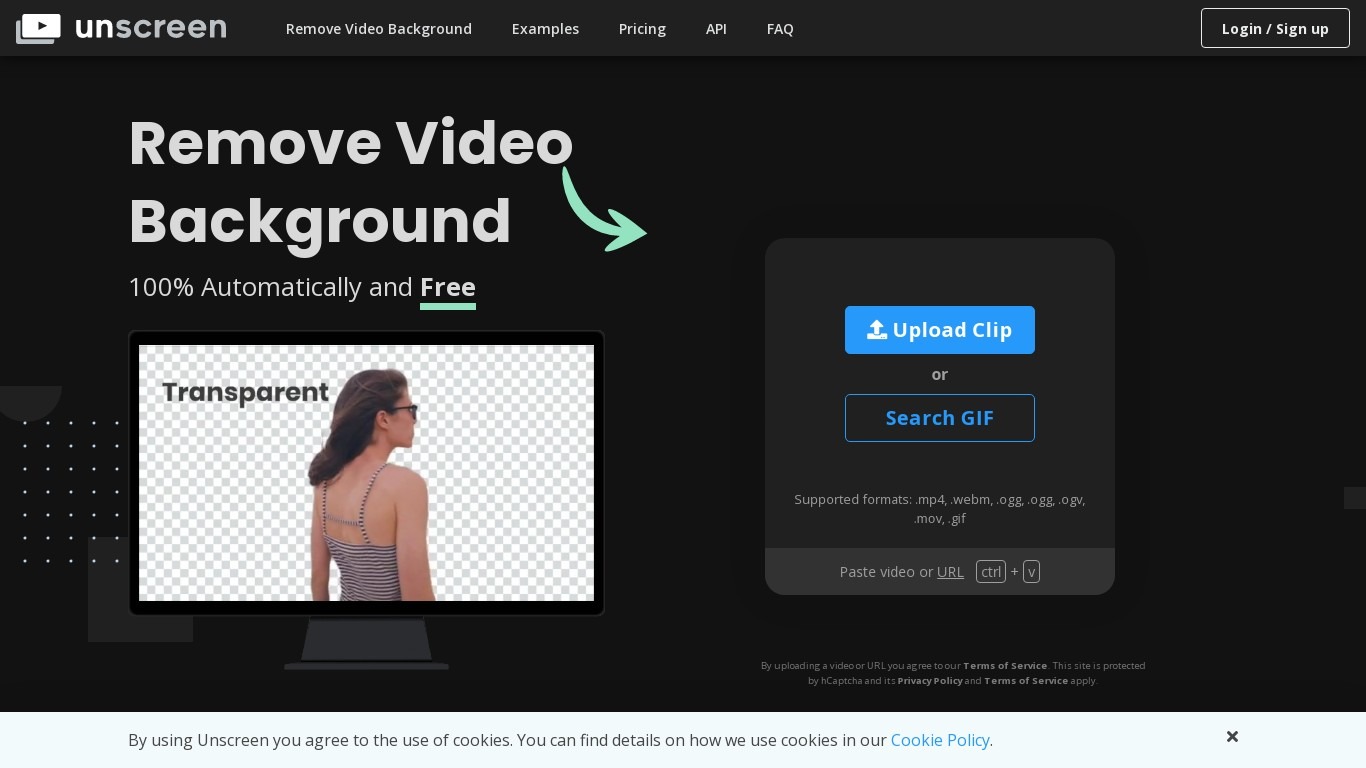
What is Unscreen ?
Unscreen removed video backgrounds automatically without a green screen, using technology from Kaleido AI (the team behind remove.bg). You uploaded a clip and the service isolated the subject frame by frame, which made it popular for social clips, tutorials, and product demos.
Canva acquired Kaleido AI in 2021 and ran Unscreen as a standalone site for several years. As of June 29, 2026, Unscreen.com officially closed. Visiting the domain now redirects to Canva's Video Background Remover, a Canva Pro feature inside the main editor.
Previously exported Unscreen videos remain licensed for continued use per Canva's shutdown notice. New background removal work happens inside Canva Pro rather than on the old Unscreen upload page.
Supercreator Upvotes
Unscreen Upvotes
Supercreator Top Features
Generate video scripts with AI from your topics or existing source material
Record in-app with speech mode that turns spoken lines into on-screen text
Apply TrueDepth AR face masks and effects while filming on iPhone
Separate foreground subjects from backgrounds for green-screen style shots
Browse a template library to start projects faster
Join free or paid creator communities inside the platform
Choose interest categories such as sports, fashion, education, or finance for tailored suggestions
Unscreen Top Features
No top features listedSupercreator Category
- Video Editing
Unscreen Category
- Video Editing
Supercreator Pricing Type
- Freemium
Unscreen Pricing Type
- Paid