
Last updated 08-14-2026
Category:
Reviews:
Join thousands of AI enthusiasts in the World of AI!
Unscreen
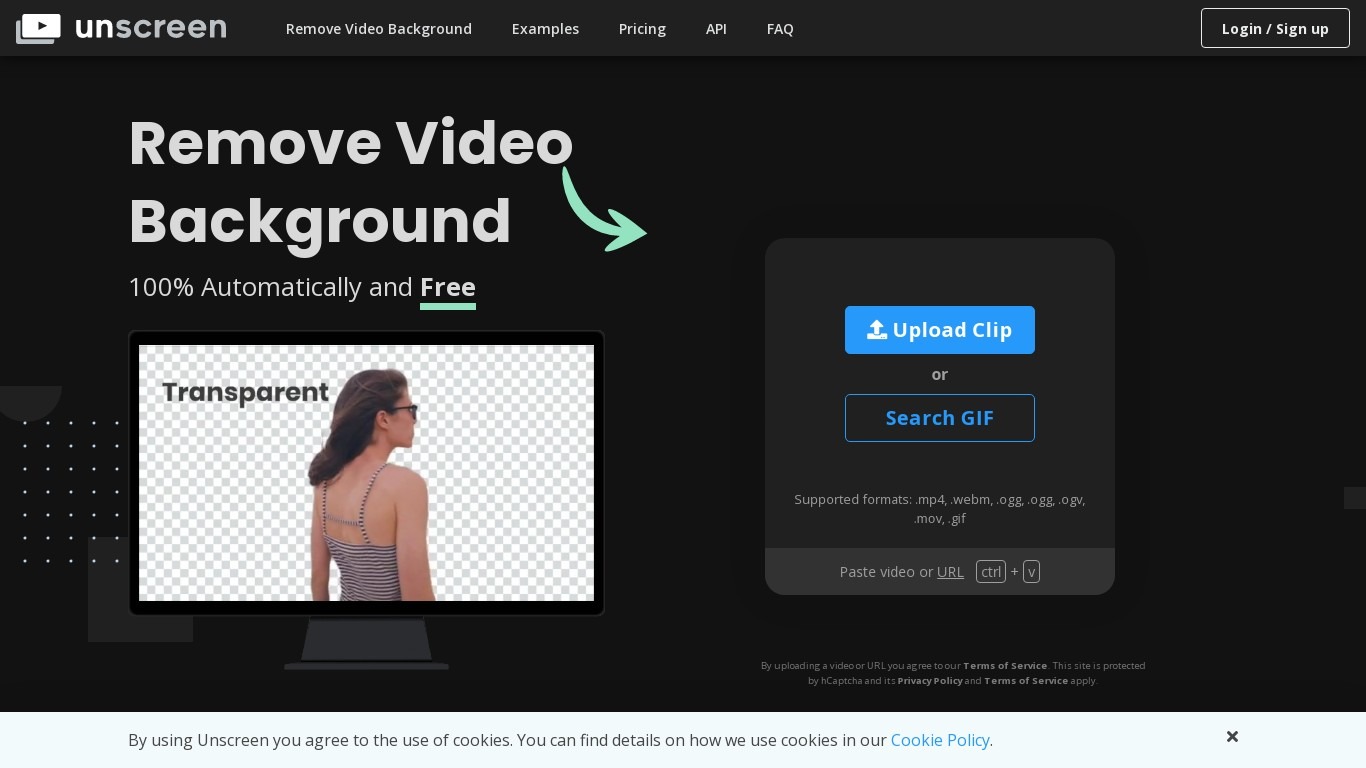
Unscreen removed video backgrounds automatically without a green screen, using technology from Kaleido AI (the team behind remove.bg). You uploaded a clip and the service isolated the subject frame by frame, which made it popular for social clips, tutorials, and product demos.
Canva acquired Kaleido AI in 2021 and ran Unscreen as a standalone site for several years. As of June 29, 2026, Unscreen.com officially closed. Visiting the domain now redirects to Canva's Video Background Remover, a Canva Pro feature inside the main editor.
Previously exported Unscreen videos remain licensed for continued use per Canva's shutdown notice. New background removal work happens inside Canva Pro rather than on the old Unscreen upload page.
Removed video backgrounds in one upload without manual rotoscoping or a green screen
Frame-by-frame subject masking handled automatically by machine learning
Previously exported clips remain licensed for continued use after the shutdown
Unscreen.com closed on June 29, 2026 and no longer accepts new uploads
New background removal work requires a Canva Pro subscription inside Canva's editor
The standalone Unscreen workflow is gone; there is no direct replacement URL
Is Unscreen still available?
Unscreen.com officially closed on June 29, 2026. The domain now redirects to Canva's Video Background Remover, and new uploads are no longer accepted on the old Unscreen site.
What happened to Unscreen?
Canva acquired Kaleido AI, Unscreen's parent company, in 2021. Canva ran Unscreen as a standalone product until June 2026, then folded the technology into Canva Pro's video editor.
Can I still use videos I exported from Unscreen?
Unscreen's shutdown notice states that previously exported videos can continue to be used. Licensing for past exports was preserved when the site closed.
Where do I remove video backgrounds now?
Unscreen users are directed to Canva's Video Background Remover, a Canva Pro feature. Upload a clip in Canva's video editor and choose Background Remover in the Tools sidebar.
Did Unscreen require a green screen?
Unscreen did not require a green screen. Its machine-learning models detected the main subject in each video frame and masked the background automatically from a standard upload.