Typeframes vs Unscreen
Explore the showdown between Typeframes vs Unscreen and find out which AI Video Editing tool wins. We analyze upvotes, features, reviews, pricing, alternatives, and more.
When comparing Typeframes and Unscreen , which one rises above the other?
When we contrast Typeframes with Unscreen , both of which are exceptional AI-operated video editing tools, and place them side by side, we can spot several crucial similarities and divergences. Unscreen is the clear winner in terms of upvotes. Unscreen has been upvoted 8 times by aitools.fyi users, and Typeframes has been upvoted 7 times.
Think we got it wrong? Cast your vote and show us who's boss!
Typeframes


What is Typeframes?
Typeframes converts simple text prompts into engaging product videos optimized for social media platforms like YouTube, Instagram, and TikTok. It enables users to produce high-quality videos quickly without advanced video editing skills.
What sets Typeframes apart is its AI-driven approach that simplifies video production by offering customizable templates and automated suggestions to boost engagement. Unlike traditional video editors, it focuses on speed and ease of use, allowing creators to generate videos in minutes rather than hours.
The platform supports exporting videos in multiple resolutions tailored for different social media formats, including vertical videos. This makes Typeframes especially useful for content creators and marketers aiming to produce consistent, platform-optimized video content efficiently.
By streamlining the video creation process, Typeframes helps users save time and resources while enhancing their social media presence with visually appealing videos.
Unscreen
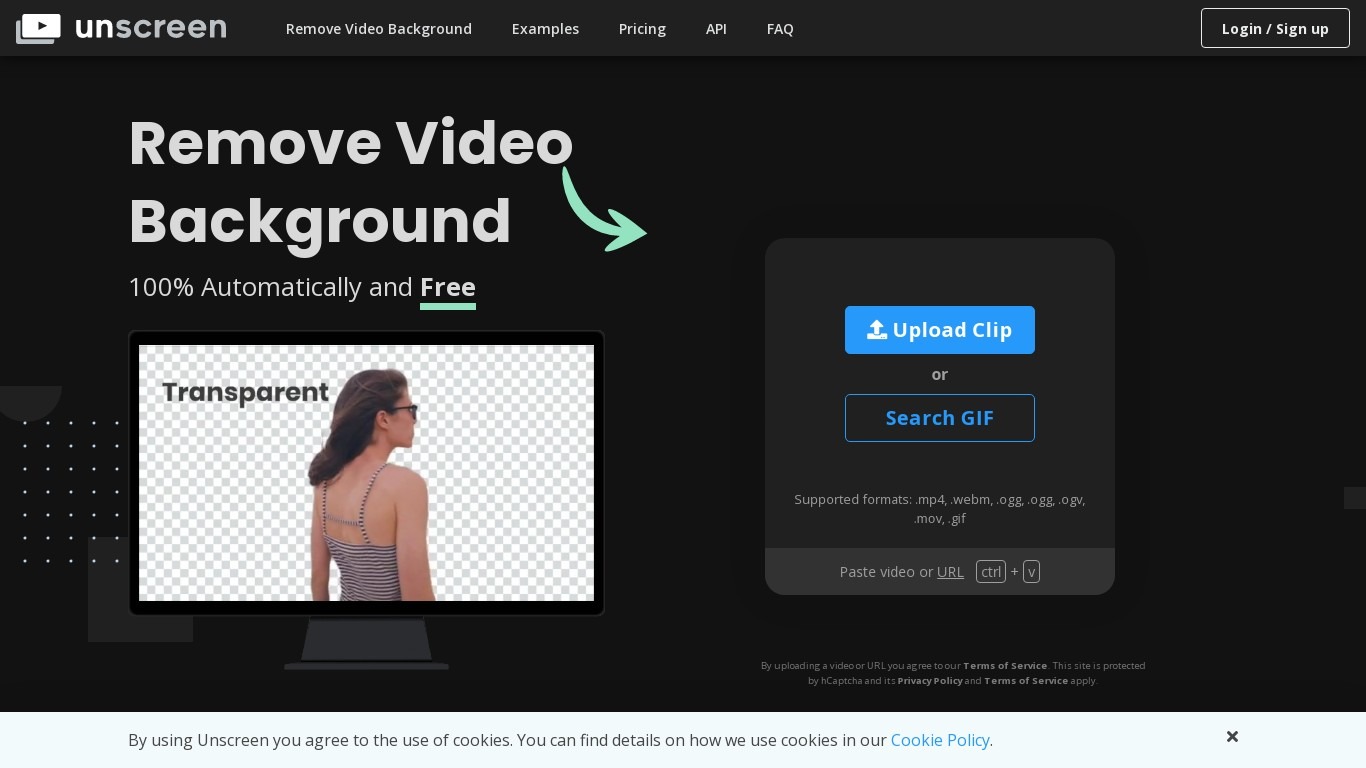
What is Unscreen ?
Unscreen removed video backgrounds automatically without a green screen, using technology from Kaleido AI (the team behind remove.bg). You uploaded a clip and the service isolated the subject frame by frame, which made it popular for social clips, tutorials, and product demos.
Canva acquired Kaleido AI in 2021 and ran Unscreen as a standalone site for several years. As of June 29, 2026, Unscreen.com officially closed. Visiting the domain now redirects to Canva's Video Background Remover, a Canva Pro feature inside the main editor.
Previously exported Unscreen videos remain licensed for continued use per Canva's shutdown notice. New background removal work happens inside Canva Pro rather than on the old Unscreen upload page.
Typeframes Upvotes
Unscreen Upvotes
Typeframes Top Features
Transform text prompts into engaging videos quickly
Customize templates to match your brand style easily
Create vertical videos optimized for social platforms
Simple interface requires no video editing skills
Export videos in multiple resolutions including high quality
AI-driven suggestions to boost video engagement
Unscreen Top Features
No top features listedTypeframes Category
- Video Editing
Unscreen Category
- Video Editing
Typeframes Pricing Type
- Freemium
Unscreen Pricing Type
- Paid