Supercreator vs Vidds
Compare Supercreator vs Vidds and see which AI Video Editing tool is better when we compare features, reviews, pricing, alternatives, upvotes, etc.
Which one is better? Supercreator or Vidds?
When we compare Supercreator with Vidds, which are both AI-powered video editing tools, Both tools have received the same number of upvotes from aitools.fyi users. Every vote counts! Cast yours and contribute to the decision of the winner.
Does the result make you go "hmm"? Cast your vote and turn that frown upside down!
Supercreator

What is Supercreator?
Supercreator.ai is a creator platform from CLB Creative that pairs AI-assisted scripting and video tools with templates, communities, and automations. The product is available through the web app at app.supercreator.ai and an iOS app where users sign in with Apple ID, pick interest categories, and move from idea to finished short-form content.
The public site positions Supercreator as an invitation-only entry point for creators and partners, while legal pages describe a broader ecosystem: registered users can browse template libraries, join free or paid communities, and publish creations after account review. Premium subscribers keep scripts and videos private; free users may have their generated content visible to others on the platform.
Vidds
What is Vidds?
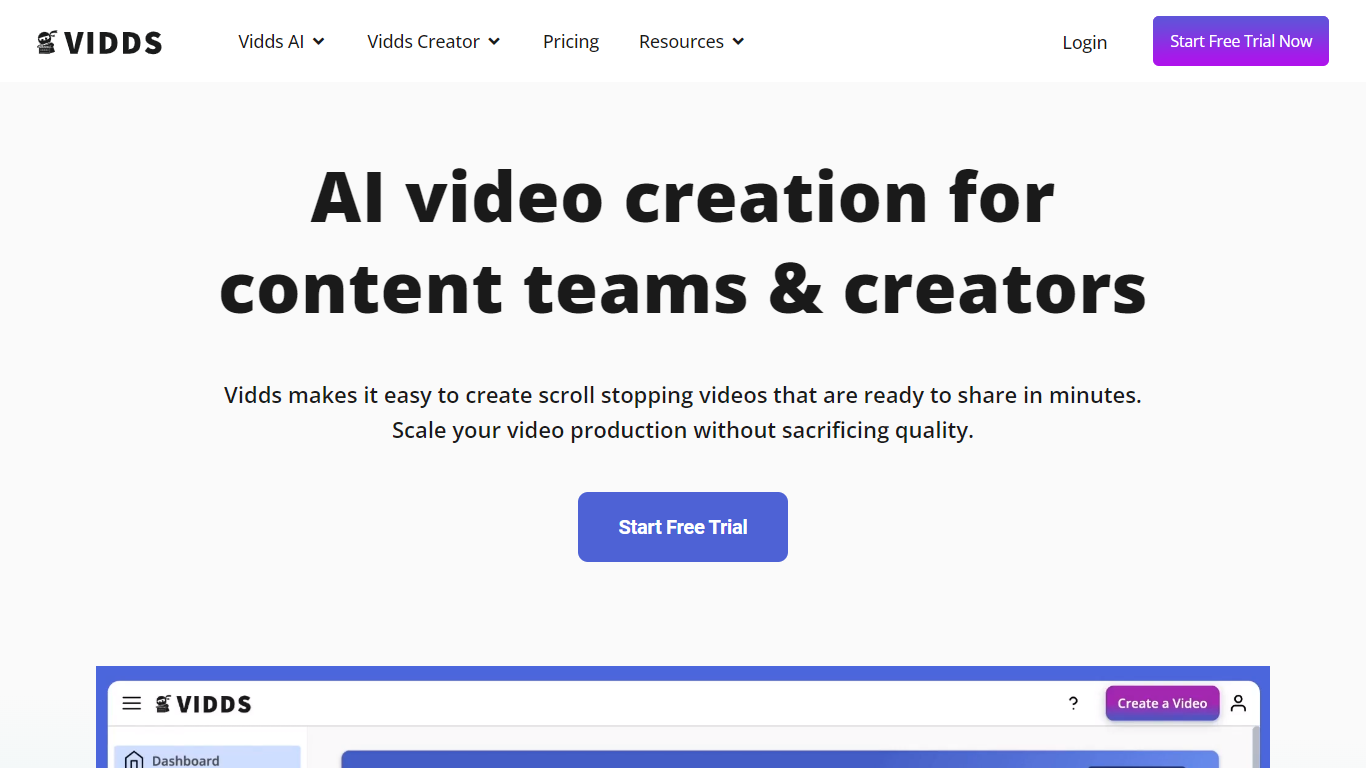
Vidds offers a comprehensive suite of online video creation and editing tools designed specifically for content teams and creators. With a focus on scaling content production, Vidds provides an easy-to-use platform that streamlines the video-making process. Content creators can effortlessly develop shopify product videos, social media content, real estate showcases, YouTube videos, and various marketing video types including Meta ads and email marketing videos.
Additionally, Vidds offers unique features like AI video generation and blog-to-video tools that cater to the evolving needs of digital storytellers. Creators can enhance their videos by adding audio, images, text, transitions, and watermarks, or by manipulating video speed and applying filters. All these tools come with the convenience of online accessibility and the option to start with a free trial.
Supercreator Upvotes
Vidds Upvotes
Supercreator Top Features
Generate video scripts with AI from your topics or existing source material
Record in-app with speech mode that turns spoken lines into on-screen text
Apply TrueDepth AR face masks and effects while filming on iPhone
Separate foreground subjects from backgrounds for green-screen style shots
Browse a template library to start projects faster
Join free or paid creator communities inside the platform
Choose interest categories such as sports, fashion, education, or finance for tailored suggestions
Vidds Top Features
AI Video Generator: Leverage artificial intelligence to automate video creation.
Add Audio to Video: Enhance your videos by adding the desired audio tracks.
Add Subtitles to Video: Improve accessibility and engagement with easy subtitle integration.
Change Video Speed Online: Adjust your video's playback speed for better effect or clarity.
Filter Video Online: Apply filters to your videos to achieve the professional look you desire.
Supercreator Category
- Video Editing
Vidds Category
- Video Editing
Supercreator Pricing Type
- Freemium
Vidds Pricing Type
- Freemium