Superflow vs GitMind
In the face-off between Superflow vs GitMind, which AI Project Management tool takes the crown? We scrutinize features, alternatives, upvotes, reviews, pricing, and more.
When we put Superflow and GitMind head to head, which one emerges as the victor?
If we were to analyze Superflow and GitMind, both of which are AI-powered project management tools, what would we find? The upvote count is neck and neck for both Superflow and GitMind. The power is in your hands! Cast your vote and have a say in deciding the winner.
Don't agree with the result? Cast your vote and be a part of the decision-making process!
Superflow
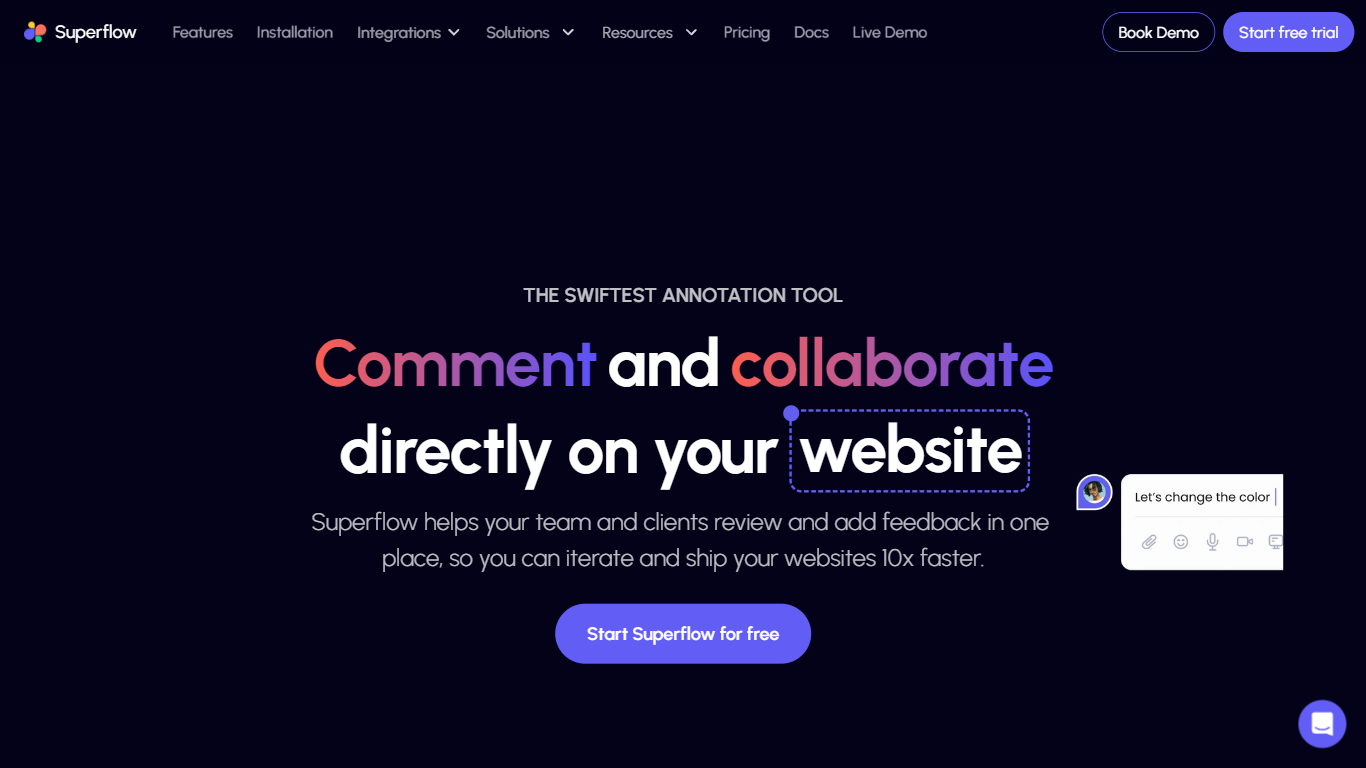

What is Superflow?
Superflow turns agency QA checklists into AI agents that review websites, emails, PDFs, and ads before anything ships. Agents flag broken links, spelling issues, accessibility basics, and custom rules, then post findings as pinned comments on the live page your team and client can approve.
Markup tools leave every checkbox manual. Superflow runs the first pass automatically, pins notes to the exact DOM element with screenshots, and lets clients approve from a link without creating an account. Memory carries client preferences forward so the next project starts with prior review context.
Starter is free per seat on yearly billing with 60 AI credits monthly. Growth and Scale add more credits, storage, and integrations with Asana, Monday, and ClickUp. Web agencies and in-house brand teams use it to cut QA rounds before launch.
GitMind
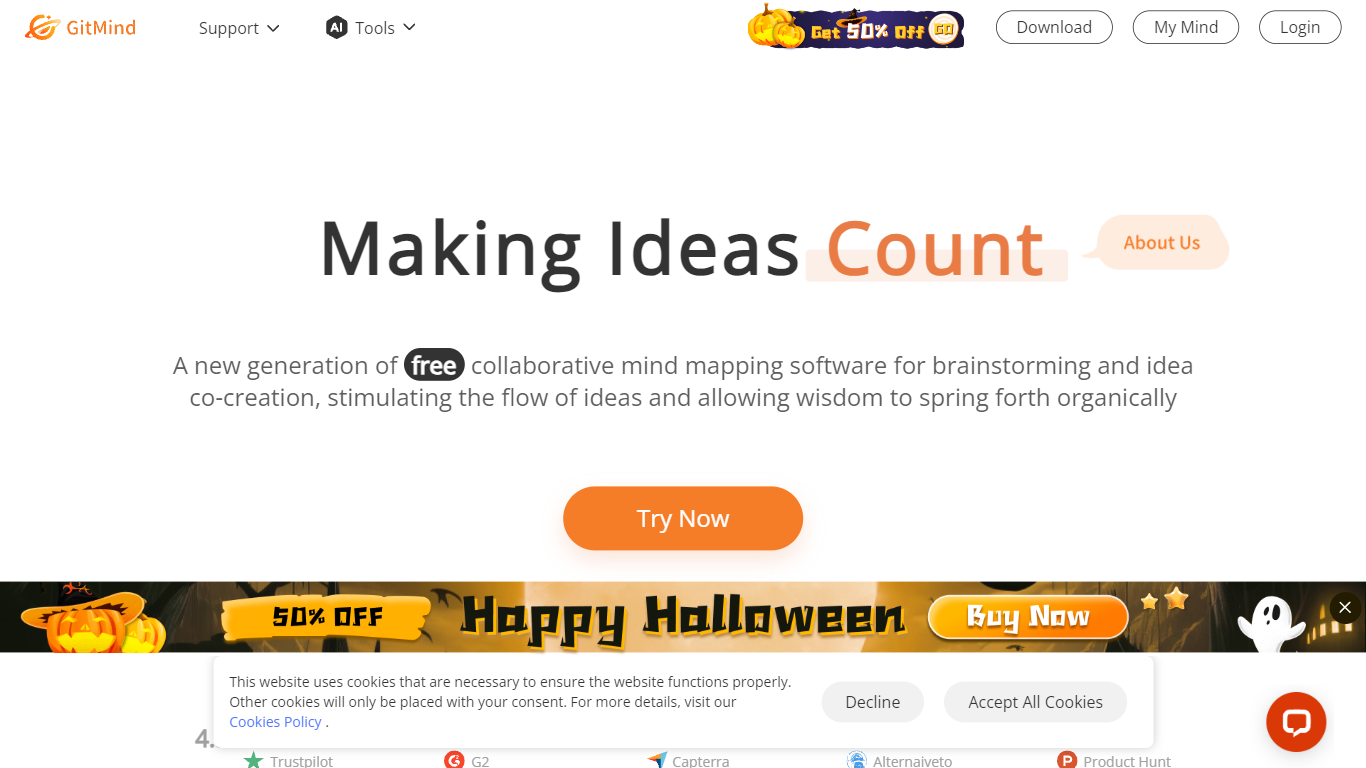
What is GitMind?
GitMind turns text, videos, audio, PDFs, websites, and images into mind maps, summaries, flowcharts, and infographics inside one visual workspace. Upload a file or paste a link, and the tool structures the content into editable diagrams you can share or present. Desktop and mobile apps sync projects across platforms for studying, research, and project planning.
Standalone mind map apps stop at diagram editing. GitMind bundles summarizers, OCR, YouTube transcript tools, and AI chat with ChatGPT, Claude, Gemini, and DeepSeek in the same canvas. That combination suits teams who want source material converted into visuals without switching between a note app, a diagram tool, and a separate AI chat tab.
Project managers, teachers, students, and researchers use GitMind to plan campaigns, summarize lectures, and generate UML or flowchart diagrams from prompts. The site reports 10 million users across 160 countries. Real-time collaboration and presentation mode support team workshops and classroom reviews.
Superflow Upvotes
GitMind Upvotes
Superflow Top Features
Build review agents from your own QA checklist without engineering setup
Default agents cover accessibility, broken links, spell check, and OG image checks
Clients approve from a guest link with no account, including sites behind SSO
Pinned comments stay on live elements with auto screenshots through redeploys
Growth plan at $24 per seat monthly on yearly billing includes 300 AI credits
Syncs review tasks to Asana, Monday, and ClickUp from the workflow board
SOC 2 Type II and HIPAA with BAA listed for compliance-focused teams
GitMind Top Features
Converts videos, PDFs, audio, websites, and images into mind maps or summaries
Free tier includes up to 10 mind maps and whiteboards
YouTube summarizer handles 20 minutes of one video per day on the free plan
Generates flowcharts, UML diagrams, ERDs, and infographics from text prompts
Integrates ChatGPT, Claude, Gemini, and DeepSeek inside the workspace
Real-time collaboration with presentation mode for team reviews
Superflow Category
- Project Management
GitMind Category
- Project Management
Superflow Pricing Type
- Freemium
GitMind Pricing Type
- Freemium