SuperGrowthAI vs DataLang - Chat with your Databases
In the face-off between SuperGrowthAI vs DataLang - Chat with your Databases, which AI Chat Bot tool takes the crown? We scrutinize features, alternatives, upvotes, reviews, pricing, and more.
In a face-off between SuperGrowthAI and DataLang - Chat with your Databases, which one takes the crown?
If we were to analyze SuperGrowthAI and DataLang - Chat with your Databases, both of which are AI-powered chat bot tools, what would we find? The community has spoken, DataLang - Chat with your Databases leads with more upvotes. The upvote count for DataLang - Chat with your Databases is 7, and for SuperGrowthAI it's 6.
You don't agree with the result? Cast your vote to help us decide!
SuperGrowthAI
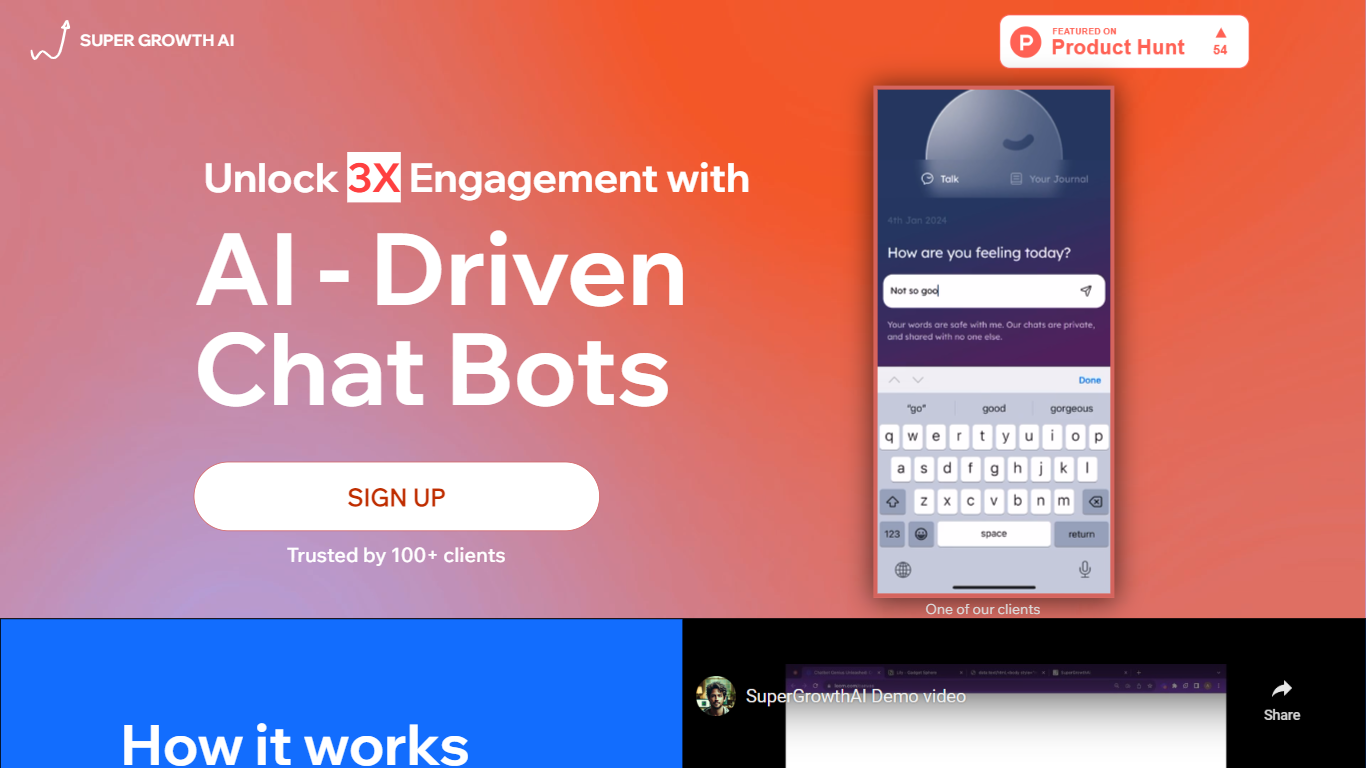

What is SuperGrowthAI?
SuperGrowthAI bundles chatbots, workflow automation, and user engagement into one managed platform. SuperConvo builds custom-knowledge chatbots, SuperFlow runs AI agent workflows, and SuperEngage tracks engagement while serving personalized recommendations. Sign in with Google and start from a free tier before upgrading to paid features.
The platform positions itself as plug-and-play rather than a raw API layer. SuperGrowthAI handles scaling, performance, and security on managed infrastructure so small teams skip dedicated DevOps. Real-time analytics cover conversation flows, user engagement, and cost optimization from a single dashboard.
SuperGrowthAI targets developers and growth teams who need production AI features fast. The homepage emphasizes embedding a chatbot or recommendation engine with minimal code, which sets it apart from general-purpose LLM playgrounds that leave deployment and monitoring to you.
DataLang - Chat with your Databases
What is DataLang - Chat with your Databases?
DataLang enables users to interact with multiple databases using natural language, creating GPT-powered assistants that provide instant data insights without coding. Users connect their data sources and build custom SQL views to define the data they want to query. These assistants then allow querying data naturally, making complex database interactions accessible to non-technical users.
What distinguishes DataLang is its balance between flexibility and ease of use. While it supports various database types including SQL and NoSQL, it requires some initial SQL knowledge to create views. However, once configured, users can query data effortlessly through natural language, and customize GPT assistants for specific workflows.
DataLang also emphasizes secure data handling with encryption and role-based privacy controls. It supports API integrations to extend functionality and enables sharing or publishing of GPT assistants for collaboration or public use. This makes it suitable for data analysts, developers, and business users seeking quick, code-free data insights.
SuperGrowthAI Upvotes
DataLang - Chat with your Databases Upvotes
SuperGrowthAI Top Features
Three named products: SuperConvo chatbots, SuperFlow workflows, and SuperEngage recommendations
SuperConvo deploys custom-knowledge chatbots in minutes on managed infrastructure
SuperFlow automates multi-step tasks with AI agents across team workflows
SuperEngage tracks engagement metrics and serves personalized content per user
Real-time analytics cover conversation flows, engagement, and cost optimization
Google sign-in for quick access to the free tier
DataLang - Chat with your Databases Top Features
Connect multiple database types including SQL and NoSQL for versatile data access
Build custom SQL views to tailor data queries without coding
Create and customize GPT assistants for specific data tasks
Secure data with built-in encryption and role-based privacy controls
Publish or share your GPT assistants for team collaboration or public use
API integration capabilities to connect GPT assistants with other applications
Support for multiple user roles with privacy controls
SuperGrowthAI Category
- Chat Bot
DataLang - Chat with your Databases Category
- Chat Bot
SuperGrowthAI Pricing Type
- Freemium
DataLang - Chat with your Databases Pricing Type
- Paid