SWOT Analyses with ClickUp Brain vs GitMind
In the clash of SWOT Analyses with ClickUp Brain vs GitMind, which AI Project Management tool emerges victorious? We assess reviews, pricing, alternatives, features, upvotes, and more.
When we put SWOT Analyses with ClickUp Brain and GitMind head to head, which one emerges as the victor?
Let's take a closer look at SWOT Analyses with ClickUp Brain and GitMind, both of which are AI-driven project management tools, and see what sets them apart. Interestingly, both tools have managed to secure the same number of upvotes. Be a part of the decision-making process. Your vote could determine the winner.
Don't agree with the result? Cast your vote and be a part of the decision-making process!
SWOT Analyses with ClickUp Brain

What is SWOT Analyses with ClickUp Brain?
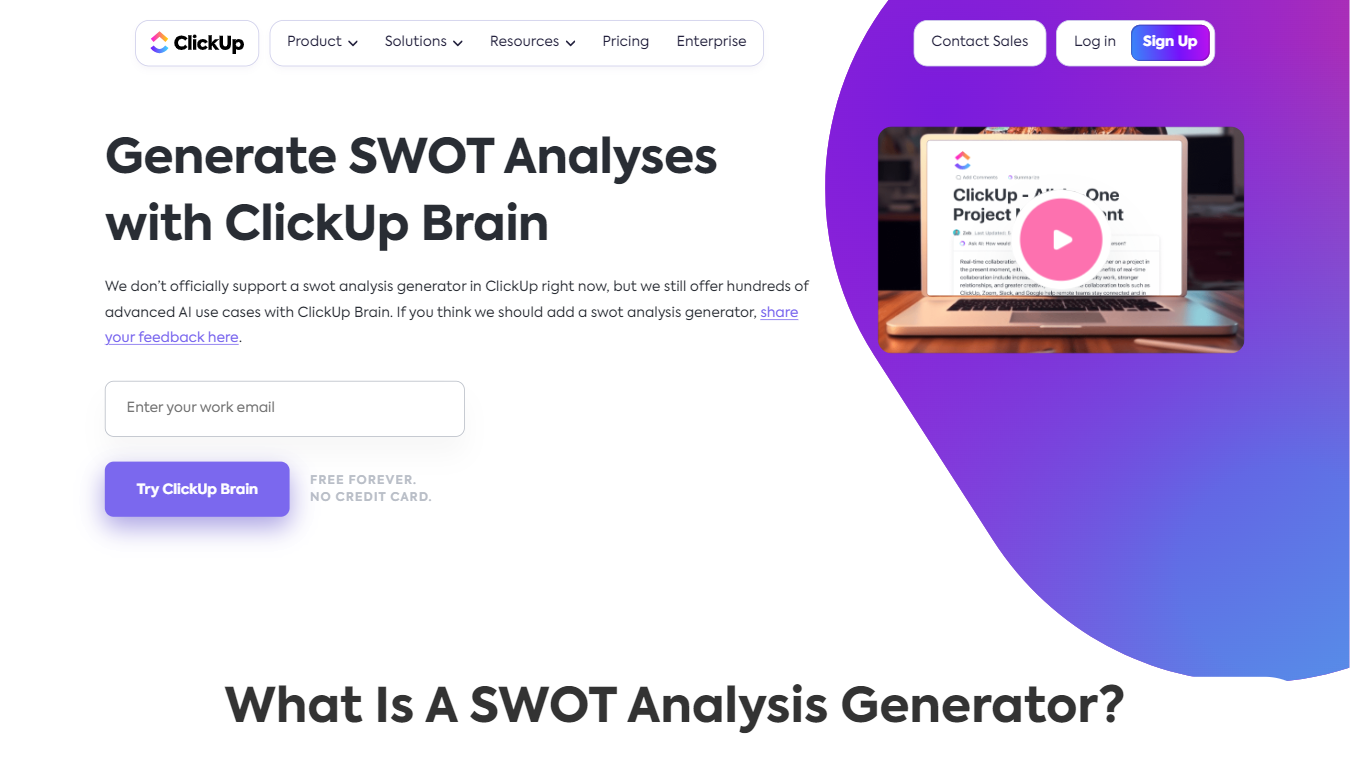
SWOT Analyses with ClickUp Brain is ClickUp's built-in strategic planning feature for mapping strengths, weaknesses, opportunities, and threats without leaving your workspace. Instead of rebuilding SWOT decks in spreadsheets, teams prompt ClickUp Brain to synthesize project data, docs, and market context into a structured matrix they can refine and share.
The generator sits inside ClickUp's broader Brain platform, so SWOT work stays tied to tasks, goals, whiteboards, and reports. Brain can pull from active projects and team inputs, categorize factors automatically, and refresh the analysis as new information lands.
It fits product managers, strategists, and operations leads who already run projects in ClickUp and want SWOT planning connected to execution rather than stored in a separate slide deck.
GitMind
What is GitMind?
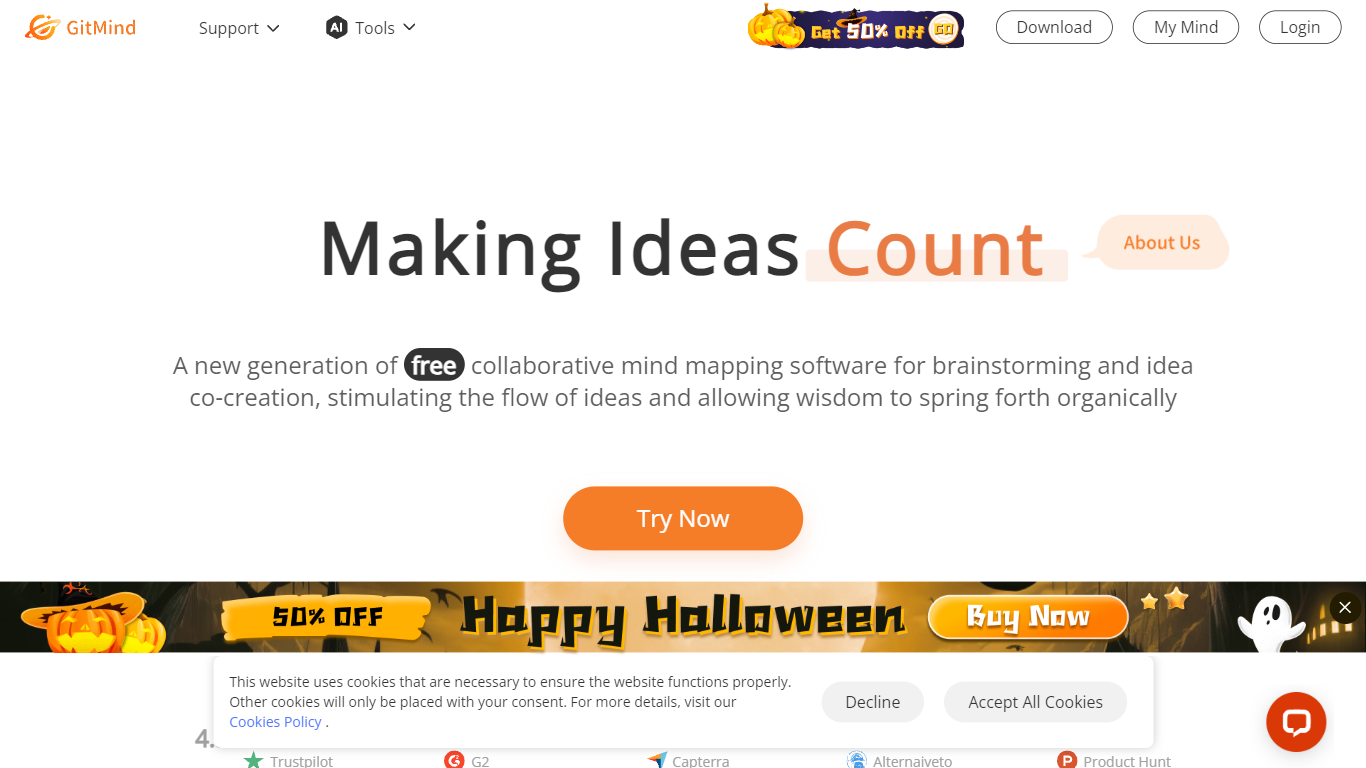
GitMind turns text, videos, audio, PDFs, websites, and images into mind maps, summaries, flowcharts, and infographics inside one visual workspace. Upload a file or paste a link, and the tool structures the content into editable diagrams you can share or present. Desktop and mobile apps sync projects across platforms for studying, research, and project planning.
Standalone mind map apps stop at diagram editing. GitMind bundles summarizers, OCR, YouTube transcript tools, and AI chat with ChatGPT, Claude, Gemini, and DeepSeek in the same canvas. That combination suits teams who want source material converted into visuals without switching between a note app, a diagram tool, and a separate AI chat tab.
Project managers, teachers, students, and researchers use GitMind to plan campaigns, summarize lectures, and generate UML or flowchart diagrams from prompts. The site reports 10 million users across 160 countries. Real-time collaboration and presentation mode support team workshops and classroom reviews.
SWOT Analyses with ClickUp Brain Upvotes
GitMind Upvotes
SWOT Analyses with ClickUp Brain Top Features
Prompt Brain to draft a SWOT from tasks, docs, and project reports already in your workspace
AI sorts inputs into strengths, weaknesses, opportunities, and threats with impact-aware grouping
Visualize results on Whiteboards or Mind Maps without exporting to another app
Teams comment and edit the matrix live while Brain updates factors as new data arrives
Brain Max supports custom SWOT frameworks for industry-specific or project-specific planning
Connects SWOT output to tasks, goals, and dashboards so strategy links to execution
GitMind Top Features
Converts videos, PDFs, audio, websites, and images into mind maps or summaries
Free tier includes up to 10 mind maps and whiteboards
YouTube summarizer handles 20 minutes of one video per day on the free plan
Generates flowcharts, UML diagrams, ERDs, and infographics from text prompts
Integrates ChatGPT, Claude, Gemini, and DeepSeek inside the workspace
Real-time collaboration with presentation mode for team reviews
SWOT Analyses with ClickUp Brain Category
- Project Management
GitMind Category
- Project Management
SWOT Analyses with ClickUp Brain Pricing Type
- Freemium
GitMind Pricing Type
- Freemium