Tability vs Scribe
In the battle of Tability vs Scribe, which AI Productivity tool comes out on top? We compare reviews, pricing, alternatives, upvotes, features, and more.
Between Tability and Scribe, which one is superior?
Upon comparing Tability with Scribe, which are both AI-powered productivity tools, The users have made their preference clear, Scribe leads in upvotes. The number of upvotes for Scribe stands at 17, and for Tability it's 8.
Disagree with the result? Upvote your favorite tool and help it win!
Tability
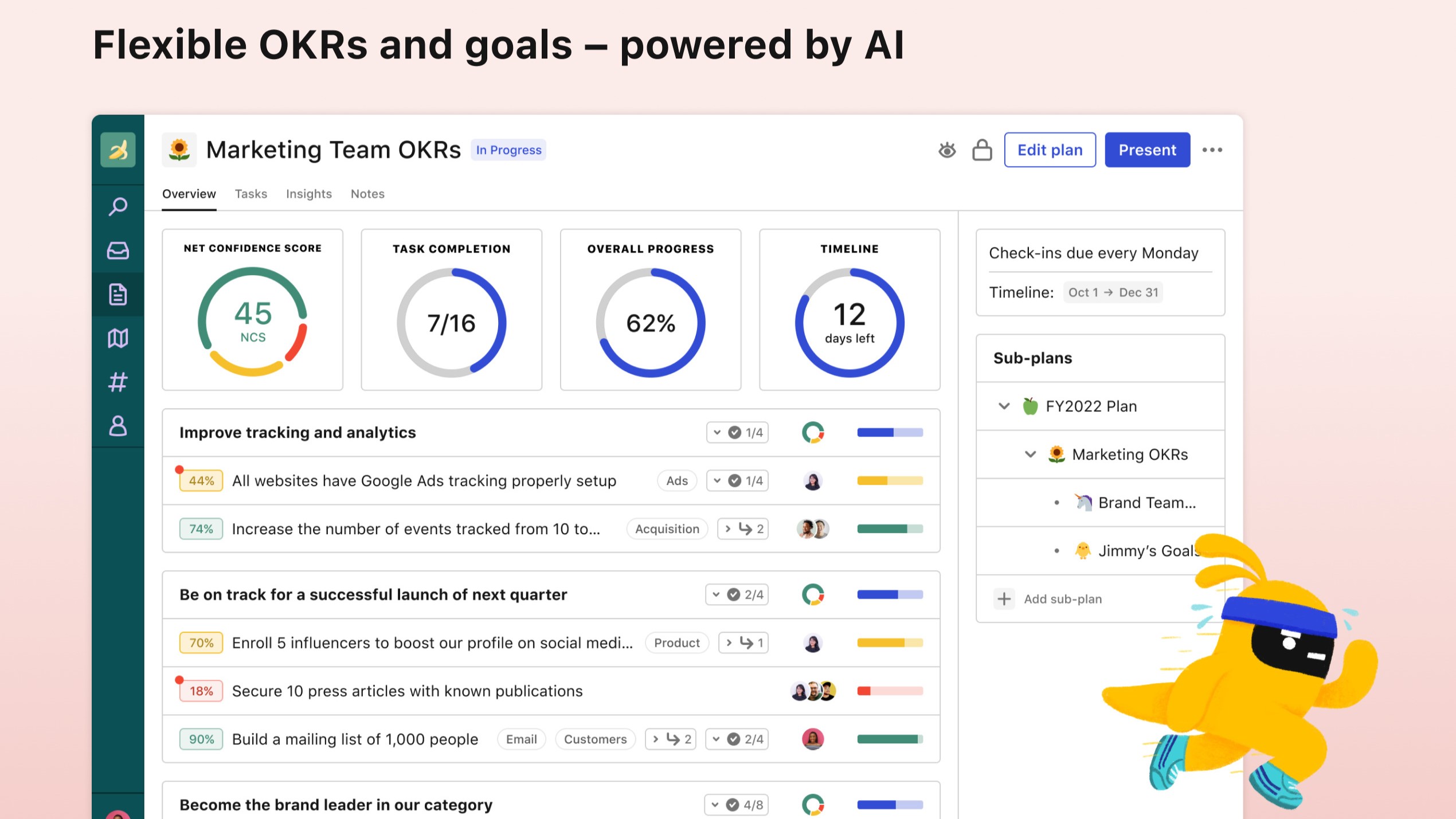

What is Tability?
Tability helps teams set, track, and review OKRs, KPIs, and quarterly plans in one productivity workspace instead of scattered spreadsheets. AI drafts goals and tactics during signup, then live check-ins surface progress updates and early roadblocks before a quarter slips away.
Plenty of goal trackers feel like status spreadsheets with nicer colors. Tability leans into outcome-driven rituals: strategy maps, initiative dependencies, and integrations with Slack, Microsoft Teams, Jira, and Linear so updates happen where teams already work. Premium adds SAML SSO, data connectors, and an AI assistant mode for larger rollouts.
It fits startups and mid-size companies adopting OKRs for the first time as well as teams at Red Hat, Autodesk, and Freelancer that the site lists among customers. Pricing starts at $6 per user per month on yearly Basic billing with a 14-day free trial on signup.
Scribe
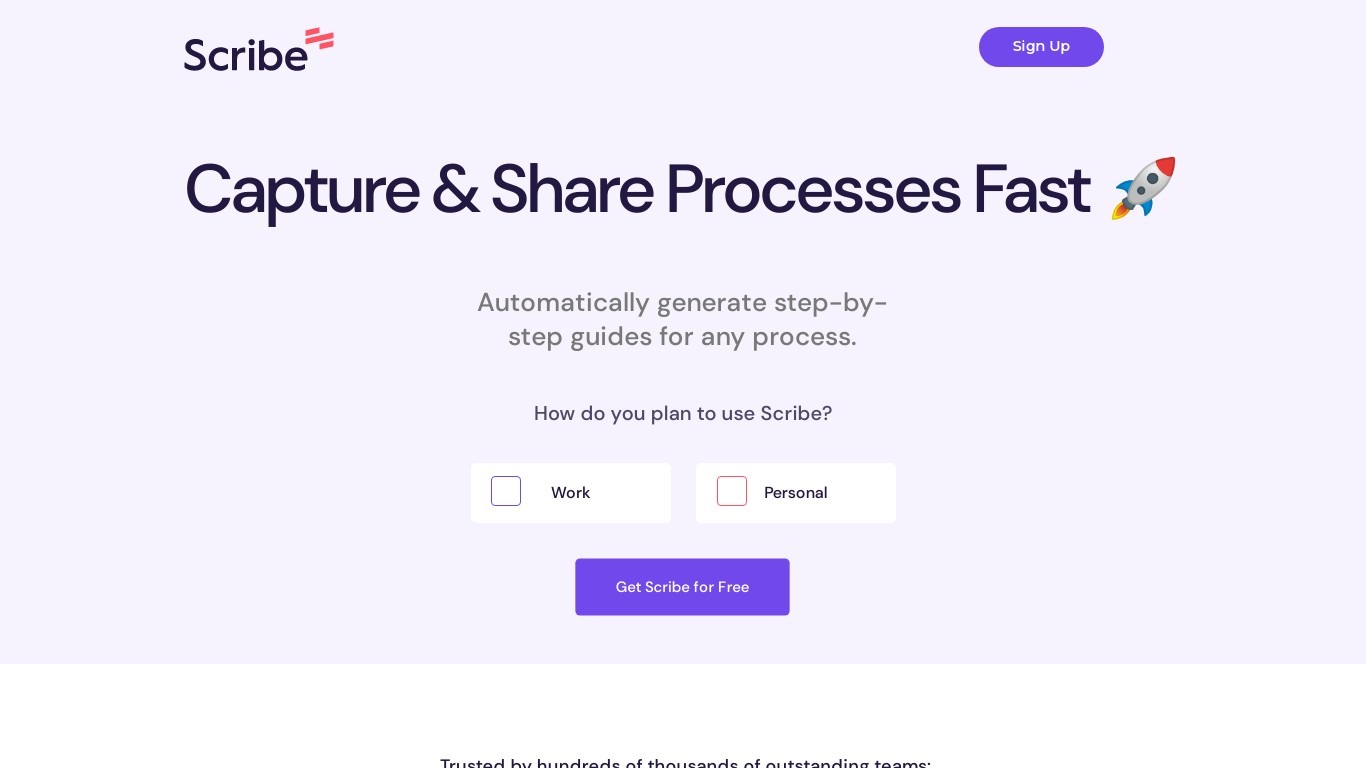
What is Scribe?
Scribe captures how work actually gets done and turns it into step-by-step guides your team and AI agents can follow. It records workflows as people perform them in the browser, desktop, or mobile apps, then generates documentation without manual screenshots or write-ups. Teams use it for SOPs, training, onboarding, and feeding workflow context to AI tools.
Where most documentation tools expect you to write guides from memory or schedule walkthroughs, Scribe watches real workflows and documents them automatically. Capture surfaces the processes teams run most often and turns them into shareable guides, while Optimize maps inefficiencies across approved apps and recommends where to automate or invest in AI.
Operations, IT, HR, and enablement teams rely on Scribe to share tribal knowledge before someone goes on PTO. Companies rolling out new software or building AI agent roadmaps use it to give bots accurate workflow context through MCP and enterprise search APIs.
Tability Upvotes
Scribe Upvotes
Tability Top Features
AI-assisted OKR and tactic drafting on signup
14-day free trial with Google or email signup
Basic plan at $6 per user per month on yearly billing
Premium adds SAML SSO, SCIM, and data connectors
Integrations with Slack, Microsoft Teams, Jira, and Linear
Strategy maps plus initiative dependency tracking
Scribe Top Features
Records any workflow and outputs a polished step-by-step guide automatically
Chrome and Edge extensions plus desktop apps capture web, mobile, and desktop processes
Export guides to PDF, HTML, Markdown, or Word, or embed them anywhere
Pro Team starts at 5 seats with comments and collaboration on shared guides
Feed workflow context to AI assistants through MCP and enterprise search API
Enterprise auto-redaction for PII and PHI with SOC 2 Type II and HIPAA compliance
Tability Category
- Productivity
Scribe Category
- Productivity
Tability Pricing Type
- Freemium
Scribe Pricing Type
- Freemium