TableSprint vs CodeSense AI
In the battle of TableSprint vs CodeSense AI, which AI Code Assistant tool comes out on top? We compare reviews, pricing, alternatives, upvotes, features, and more.
Between TableSprint and CodeSense AI, which one is superior?
Upon comparing TableSprint with CodeSense AI, which are both AI-powered code assistant tools, Neither tool takes the lead, as they both have the same upvote count. Join the aitools.fyi users in deciding the winner by casting your vote.
Think we got it wrong? Cast your vote and show us who's boss!
TableSprint
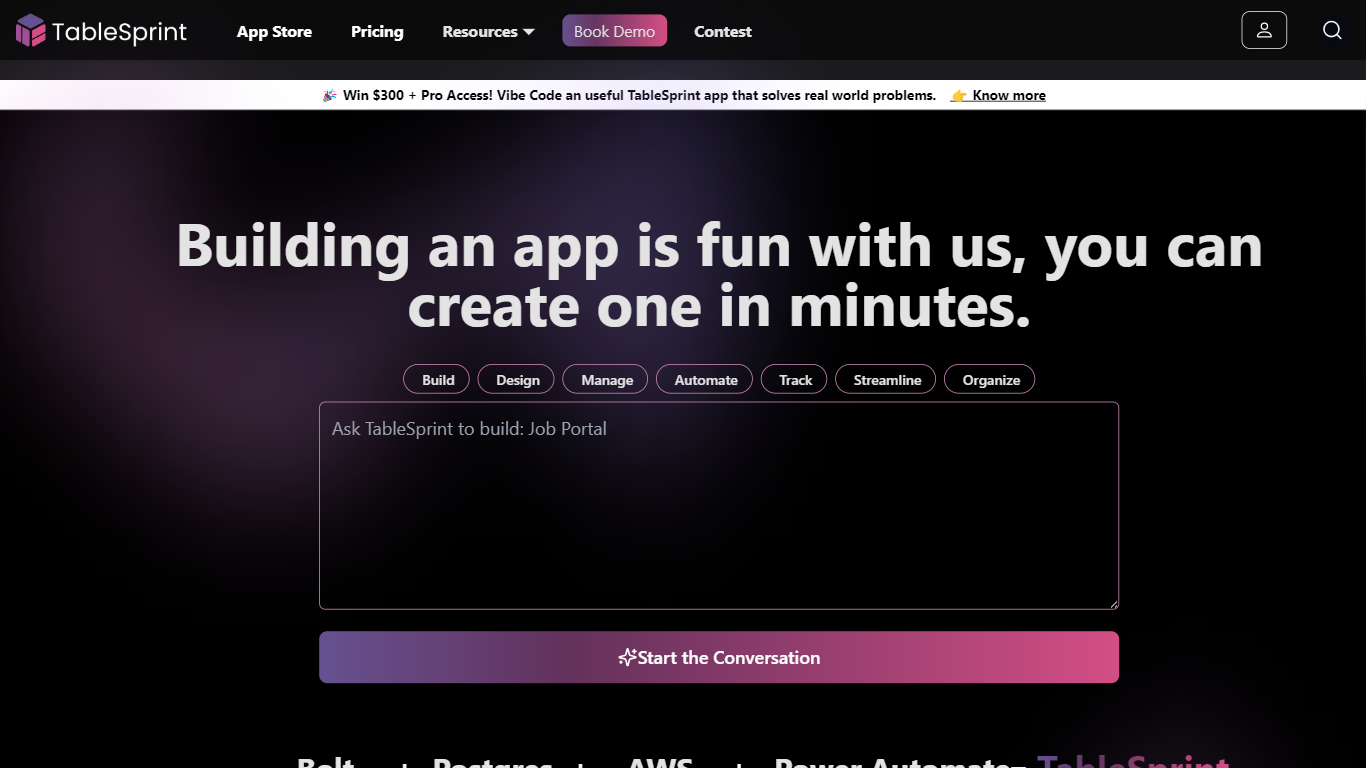

What is TableSprint?
TableSprint lets founders, sales, ops, and enterprise teams deploy voice, chat, email, and workflow agents without engineering bandwidth. The workspace also includes worksheets, forms, live dashboards, admin panels, and mobile views so custom internal apps and agents share one database. The app store ships ready-made agents for outbound SDR calls, chat support, invoicing, and media editing, each tagged free or premium.
Most teams buy a low-code builder and bolt on agent tools later. TableSprint merges agent deployment with worksheets, forms, permissions, and instant deploy in the same stack. Docs pitch replacing five tools and building an operations platform in two weeks instead of six months, with one chat agent claiming up to 60% fewer support tickets.
Founders, sales, ops, and enterprise teams that need agents in production fast fit TableSprint best. It targets teams without spare engineering bandwidth who still want voice and chat automation beside internal apps and live dashboards.
CodeSense AI
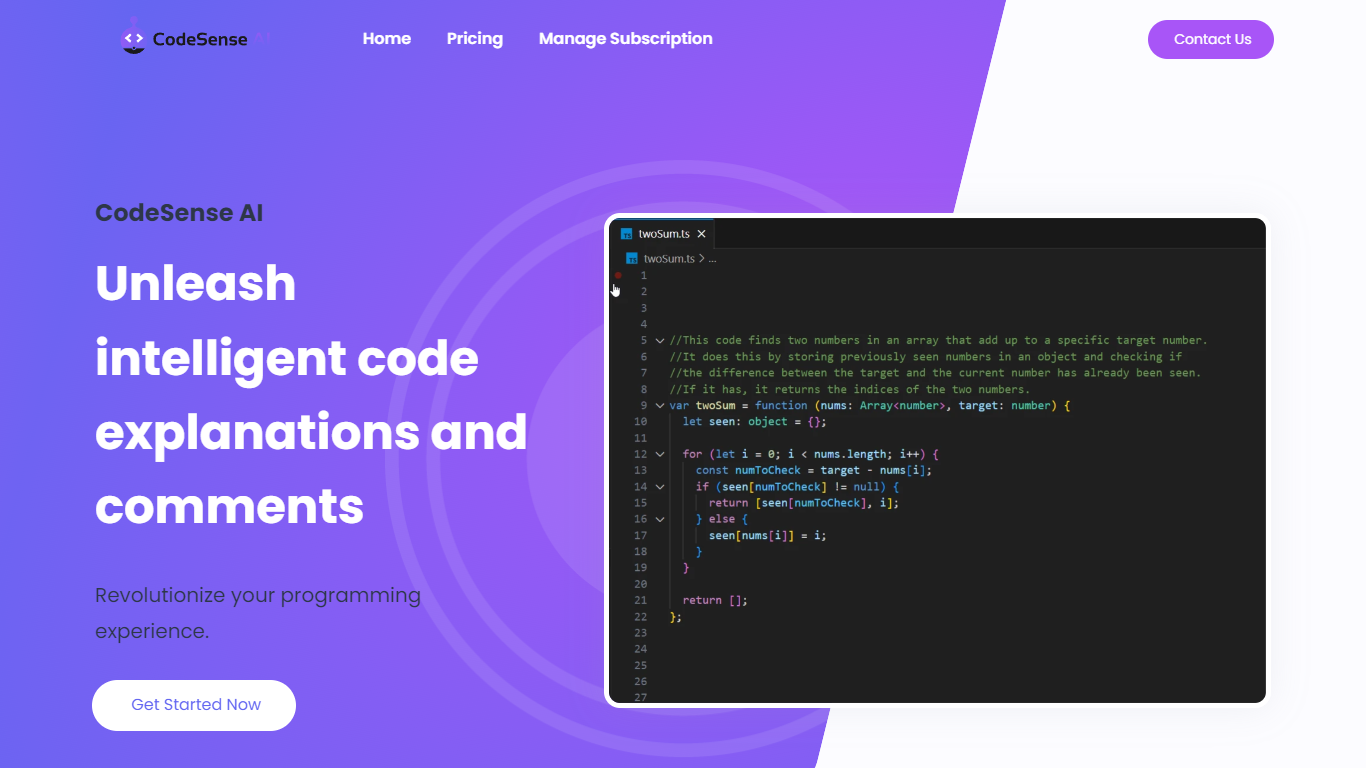
What is CodeSense AI?
CodeSense AI is a Visual Studio Code extension that adds an AI code reviewer and chat assistant inside the editor. It connects to Google Gemini or OpenAI using your own API keys, then helps you review code, ask questions about your workspace, and apply suggested fixes with a built-in diff viewer.
The extension runs a chat panel in VS Code where you can request code reviews, generate new files, modify existing ones, run terminal commands, and manage folders. Conversations persist across view switches, and you can reload or reset chat history when needed.
API keys are stored with VS Code secret storage and sent only to the provider you choose. The project is open source under the MIT license and is published on the Visual Studio Marketplace.
TableSprint Upvotes
CodeSense AI Upvotes
TableSprint Top Features
App store lists free and premium agents for sales calls, support, and media editing
Chat Support Agent claims up to 60% fewer support tickets with 24/7 FAQ handling
Customer testimonial cites replacing 5 tools and shipping an ops platform in 2 weeks
Funding data lists $1 million raised, founded 2024, and about 10 employees
Outbound Calling SDR agent runs proactive sales calls and books demos into your calendar
CodeSense AI Top Features
Chat-based AI assistant inside VS Code with persistent conversation history
Multi-provider support for Google Gemini and OpenAI (GPT-4o and GPT-4o-mini)
Side-by-side diff view titled CodeSense: AI Suggested Changes before accepting edits
Workspace file operations including read, write, create, delete, and folder management
Terminal command execution and secure API key storage via VS Code Secrets
TableSprint Category
- Code Assistant
CodeSense AI Category
- Code Assistant
TableSprint Pricing Type
- Freemium
CodeSense AI Pricing Type
- Free