Tandem GPT vs RTutor
When comparing Tandem GPT vs RTutor, which AI Education tool shines brighter? We look at pricing, alternatives, upvotes, features, reviews, and more.
In a comparison between Tandem GPT and RTutor, which one comes out on top?
When we put Tandem GPT and RTutor side by side, both being AI-powered education tools, The upvote count is neck and neck for both Tandem GPT and RTutor. The power is in your hands! Cast your vote and have a say in deciding the winner.
Not your cup of tea? Upvote your preferred tool and stir things up!
Tandem GPT

What is Tandem GPT?
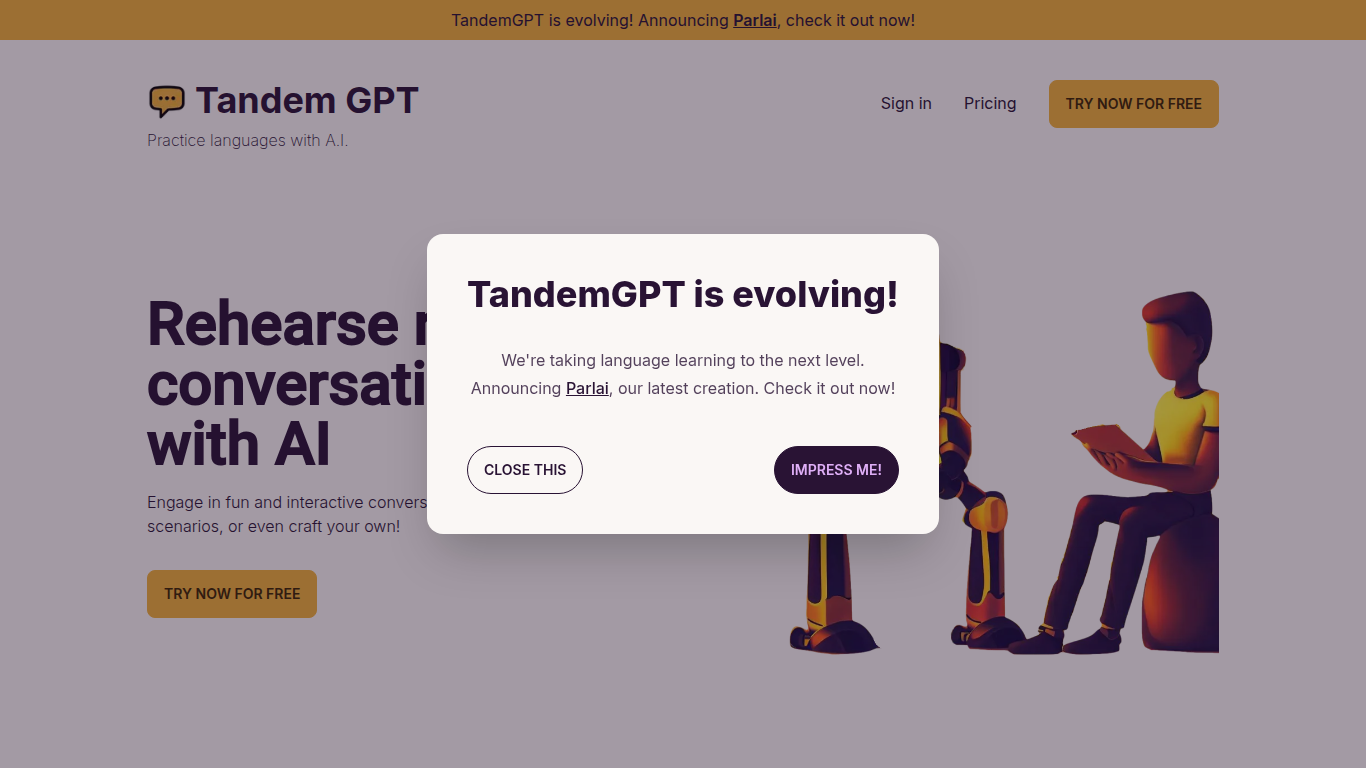
Tandem GPT puts you in realistic back-and-forth chats with an AI partner so you practice speaking a language, not just memorizing words. Pick from pre-built scenarios or write your own, then talk by text or voice message whenever you have a few minutes. The homepage advertises 24/7 access so sessions fit commutes or late-night study blocks.
Most language apps optimize for vocabulary drills and grammar exercises. Tandem GPT bets on open-ended dialogue, which is closer to how you actually need to speak when traveling or working abroad. You trade structured lesson progression for scenario flexibility, and the built-in voice messaging pushes you past typing-only comfort zones. The team notes they are evolving the product into Parlai, a separate app linked from the homepage.
Self-directed learners and busy professionals use Tandem GPT when they want conversational reps without booking a human tutor every week. Juan and Felipe, two Colombian software engineers based in Austria, built it after struggling with German immersion. The site reports more than 8,000 AI conversations and 900 new users, with a free entry point at tandem-gpt.com/new.
RTutor
What is RTutor?
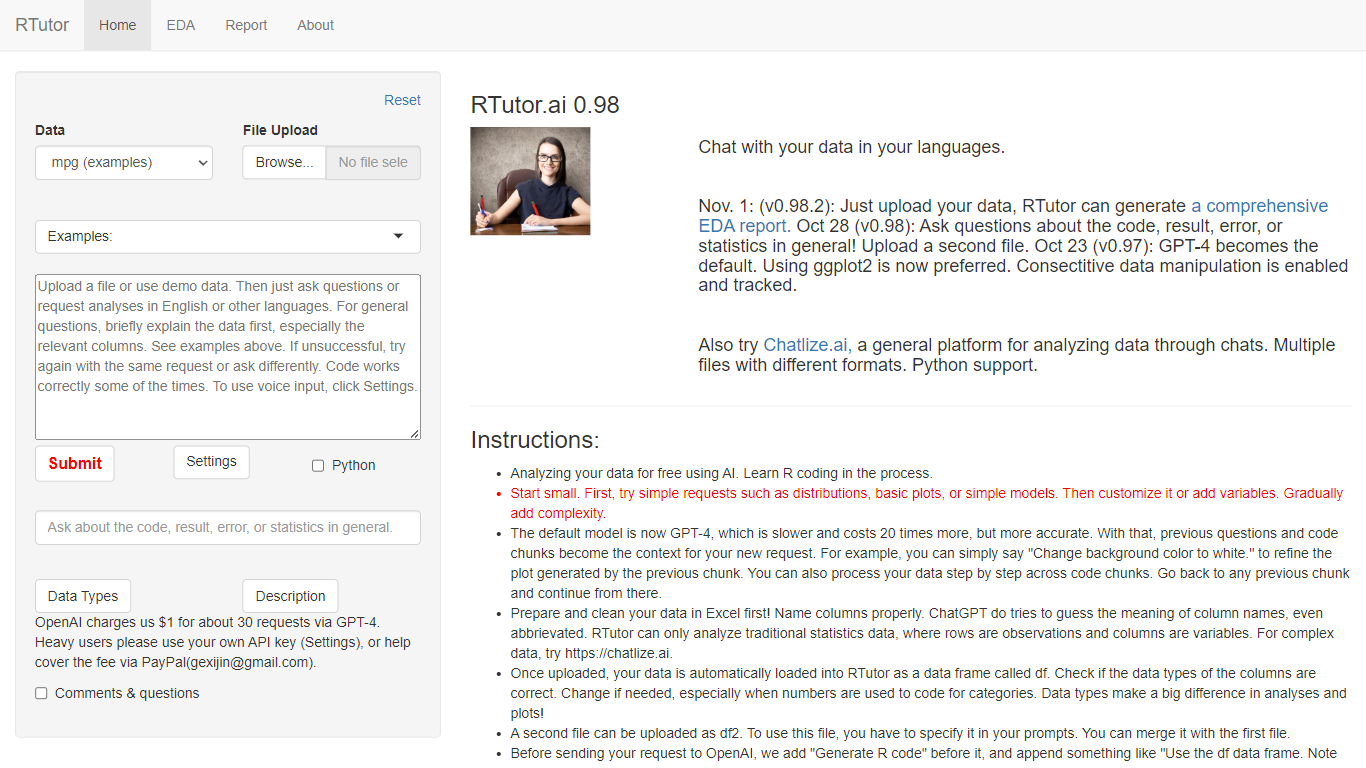
RTutor lets you analyze spreadsheet data by typing questions in plain English and getting executed R code back in seconds. Upload a CSV, TSV, or Excel file, describe the analysis you want, and RTutor uses OpenAI models (GPT-4o by default) to generate and run R scripts in the browser. Orditus LLC maintains the web app and the open-source R package on GitHub.
Unlike general chatbots that only suggest code, RTutor executes the generated R on your uploaded data and returns plots, tables, and EDA reports you can download as HTML. It includes built-in exploratory data analysis tabs, an Ask RTutor Q&A box for follow-up questions, and session memory so you can refine plots with prompts like change background color to white.
RTutor targets students, researchers, and analysts who know their data but not R syntax. The website is free for non-profit organizations; commercial use requires a license from Orditus.
Tandem GPT Upvotes
RTutor Upvotes
Tandem GPT Top Features
Pre-built conversation scenarios plus a custom scenario builder for practice topics you choose
Voice message support alongside text chat for speaking and listening practice
24/7 availability with no scheduled session required to start a conversation
Free try flow at tandem-gpt.com/new where you pick a language and conversation format
Sign-in accounts to save progress across practice sessions
Homepage demo video walks through setup in about 90 seconds
RTutor Top Features
Upload CSV, TSV, tab-delimited text, or Excel files and analyze them in plain English prompts
Uses GPT-4o by default with session context so follow-up prompts refine prior code chunks
Built-in EDA tabs for basic stats, correlations, GGpairs plots, and DataExplorer reports
Generates and executes R code in the browser, with optional Python support noted on the site
Download results as HTML reports and ask follow-up questions via the Ask RTutor Q&A box
Open-source R package available on GitHub (gexijin/RTutor) for local installation
Tandem GPT Category
- Education
RTutor Category
- Education
Tandem GPT Pricing Type
- Freemium
RTutor Pricing Type
- Freemium