Tandem GPT vs To Teach AI
In the face-off between Tandem GPT vs To Teach AI, which AI Education tool takes the crown? We scrutinize features, alternatives, upvotes, reviews, pricing, and more.
In a face-off between Tandem GPT and To Teach AI, which one takes the crown?
If we were to analyze Tandem GPT and To Teach AI, both of which are AI-powered education tools, what would we find? The upvote count favors To Teach AI, making it the clear winner. To Teach AI has garnered 28 upvotes, and Tandem GPT has garnered 6 upvotes.
Think we got it wrong? Cast your vote and show us who's boss!
Tandem GPT

What is Tandem GPT?
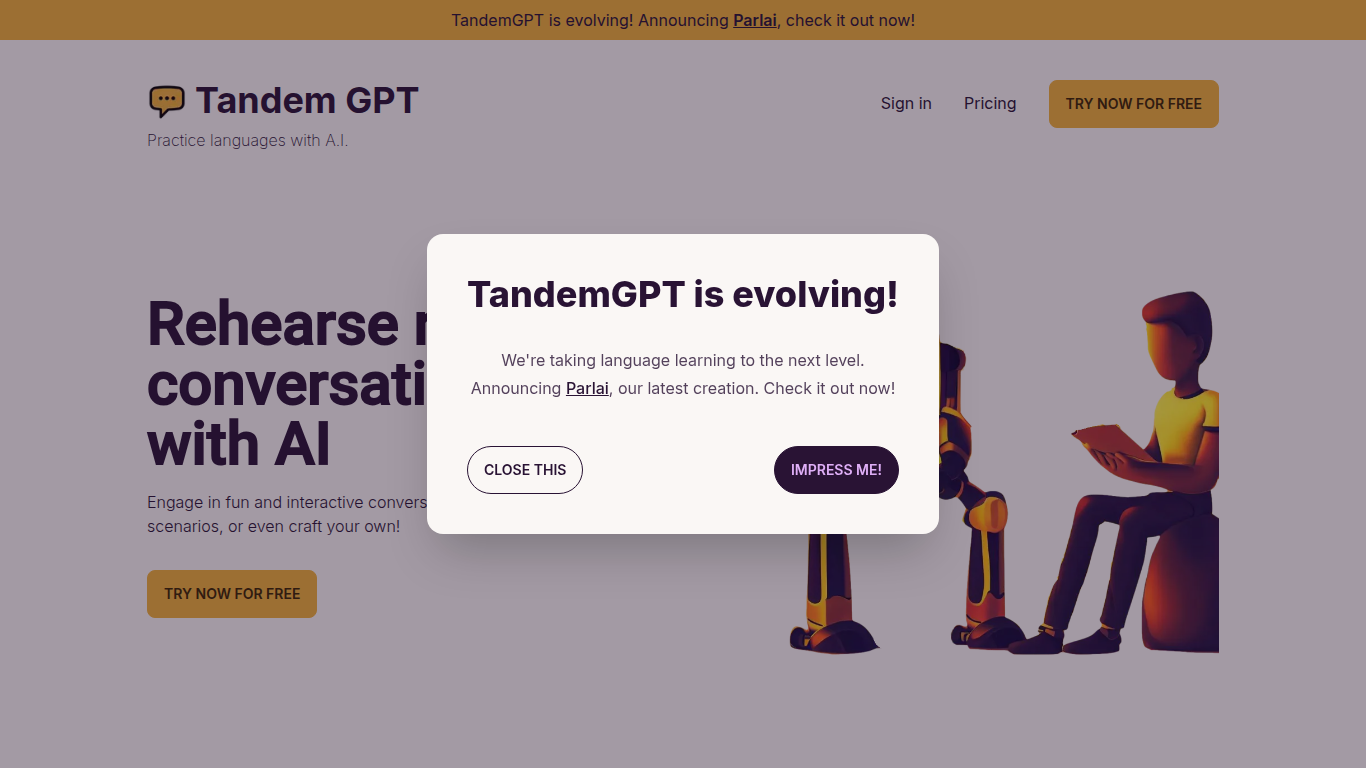
Tandem GPT puts you in realistic back-and-forth chats with an AI partner so you practice speaking a language, not just memorizing words. Pick from pre-built scenarios or write your own, then talk by text or voice message whenever you have a few minutes. The homepage advertises 24/7 access so sessions fit commutes or late-night study blocks.
Most language apps optimize for vocabulary drills and grammar exercises. Tandem GPT bets on open-ended dialogue, which is closer to how you actually need to speak when traveling or working abroad. You trade structured lesson progression for scenario flexibility, and the built-in voice messaging pushes you past typing-only comfort zones. The team notes they are evolving the product into Parlai, a separate app linked from the homepage.
Self-directed learners and busy professionals use Tandem GPT when they want conversational reps without booking a human tutor every week. Juan and Felipe, two Colombian software engineers based in Austria, built it after struggling with German immersion. The site reports more than 8,000 AI conversations and 900 new users, with a free entry point at tandem-gpt.com/new.
To Teach AI
What is To Teach AI?
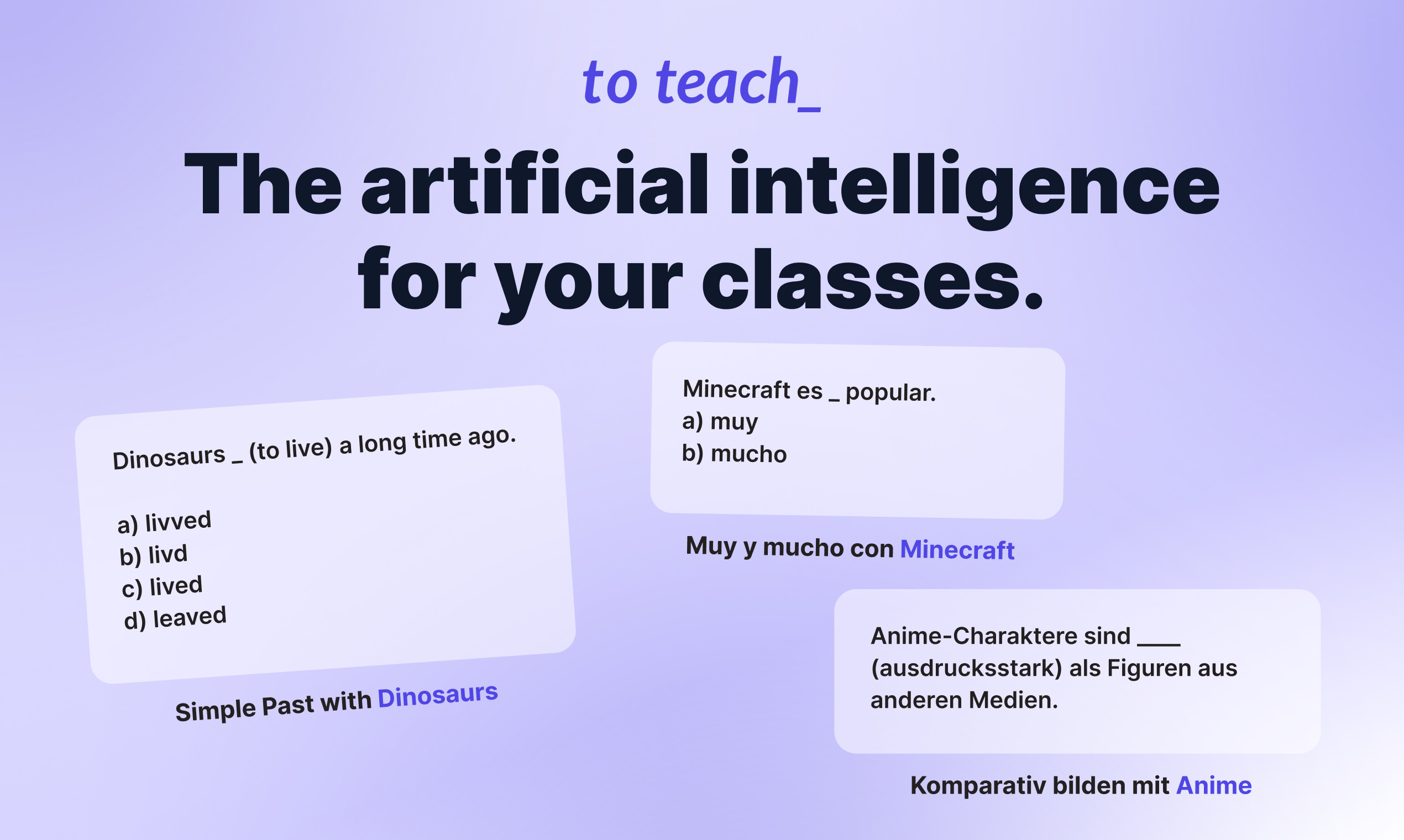
To Teach AI lets teachers build lesson plans, exercises, and printable worksheets from one web app. Pick a subject, describe a topic, or paste a YouTube link, and the tool generates classroom-ready materials you can edit before sharing with students. It fits K-12 and language teachers who need differentiated content without spending hours on prep.
Most worksheet generators hand you a blank template or a generic quiz. To Teach AI starts from 800+ pre-made exercises across school subjects and lets you tailor difficulty, language level, and format in one click. It also turns YouTube videos into structured worksheets and exports H5P-compatible files for LMS platforms like Moodle, which is a narrower workflow than general AI writing tools.
Teachers use it for lesson planning, vocabulary tests, reading comprehension, grammar drills, mindmaps, and substitute-class handouts. The free tier covers light monthly use, while Starter and Pro unlock higher creation limits, premium worksheet libraries, gamification options, and answer keys.
Tandem GPT Upvotes
To Teach AI Upvotes
Tandem GPT Top Features
Pre-built conversation scenarios plus a custom scenario builder for practice topics you choose
Voice message support alongside text chat for speaking and listening practice
24/7 availability with no scheduled session required to start a conversation
Free try flow at tandem-gpt.com/new where you pick a language and conversation format
Sign-in accounts to save progress across practice sessions
Homepage demo video walks through setup in about 90 seconds
To Teach AI Top Features
800+ pre-made exercises and worksheets across school subjects
YouTube-to-worksheet converter builds activities from any video URL
AI lesson planner outputs curriculum-aligned plans with phases and methods
H5P-compatible export for LMS tools like Moodle
Free tier includes 5 exercises, 3 worksheets, and 2 lesson plans monthly
Starter plan at $5 per month includes 100 exercises and 20 worksheets monthly
Customize materials by language level, difficulty, and student interests
Tandem GPT Category
- Education
To Teach AI Category
- Education
Tandem GPT Pricing Type
- Freemium
To Teach AI Pricing Type
- Freemium