Texture Lab vs Canva-Text to Image
Explore the showdown between Texture Lab vs Canva-Text to Image and find out which AI Image Generation tool wins. We analyze upvotes, features, reviews, pricing, alternatives, and more.
When comparing Texture Lab and Canva-Text to Image, which one rises above the other?
When we contrast Texture Lab with Canva-Text to Image, both of which are exceptional AI-operated image generation tools, and place them side by side, we can spot several crucial similarities and divergences. In the race for upvotes, Canva-Text to Image takes the trophy. Canva-Text to Image has attracted 108 upvotes from aitools.fyi users, and Texture Lab has attracted 6 upvotes.
You don't agree with the result? Cast your vote to help us decide!
Texture Lab
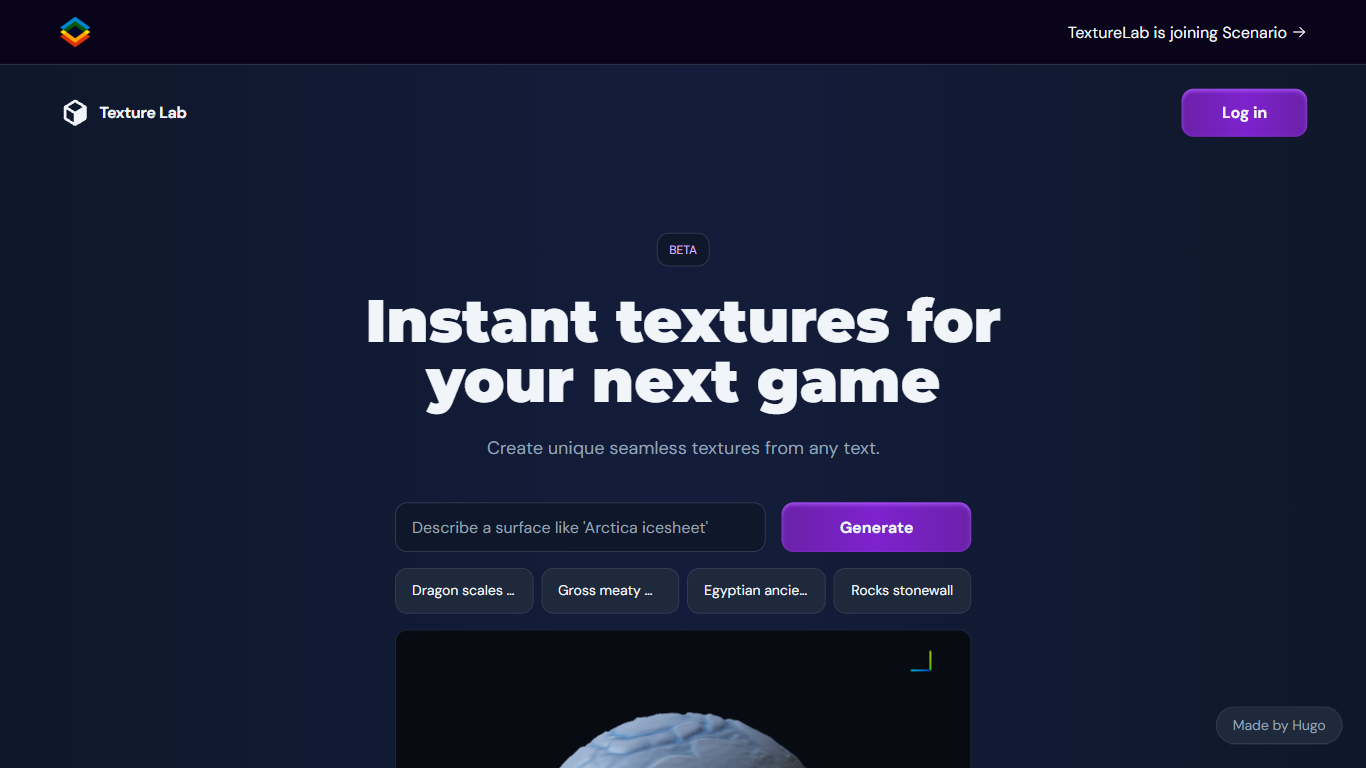

What is Texture Lab?
Texture Lab now lives inside Scenario as a seamless PBR texture generator that turns text prompts or reference images into tileable game-ready materials. You pick a texture model like Realistic Textures 2.0, generate an albedo map, preview it on a 3D object, and export full PBR sets with height, normal, metallic, edge, and ambient occlusion maps up to 8K resolution.
Standalone texture sites usually hand you diffuse images only. Scenario's Textures workflow adds specialized material models, custom model training on your art style, Prompt Spark prompt expansion, and one-click 8K upscaling inside the same creative platform used for images and 3D. The trade-off is that Texture Lab is no longer a separate product; it requires a Scenario account and credits.
Game environment artists, architectural visualizers, and AR/VR builders use Texture Lab to produce wood, stone, terracotta, and fantasy surfaces without hand-painting maps. Scenario offers 50 free daily credits with paid plans from $10 per month on annual billing for higher volume production.
Canva-Text to Image
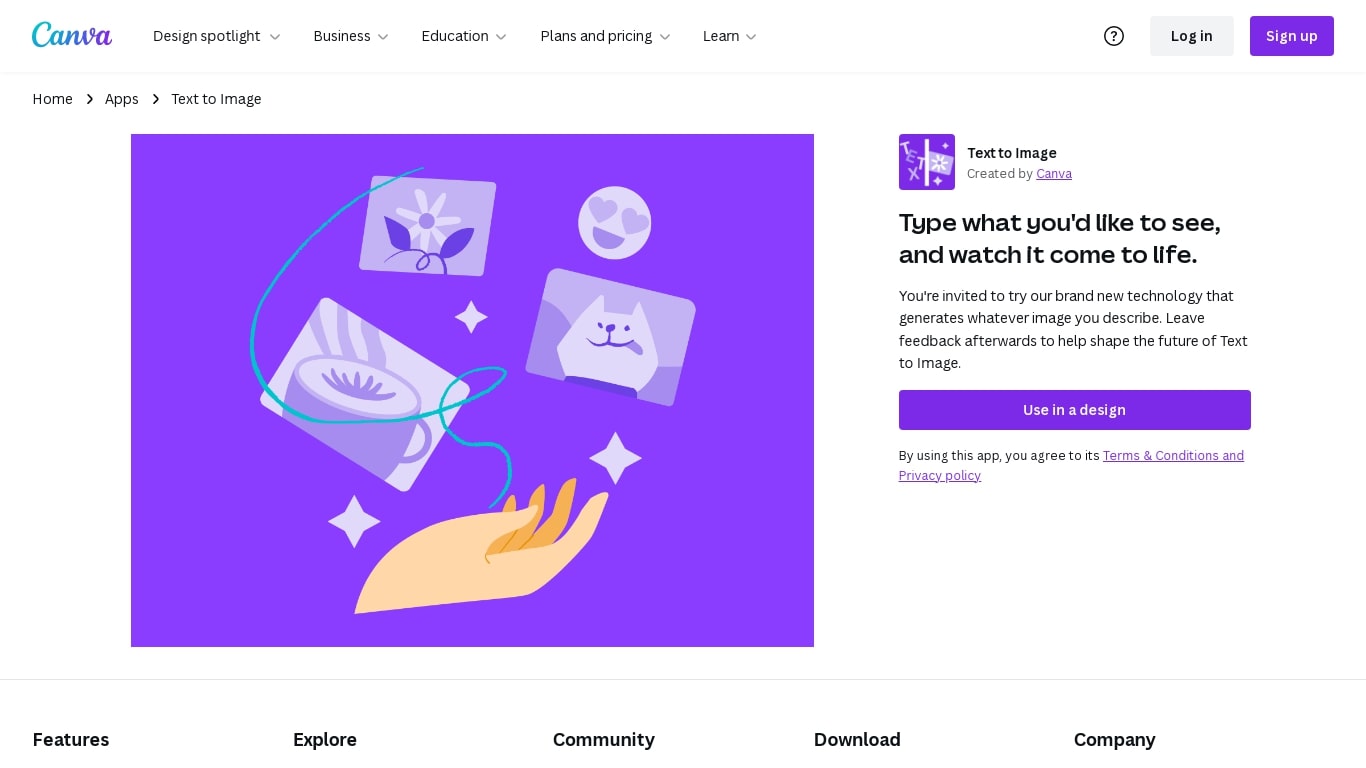
What is Canva-Text to Image?
Canva Text to Image turns a written prompt into a finished visual without leaving the Canva editor. You describe what you want, pick from 10+ preset art styles like Photo, Vibrant, Sketch, or Retrowave, and set an aspect ratio. The tool generates several variations in seconds, and you can drop any result straight into a presentation, social post, or poster layout.
Where standalone generators like Midjourney or DALL-E hand you a file to download and edit elsewhere, Canva keeps everything in one workflow. Background removal, Magic Edit prompt-based retouching, text overlays, and export to PNG, JPG, PDF, or PPTX all sit in the same canvas. That trade-off means less raw control over model parameters, but a much faster path from prompt to publishable design.
Content creators use it for social graphics and thumbnails, entrepreneurs for quick branding assets, and hobbyists for concept sketches. You can also upload a reference photo and generate new images that keep the original layout or subject. Pro and Business plans unlock higher AI generation allowances, Magic Expand for extending image borders, and a content planner for scheduling posts.
Free accounts include up to 200 Standard AI uses or 20 Premium AI uses per year. Canva runs automated prompt checks to block inappropriate content, and commercial use is permitted under Canva's AI Product Terms, though you are responsible for trademark and public figure rights.
Texture Lab Upvotes
Canva-Text to Image Upvotes
Texture Lab Top Features
Generates tileable albedo, height, normal, metallic, edge, and ambient occlusion maps from text or images
Specialized models for wood, stone, terracotta, and other material categories
Train custom texture models on Scenario to match your project's art style
3D viewer previews tiling, geometry shape, and material properties before export
One-click 8K upscaling for high-resolution environment work
Unity integration imports generated textures directly into game projects
50 free daily Scenario credits with no credit card required to start
Canva-Text to Image Top Features
Choose from 10+ preset art styles including Photo, Vibrant, 3D Render, Cinematic, and Retrowave
Free plan includes up to 200 Standard AI uses or 20 Premium AI uses per year
Generate from a text prompt or upload a reference photo to preserve layout and subject
Export finished designs as PNG, JPG, PDF, or PPTX without leaving Canva
Pro plan at $180 per year includes 10x the AI generation allowance of the Free tier
Magic Edit and Magic Eraser let you refine generated images with short written prompts
Texture Lab Category
- Image Generation
Canva-Text to Image Category
- Image Generation
Texture Lab Pricing Type
- Freemium
Canva-Text to Image Pricing Type
- Freemium