ThinkTask vs GitMind
Compare ThinkTask vs GitMind and see which AI Project Management tool is better when we compare features, reviews, pricing, alternatives, upvotes, etc.
Which one is better? ThinkTask or GitMind?
When we compare ThinkTask with GitMind, which are both AI-powered project management tools, The upvote count is neck and neck for both ThinkTask and GitMind. You can help us determine the winner by casting your vote and tipping the scales in favor of one of the tools.
Don't agree with the result? Cast your vote and be a part of the decision-making process!
ThinkTask

What is ThinkTask?
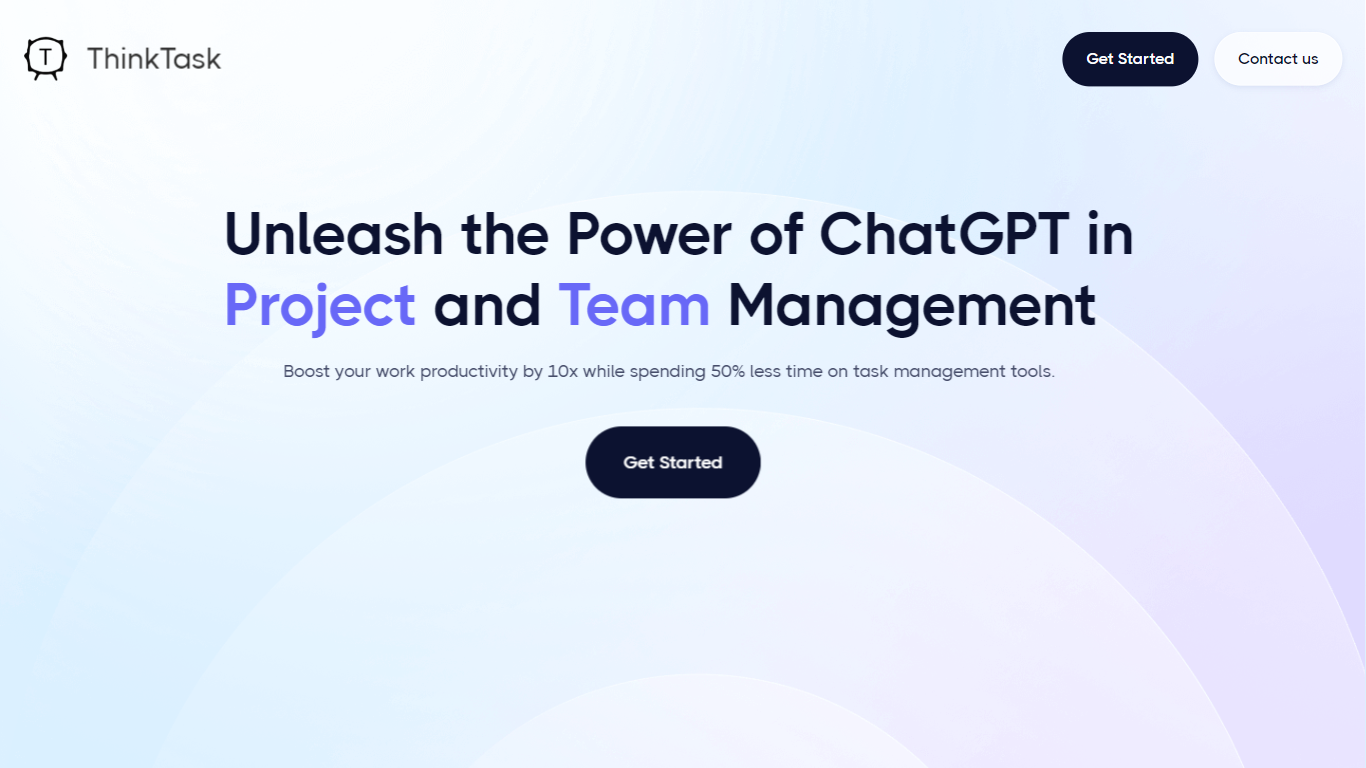
ThinkTask integrates ChatGPT into project and team management to boost productivity and reduce time spent on task management. It automates performance reporting by analyzing historical data and tracks AI usage to assess its impact on workflows. Visual tools like AI usage charts, Team Pulse, and Project Progress Tables help monitor team engagement, task status, and project timelines including estimated hours and costs.
Task Insights provide a tree diagram showing task dependencies for better planning and sequencing. Users can quickly create tasks from notes with auto-filled details such as titles and assignees. AI-generated tags and data-driven task assignments help organize and delegate work efficiently.
The Workpage combines notes, tasks, databases, and collaboration into a single workspace, enhancing team productivity and project execution.
GitMind
What is GitMind?
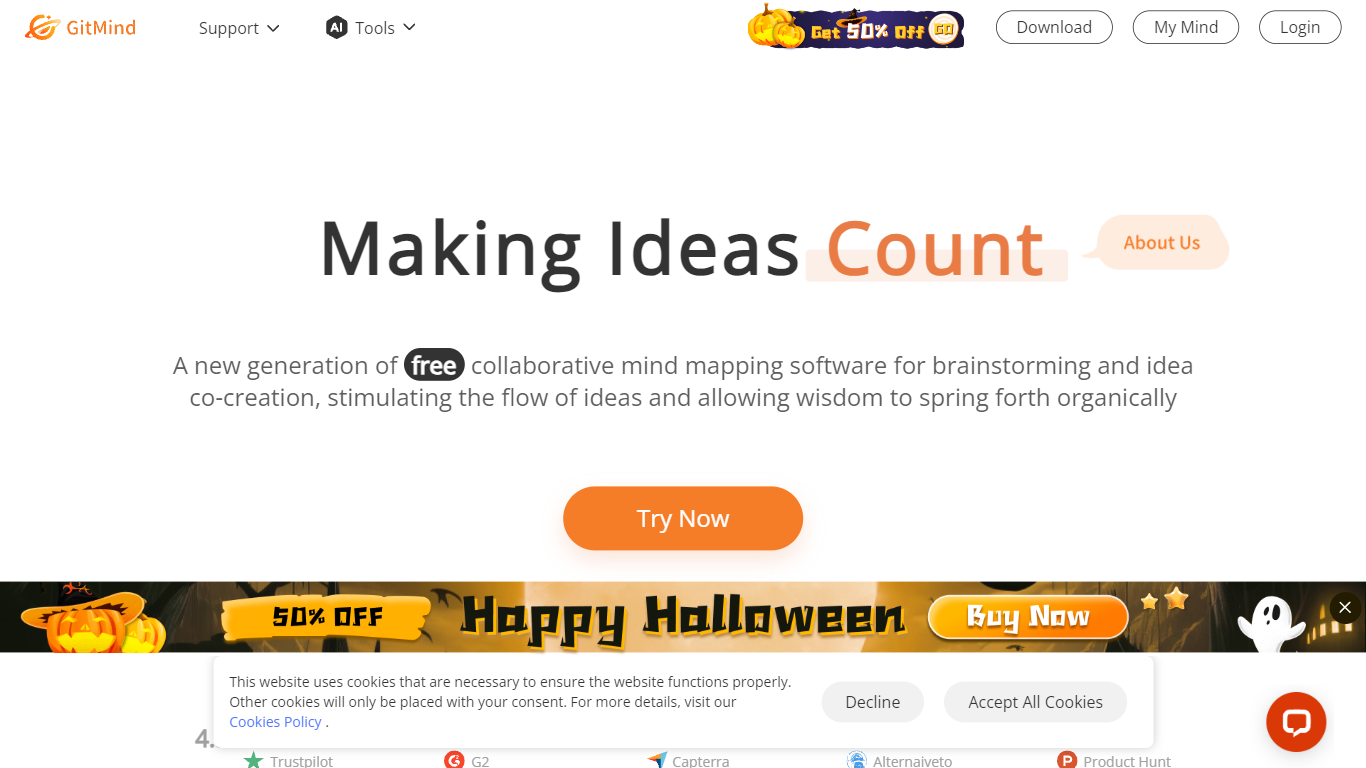
GitMind turns text, videos, audio, PDFs, websites, and images into mind maps, summaries, flowcharts, and infographics inside one visual workspace. Upload a file or paste a link, and the tool structures the content into editable diagrams you can share or present. Desktop and mobile apps sync projects across platforms for studying, research, and project planning.
Standalone mind map apps stop at diagram editing. GitMind bundles summarizers, OCR, YouTube transcript tools, and AI chat with ChatGPT, Claude, Gemini, and DeepSeek in the same canvas. That combination suits teams who want source material converted into visuals without switching between a note app, a diagram tool, and a separate AI chat tab.
Project managers, teachers, students, and researchers use GitMind to plan campaigns, summarize lectures, and generate UML or flowchart diagrams from prompts. The site reports 10 million users across 160 countries. Real-time collaboration and presentation mode support team workshops and classroom reviews.
ThinkTask Upvotes
GitMind Upvotes
ThinkTask Top Features
📊 Automated Performance Reports: Generate detailed reports from historical data to track progress and outcomes.
📈 AI Usage Visualization: See how team members use AI tools over time with clear charts.
🗂️ Project Progress Table: Monitor project status with hours, costs, and timeline summaries.
🌳 Task Dependency Insights: Visualize task relationships to plan and sequence work effectively.
⚡ One-Click Task Creation: Convert notes into tasks with auto-filled titles, assignees, and deadlines.
GitMind Top Features
Converts videos, PDFs, audio, websites, and images into mind maps or summaries
Free tier includes up to 10 mind maps and whiteboards
YouTube summarizer handles 20 minutes of one video per day on the free plan
Generates flowcharts, UML diagrams, ERDs, and infographics from text prompts
Integrates ChatGPT, Claude, Gemini, and DeepSeek inside the workspace
Real-time collaboration with presentation mode for team reviews
ThinkTask Category
- Project Management
GitMind Category
- Project Management
ThinkTask Pricing Type
- Freemium
GitMind Pricing Type
- Freemium