ThumbnailCreator vs No-Background.coffee
Dive into the comparison of ThumbnailCreator vs No-Background.coffee and discover which AI Image Generation tool stands out. We examine alternatives, upvotes, features, reviews, pricing, and beyond.
In a comparison between ThumbnailCreator and No-Background.coffee, which one comes out on top?
When we compare ThumbnailCreator and No-Background.coffee, two exceptional image generation tools powered by artificial intelligence, and place them side by side, several key similarities and differences come to light. The community has spoken, ThumbnailCreator leads with more upvotes. ThumbnailCreator has been upvoted 101 times by aitools.fyi users, and No-Background.coffee has been upvoted 24 times.
Feeling rebellious? Cast your vote and shake things up!
ThumbnailCreator


What is ThumbnailCreator?
ThumbnailCreator turns a YouTube video link or text prompt into click-ready thumbnail images in about 30 seconds. Paste a URL and the tool reads the transcript, scans key frames, and returns multiple layout concepts tuned to your video topic. YouTube creators use it when they need fresh cover art without opening Photoshop or hiring a designer for every upload.
Unlike template editors like Canva, ThumbnailCreator starts from your actual video content rather than blank canvases. It also bundles face swap, expression morphing, and an AI Viral Clips workflow that cuts long uploads into Shorts and Reels hooks, features most general design tools do not ship in one subscription.
Solo creators posting one or two videos a week can stay on the Starter plan at $17 per month, while agencies managing multiple channels move to Teams for batch variations and API access. The site lists 15,000+ active creators and a 7-day trial with 10 free credits, no credit card required on signup.
No-Background.coffee
What is No-Background.coffee?
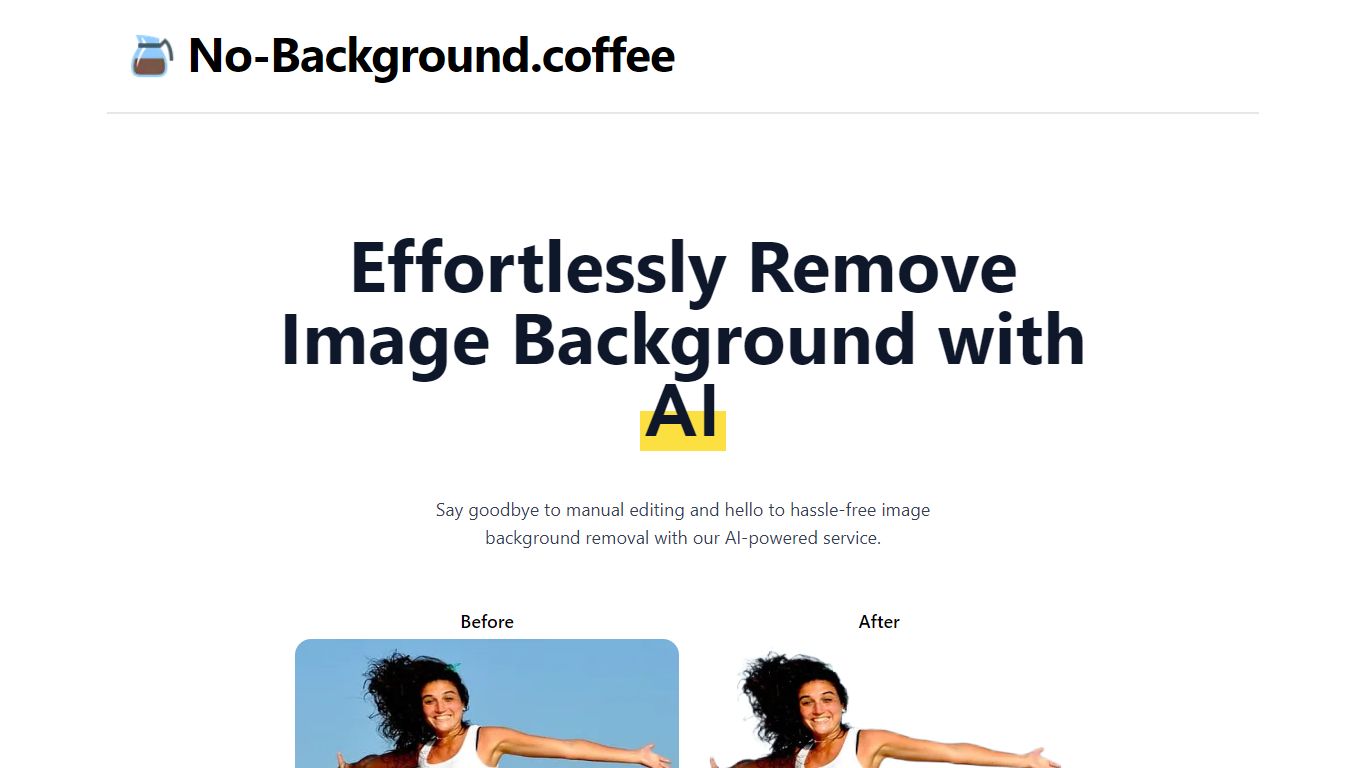
Upload a photo in your browser and No-Background.coffee returns a transparent cutout in seconds. It strips backgrounds with MODNet deep learning instead of manual edge tracing. You get a PNG-friendly result from a single remove page, with no account signup shown on the site.
Most background removers push bulk plans, watermarks, or account walls before you see a result. No-Background.coffee keeps the workflow to one upload page with a side-by-side compare view and no signup step. The trade-off is scope: there is no batch queue, API tier, or desktop app listed on the researched pages.
Online sellers, content creators, and students use it for product shots, social posts, and profile photos without opening a full photo editor. The site blog recommends PNG export when you need transparency and JPG when you do not. The homepage FAQ states input images are deleted automatically after one hour.
The service remains free according to the homepage FAQ, though that same FAQ notes pricing could change later to cover operating costs.
ThumbnailCreator Upvotes
No-Background.coffee Upvotes
ThumbnailCreator Top Features
Paste a YouTube URL and get multiple thumbnail concepts in about 30 seconds
1 credit equals 1 AI thumbnail; Lite plan starts at $8 per month after a 7-day trial
Creator plan at $33 per month includes Advanced Face Training and person swap
Auto-Optimize and variation generator on Starter ($17/mo) and higher tiers
Export at YouTube-optimized resolution or upload directly to your channel
AI Viral Clips finds hook moments in long videos for Shorts, TikTok, and Reels
No-Background.coffee Top Features
Upload an image on the remove page and get a background cutout with a side-by-side compare view
Uses MODNet deep learning to handle soft edges on hair, fur, and similar details
Runs in the browser with no account signup required on the remove page
Input images are deleted automatically after one hour according to the homepage FAQ
Site blog recommends PNG export for transparency and JPG when you do not need it
ThumbnailCreator Category
- Image Generation
No-Background.coffee Category
- Image Generation
ThumbnailCreator Pricing Type
- Freemium
No-Background.coffee Pricing Type
- Free