
Last updated 08-31-2026
Category:
Reviews:
Join thousands of AI enthusiasts in the World of AI!
No-Background.coffee
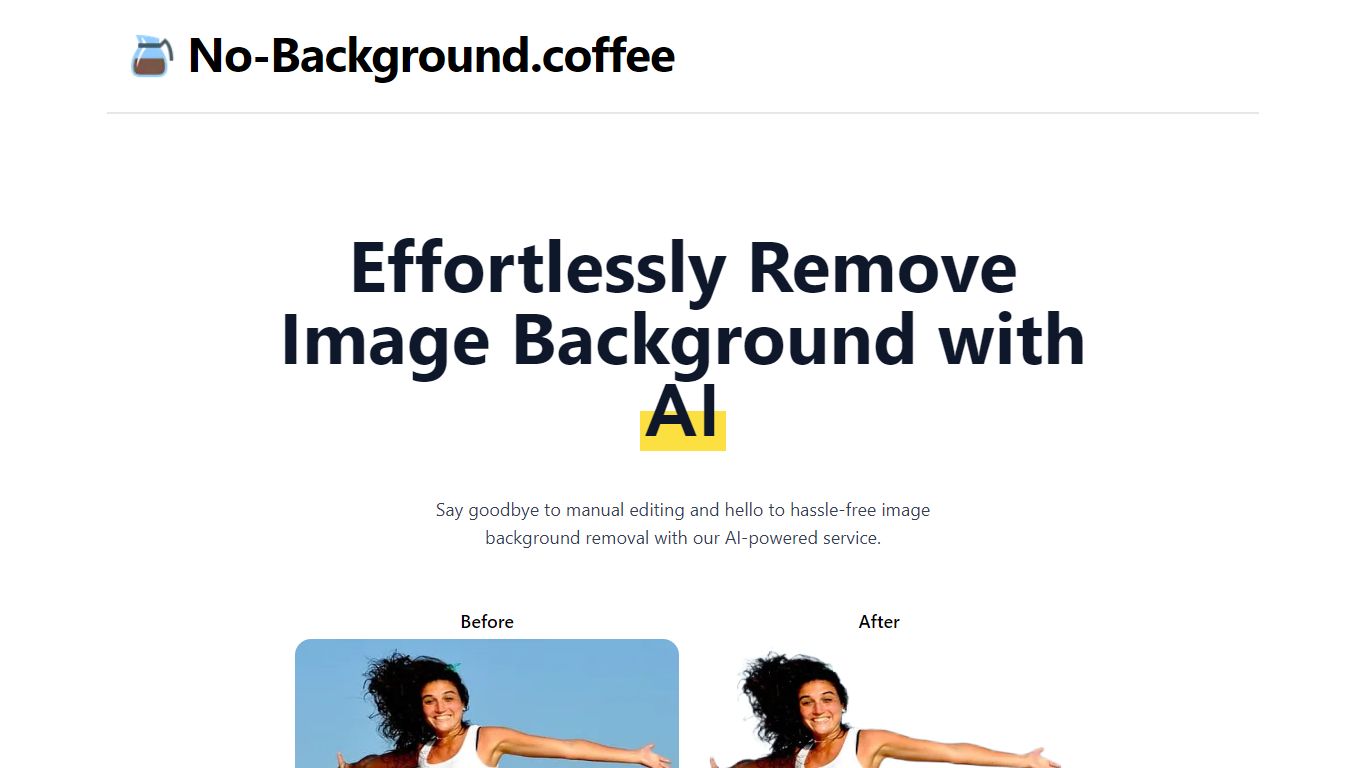
Upload a photo in your browser and No-Background.coffee returns a transparent cutout in seconds. It strips backgrounds with MODNet deep learning instead of manual edge tracing. You get a PNG-friendly result from a single remove page, with no account signup shown on the site.
Most background removers push bulk plans, watermarks, or account walls before you see a result. No-Background.coffee keeps the workflow to one upload page with a side-by-side compare view and no signup step. The trade-off is scope: there is no batch queue, API tier, or desktop app listed on the researched pages.
Online sellers, content creators, and students use it for product shots, social posts, and profile photos without opening a full photo editor. The site blog recommends PNG export when you need transparency and JPG when you do not. The homepage FAQ states input images are deleted automatically after one hour.
The service remains free according to the homepage FAQ, though that same FAQ notes pricing could change later to cover operating costs.
Upload an image on the remove page and get a background cutout with a side-by-side compare view
Uses MODNet deep learning to handle soft edges on hair, fur, and similar details
Runs in the browser with no account signup required on the remove page
Input images are deleted automatically after one hour according to the homepage FAQ
Site blog recommends PNG export for transparency and JPG when you do not need it
Free to use with no signup required on the remove page
Side-by-side compare view on the remove page before you download
Homepage FAQ states uploads are deleted after one hour rather than stored long term
The homepage FAQ warns pricing may change in the future to cover costs
No bulk upload or batch processing is mentioned on the researched pages
Browser-only tool with no dedicated mobile app listed on the site
How does No-Background.coffee remove backgrounds?
No-Background.coffee uses a deep learning approach based on MODNet. The model predicts which pixels belong to the subject and which belong to the background, including softer edges like hair.
Is No-Background.coffee free?
Yes. The homepage FAQ describes No-Background.coffee as free, though it notes pricing may change in the future to cover costs.
Does No-Background.coffee store my images?
No. The homepage FAQ says No-Background.coffee does not store your data and that all input images are deleted automatically after one hour.
Do I need an account to use No-Background.coffee?
No account is required for No-Background.coffee. The remove page asks you to upload an image to start, with no signup step shown.
What export format works best for transparent backgrounds on No-Background.coffee?
The No-Background.coffee background removal guide recommends exporting as PNG when you need transparency, and JPG when you do not.