TinaMind vs SafeSpelling
Dive into the comparison of TinaMind vs SafeSpelling and discover which AI Writing Assistant tool stands out. We examine alternatives, upvotes, features, reviews, pricing, and beyond.
When comparing TinaMind and SafeSpelling, which one rises above the other?
When we compare TinaMind and SafeSpelling, two exceptional writing assistant tools powered by artificial intelligence, and place them side by side, several key similarities and differences come to light. The upvote count is neck and neck for both TinaMind and SafeSpelling. Since other aitools.fyi users could decide the winner, the ball is in your court now to cast your vote and help us determine the winner.
Want to flip the script? Upvote your favorite tool and change the game!
TinaMind

What is TinaMind?
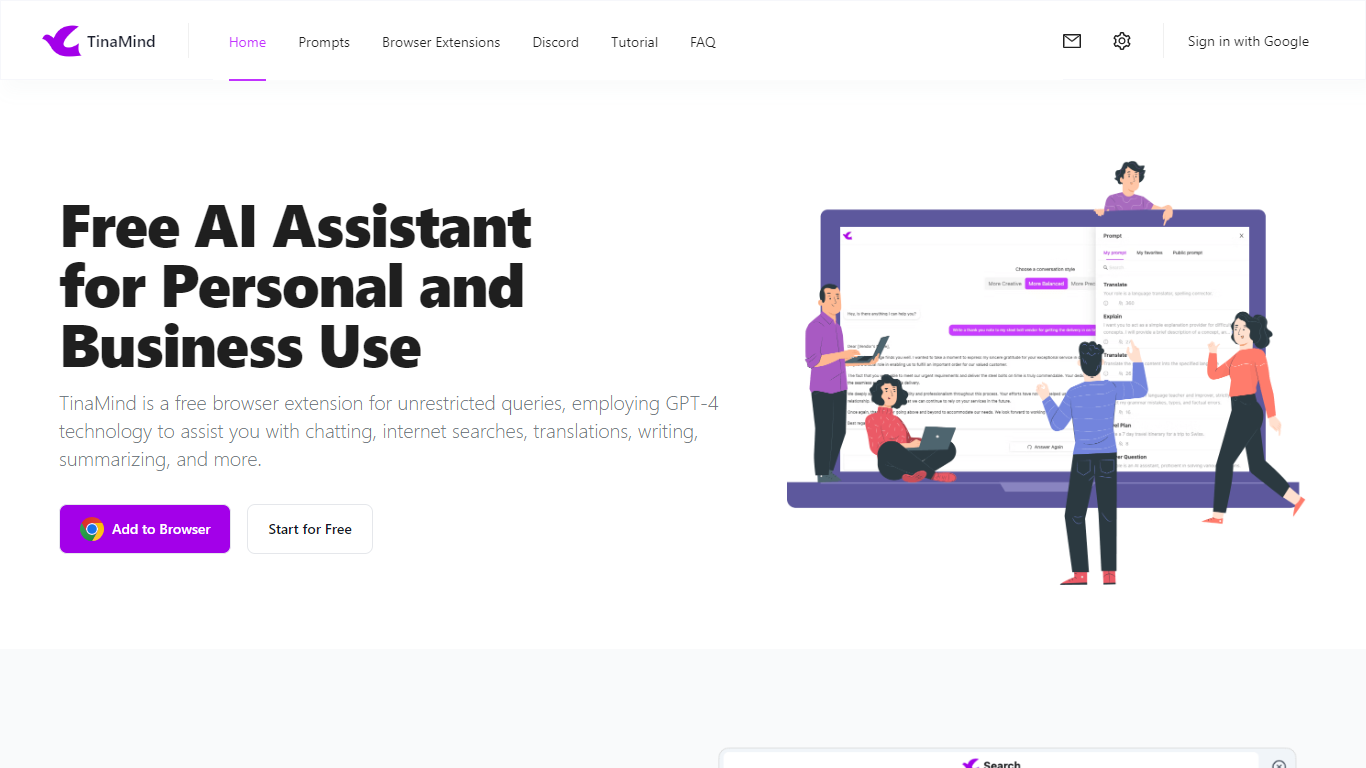
TinaMind is an all-in-one workspace for thinking, writing, and collaborating. The platform centers on WiseInks, a unified app for chat, mind maps, whiteboards, and documents, plus Chrome extensions and TubeLens, a YouTube learning assistant that keeps research and creation in one ecosystem.
WiseInks combines four modules you can switch between without losing context: conversational AI that remembers your files, XMind-compatible mind maps, infinite whiteboards for real-time collaboration, and smart documents with collaborative editing. The idea is to move from brainstorm to visual plan to finished output in one place.
The TinaMind browser extension turns any webpage into a working surface. It summarizes articles, builds mind maps from page content, translates text, drafts emails, analyzes PDF and Office documents, and connects to GPT, Gemini, and Claude through a library of 800+ prompts.
TubeLens extends that workflow to YouTube with structured video summaries, mind maps from video content, comment sentiment analysis, and natural-language video search. Videos of any length or language are supported.
TinaMind, Inc. built the platform for professionals, creators, students, and teams who want research, brainstorming, and content output together rather than across separate chat, notes, and design tools.
SafeSpelling
What is SafeSpelling?
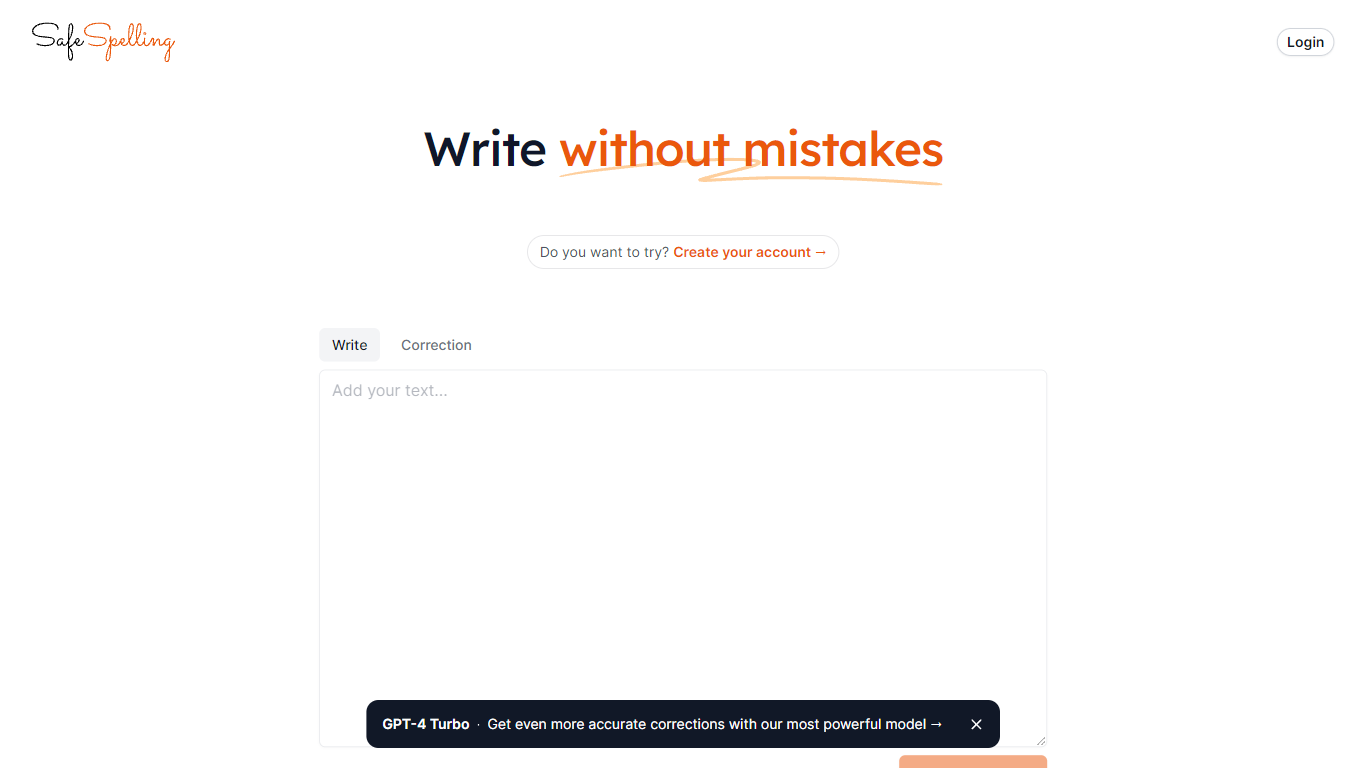
SafeSpelling helps users identify and correct spelling errors in their text quickly and accurately. It processes text inputs up to 1500 characters, making it suitable for emails, reports, and academic papers.
What sets SafeSpelling apart is its use of advanced GPT-3 and GPT-4 Turbo language models, which provide more precise corrections compared to basic spell checkers. Users can create accounts to access the most powerful AI model for personalized and reliable spelling correction.
The tool offers a simple and clean interface that focuses on improving written communication without overwhelming users with complex features. SafeSpelling balances ease of use with advanced AI technology to deliver effective spelling corrections efficiently.
While it supports relatively long text inputs, the 1500-character limit may require multiple submissions for longer documents. Despite this, SafeSpelling remains a valuable resource for students, professionals, writers, and educators aiming to enhance their text quality.
TinaMind Upvotes
SafeSpelling Upvotes
TinaMind Top Features
Four WiseInks modules in one workspace: chat, mind maps, whiteboards, and documents
XMind-compatible mind maps with export and import across your workflow
Chrome extension summarizes webpages, analyzes documents, and transcribes audio up to 20MB
TubeLens pulls structured summaries and mind maps from any YouTube video
800+ prompt library with one-click hooks into ChatGPT, Gemini, and Claude
Personal knowledge base links conversations, documents, and web research
Paid tiers unlock GPT-5, Gemini 3.1 Pro, and Claude 4.6 Sonnet for advanced queries
SafeSpelling Top Features
Corrects spelling mistakes instantly for clear writing
Uses GPT-4 Turbo for more accurate text corrections
Supports up to 1500 characters per text check
Allows account creation for personalized use
Simple interface for quick and easy editing
TinaMind Category
- Writing Assistant
SafeSpelling Category
- Writing Assistant
TinaMind Pricing Type
- Freemium
SafeSpelling Pricing Type
- Free