SafeSpelling vs Bearly AI
When comparing SafeSpelling vs Bearly AI, which AI Writing Assistant tool shines brighter? We look at pricing, alternatives, upvotes, features, reviews, and more.
Between SafeSpelling and Bearly AI, which one is superior?
When we put SafeSpelling and Bearly AI side by side, both being AI-powered writing assistant tools, Bearly AI stands out as the clear frontrunner in terms of upvotes. Bearly AI has 130 upvotes, and SafeSpelling has 6 upvotes.
Not your cup of tea? Upvote your preferred tool and stir things up!
SafeSpelling
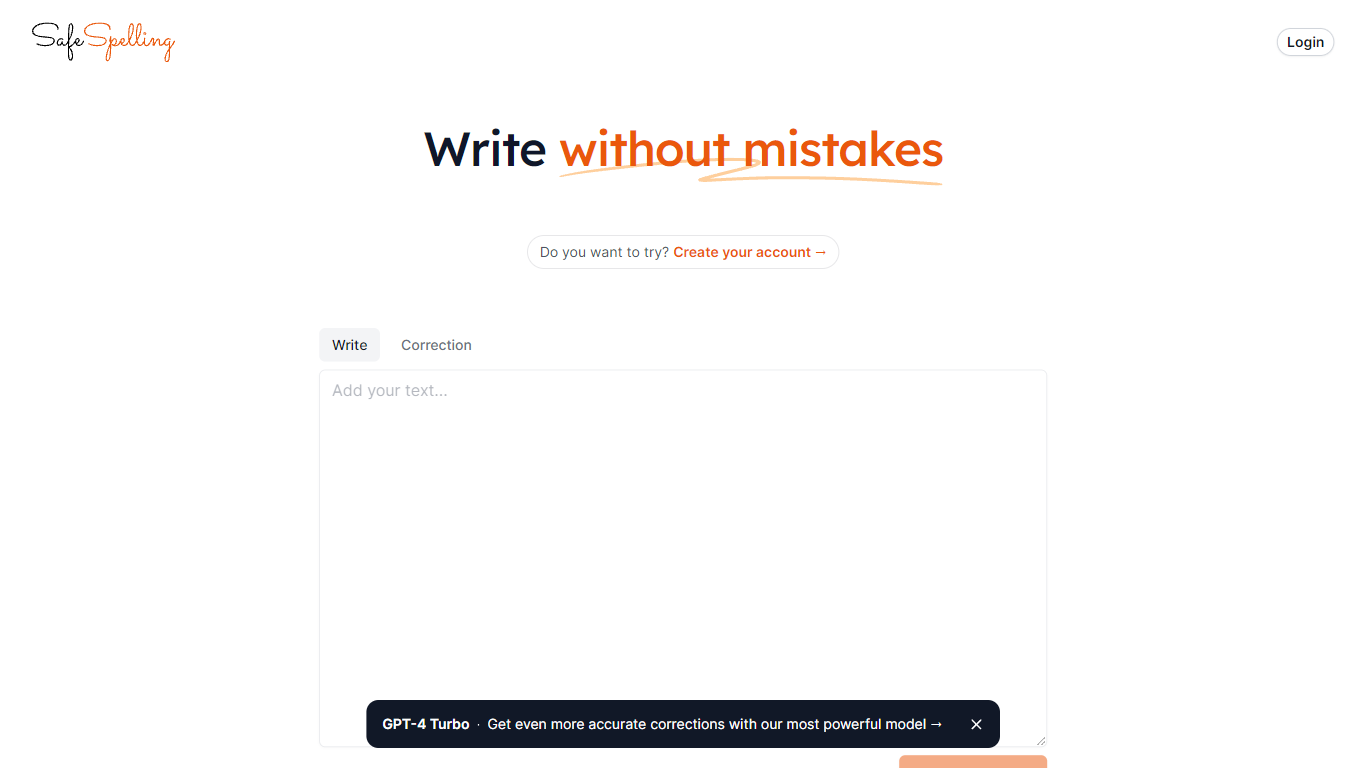

What is SafeSpelling?
SafeSpelling helps users identify and correct spelling errors in their text quickly and accurately. It processes text inputs up to 1500 characters, making it suitable for emails, reports, and academic papers.
What sets SafeSpelling apart is its use of advanced GPT-3 and GPT-4 Turbo language models, which provide more precise corrections compared to basic spell checkers. Users can create accounts to access the most powerful AI model for personalized and reliable spelling correction.
The tool offers a simple and clean interface that focuses on improving written communication without overwhelming users with complex features. SafeSpelling balances ease of use with advanced AI technology to deliver effective spelling corrections efficiently.
While it supports relatively long text inputs, the 1500-character limit may require multiple submissions for longer documents. Despite this, SafeSpelling remains a valuable resource for students, professionals, writers, and educators aiming to enhance their text quality.
Bearly AI
What is Bearly AI?
Bearly AI is a private AI workspace that puts multiple models, agents, and productivity tools in one place. You can chat with Claude, GPT, Gemini, Grok, and other models, run deep research, generate code and artifacts, create images and video, and work across desktop, mobile, browser extension, and CLI.
Subscriptions convert dollar-for-dollar into AI credits at cost, with no rate limits or throttling on paid plans. Chats and uploaded files are individually encrypted, and Bearly states it does not train on your data or show ads. Teams get projects, shared skills, and collaboration; enterprise customers can add SSO, SAML, permissions, and spend controls.
It fits professionals who want one workspace for writing, research, coding, and media tasks without juggling separate AI subscriptions. Apps are available for Mac, Windows, Linux, iOS, and Chrome, with a web dashboard at bearly.ai/dashboard.
SafeSpelling Upvotes
Bearly AI Upvotes
SafeSpelling Top Features
Corrects spelling mistakes instantly for clear writing
Uses GPT-4 Turbo for more accurate text corrections
Supports up to 1500 characters per text check
Allows account creation for personalized use
Simple interface for quick and easy editing
Bearly AI Top Features
Access Claude, GPT, Gemini, Grok, and other models from one workspace
Run agents, deep research, web and X search, and document Q&A in the same app
Build with code interpreters, artifacts, web apps, and file generation tools
Create images, video, documents, and presentations without leaving the workspace
Every chat and file is individually encrypted with no ads or training on your data
Use desktop, mobile, browser extension, web dashboard, and CLI on one account
SafeSpelling Category
- Writing Assistant
Bearly AI Category
- Writing Assistant
SafeSpelling Pricing Type
- Free
Bearly AI Pricing Type
- Freemium