Tinkercad vs Apera AI
When comparing Tinkercad vs Apera AI, which AI 3D Generation tool shines brighter? We look at pricing, alternatives, upvotes, features, reviews, and more.
In a comparison between Tinkercad and Apera AI, which one comes out on top?
When we put Tinkercad and Apera AI side by side, both being AI-powered 3d generation tools, The upvote count is neck and neck for both Tinkercad and Apera AI. Since other aitools.fyi users could decide the winner, the ball is in your court now to cast your vote and help us determine the winner.
Want to flip the script? Upvote your favorite tool and change the game!
Tinkercad

What is Tinkercad?
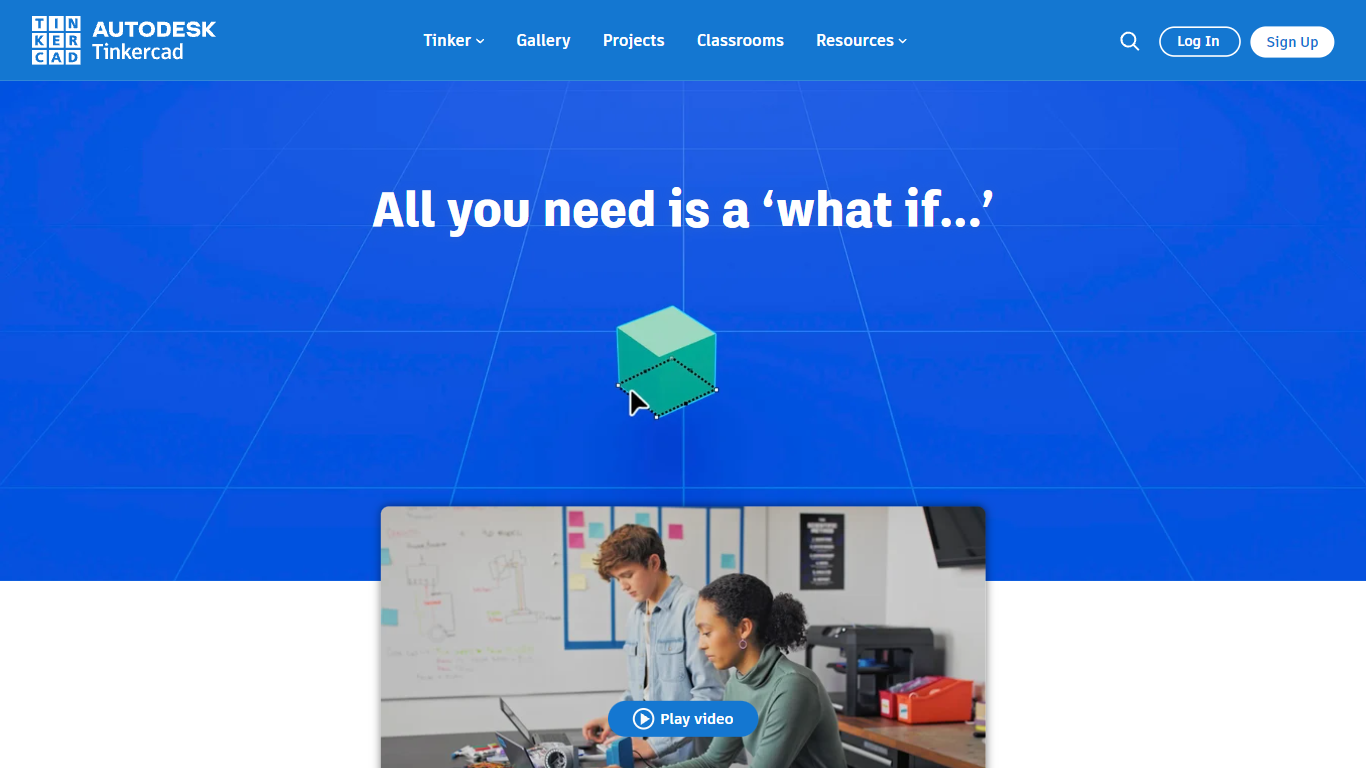
Tinkercad is a free browser-based 3D design app from Autodesk that also covers electronics circuits and block-based coding. Its homepage cites more than 100 million users and over 800 million designs created in the platform.
Compared with desktop CAD suites built for mechanical engineers, Tinkercad keeps modeling, breadboard circuits, and Codeblocks programming inside one kid-safe web workspace with no install step. That makes it the usual first stop before students graduate to Fusion or other Autodesk tools.
Teachers, students, and hobbyists use Tinkercad for classroom STEM projects, printable 3D models, and introductory Arduino-style circuits. The product is kidSAFE COPPA certified, ad-free, and aligned to Common Core and NGSS lesson plans.
Apera AI
What is Apera AI?
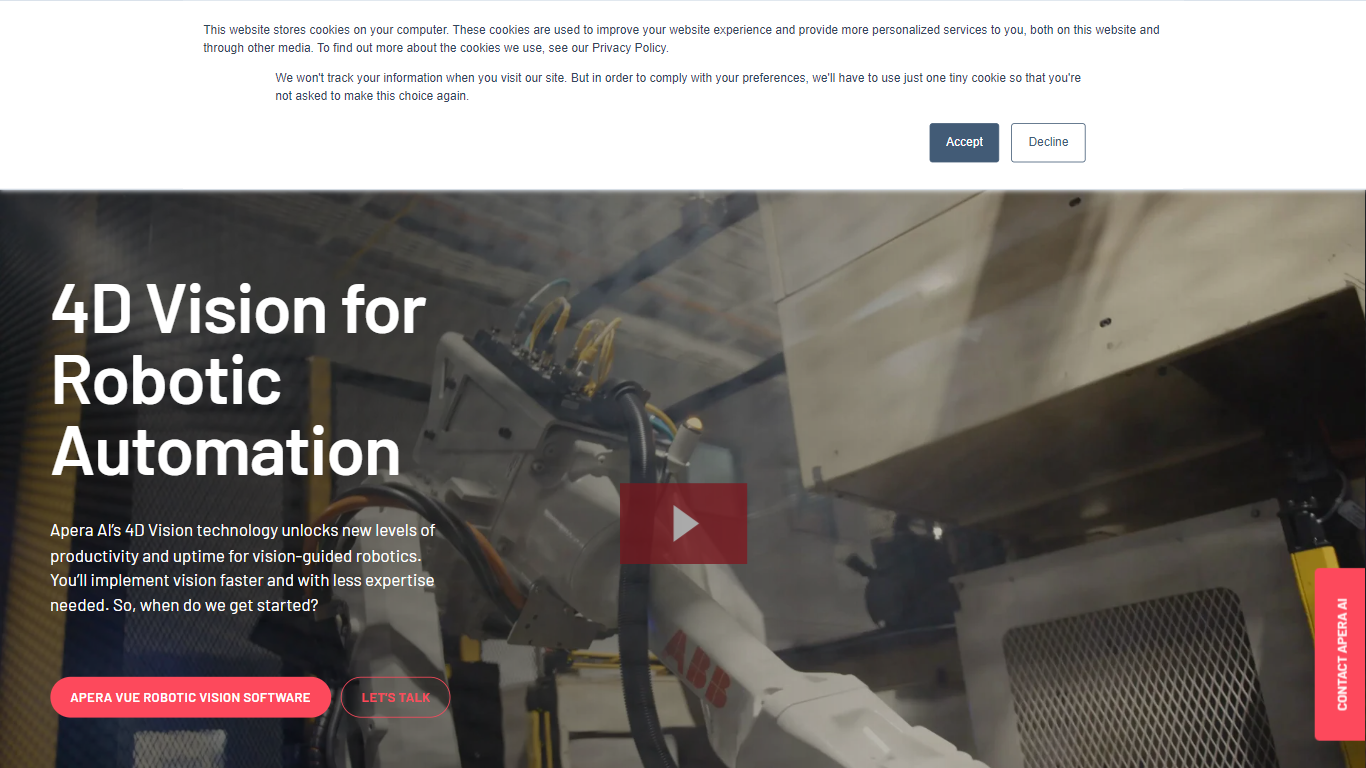
Apera AI sells 4D Vision software and hardware that guides industrial robots through bin picking, assembly, machine tending, sorting, and packaging tasks. Its Vue robotic vision platform combines pairs of 2D cameras into a 3D scene model, then runs proprietary neural networks to pick the most graspable part and send path plans to the robot controller in as little as 0.3 seconds.
Traditional machine vision often needs reference photos or fails on shiny, clear, or randomly piled parts. Apera AI trains objects from CAD models or 3D scans using synthetic data, targets 99.99% reliability before delivery, and handles clear, translucent, and reflective parts in bright, dark, or outdoor lighting. One Vue computer can run up to four camera pairs, and commissioning after training takes about 15 minutes of calibration.
The company targets automotive, medical device, and metal fabrication plants plus the system integrators who build their cells. Projects follow a four-step Scope, Design, Install, and Support process with certified partners, a spec-based refund guarantee on vision programs, and a 30-minute support callback pledge during business hours.
Tinkercad Upvotes
Apera AI Upvotes
Tinkercad Top Features
Browser-based 3D design with no download required
Circuits workspace for breadboard electronics and Arduino-style builds
Codeblocks editor for parametric designs with block-based code
Trusted by over 100 million users with 800+ million designs created
kidSAFE COPPA certified, ad-free classroom environment
Curriculum aligned to Common Core and NGSS standards
iPad app and Sim Lab modules extend beyond desktop browsers
Apera AI Top Features
Vue software runs up to 4 pairs of 2D cameras on one computer for large workcell coverage
Synthetic data training from CAD or 3D scans targets 99.99% reliability before the vision program ships
Part identification and robot path planning completes in as little as 0.3 seconds at 3 Hz cycle rates
Handles clear, translucent, shiny, and randomly piled parts in bright, dark, and outdoor lighting
Forge Lab provides web-based AI training and simulation so engineers test cells before installation
Foresight processing method accelerates total robot cycle time on complex sorting tasks
Tinkercad Category
- 3D Generation
Apera AI Category
- 3D Generation
Tinkercad Pricing Type
- Free
Apera AI Pricing Type
- Paid