Tinkercad vs ScanTo3D | OpalAi
In the face-off between Tinkercad vs ScanTo3D | OpalAi, which AI 3D Generation tool takes the crown? We scrutinize features, alternatives, upvotes, reviews, pricing, and more.
When we put Tinkercad and ScanTo3D | OpalAi head to head, which one emerges as the victor?
If we were to analyze Tinkercad and ScanTo3D | OpalAi, both of which are AI-powered 3d generation tools, what would we find? The upvote count is neck and neck for both Tinkercad and ScanTo3D | OpalAi. Your vote matters! Help us decide the winner among aitools.fyi users by casting your vote.
Think we got it wrong? Cast your vote and show us who's boss!
Tinkercad
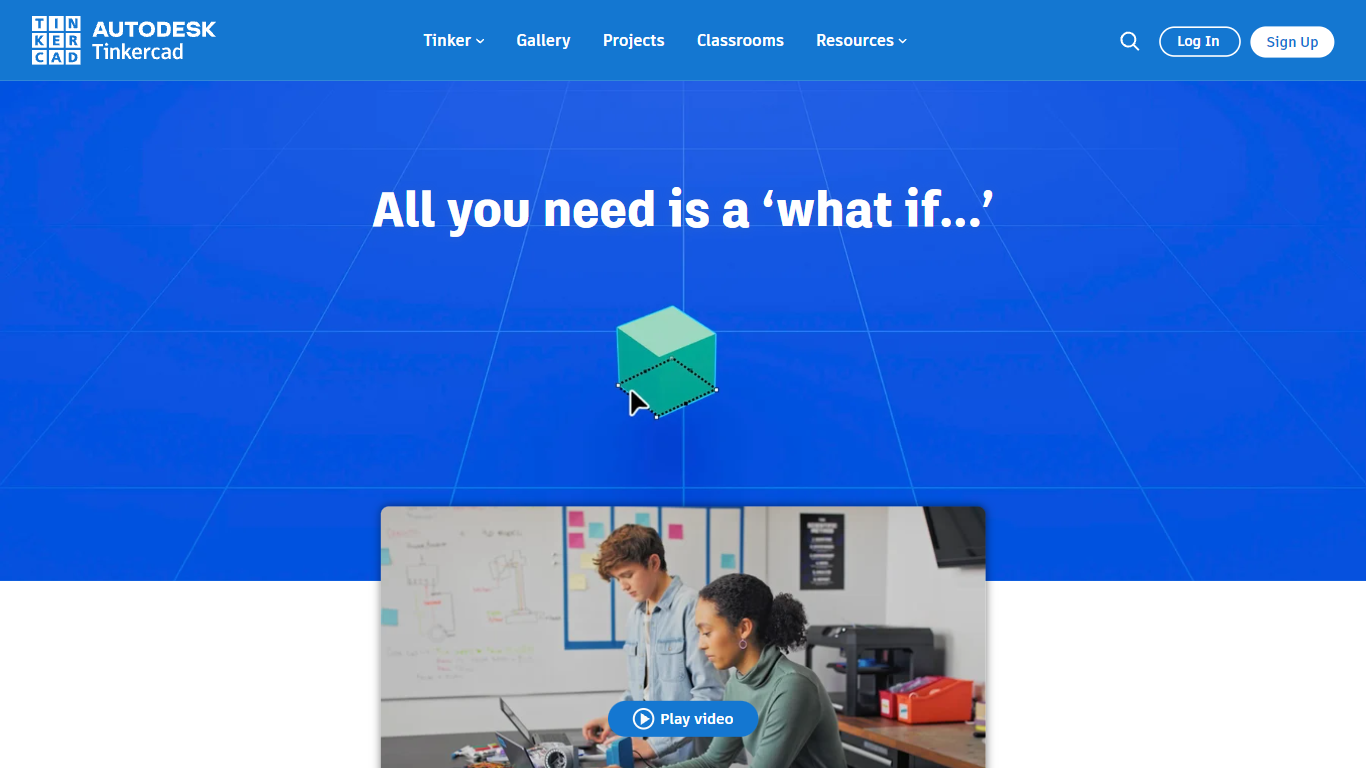

What is Tinkercad?
Tinkercad is a free browser-based 3D design app from Autodesk that also covers electronics circuits and block-based coding. Its homepage cites more than 100 million users and over 800 million designs created in the platform.
Compared with desktop CAD suites built for mechanical engineers, Tinkercad keeps modeling, breadboard circuits, and Codeblocks programming inside one kid-safe web workspace with no install step. That makes it the usual first stop before students graduate to Fusion or other Autodesk tools.
Teachers, students, and hobbyists use Tinkercad for classroom STEM projects, printable 3D models, and introductory Arduino-style circuits. The product is kidSAFE COPPA certified, ad-free, and aligned to Common Core and NGSS lesson plans.
ScanTo3D | OpalAi
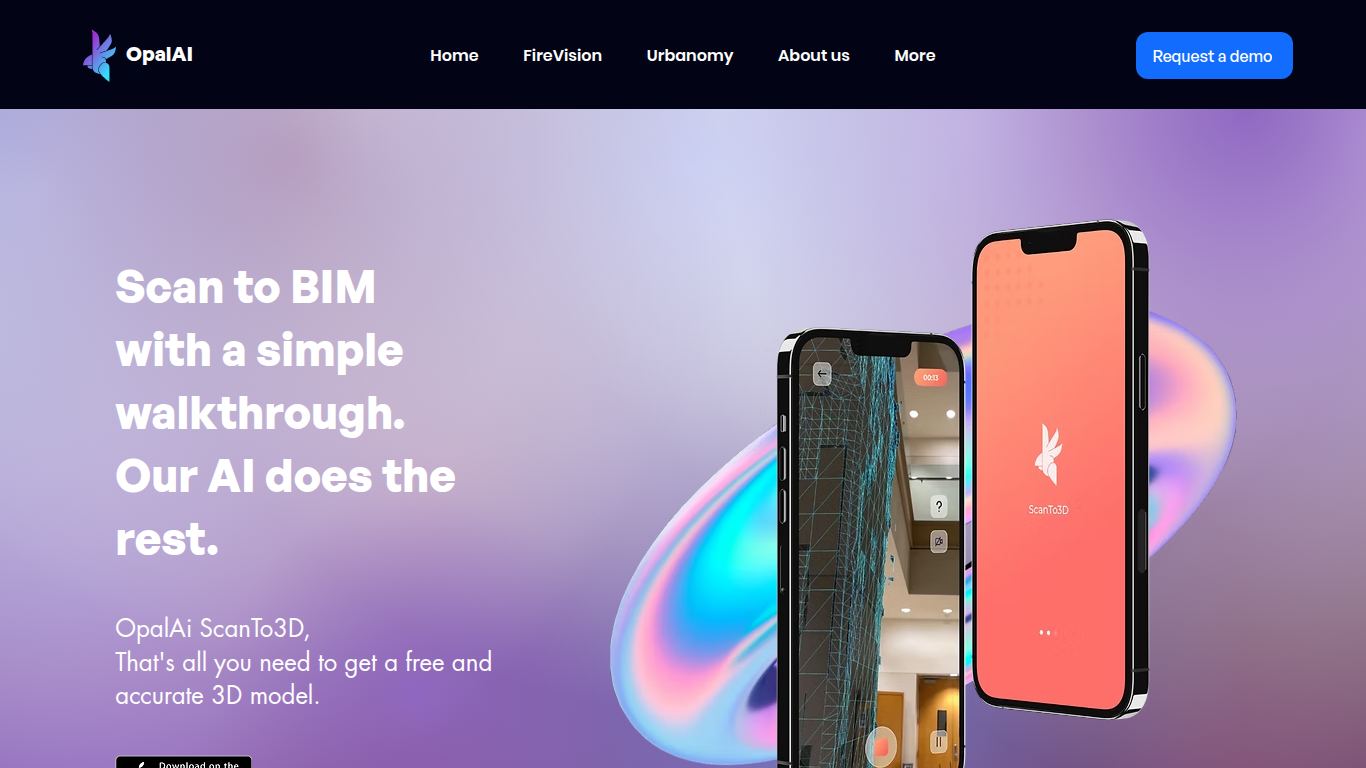
What is ScanTo3D | OpalAi?
ScanTo3D by OpalAi is a 3D generation app for iPhone Pro and iPad Pro that turns LiDAR walkthrough scans into floor plans, point clouds, and BIM-ready models. You walk through a space with your phone, capture geometry in InstaCAD or LiDAR mode, and export digital twins in formats like OBJ, GLTF, STL, and USDZ. It targets property owners, contractors, and facility teams who need as-built documentation without hauling a dedicated scanner.
Compared to renting tripod LiDAR hardware, ScanTo3D trades equipment cost for device requirements and optional cloud processing. InstaCAD mode builds 2D floor plans and 3D CAD models in real time for spaces under 2,000 square feet, while LiDAR mode handles larger environments with no hard size cap though OpalAi recommends keeping each scan under about 5,000 square feet.
Site managers, real estate teams, and construction sales staff use it for quick floor plans, ANSI-compliant gross living area calculations, and textured 3D exports. OpalAi claims less than 1 inch of error per 30 feet and about 98% accuracy on generated floor plans and BIM objects.
Tinkercad Upvotes
ScanTo3D | OpalAi Upvotes
Tinkercad Top Features
Browser-based 3D design with no download required
Circuits workspace for breadboard electronics and Arduino-style builds
Codeblocks editor for parametric designs with block-based code
Trusted by over 100 million users with 800+ million designs created
kidSAFE COPPA certified, ad-free classroom environment
Curriculum aligned to Common Core and NGSS standards
iPad app and Sim Lab modules extend beyond desktop browsers
ScanTo3D | OpalAi Top Features
InstaCAD mode builds 2D floor plans and 3D CAD models in real time while you scan
LiDAR mode captures point clouds with no property size limit on supported devices
Exports OBJ, GLTF, GLB, STL, FBX, USDZ, PCD, PLY, LAS, and e57 formats on Pro
Accuracy under 1 inch per 30 feet with about 98% floor plan accuracy claimed
Works on iPhone Pro and iPad Pro devices with built-in LiDAR cameras
Cloud upload delivers processed 2D and 3D floor plans in 1 to 2 business days
ANSI-compliant gross living area calculations included with uploaded scans
Tinkercad Category
- 3D Generation
ScanTo3D | OpalAi Category
- 3D Generation
Tinkercad Pricing Type
- Free
ScanTo3D | OpalAi Pricing Type
- Freemium