Tinkercad vs StyleFrame (formerly Glyf)
In the face-off between Tinkercad vs StyleFrame (formerly Glyf), which AI 3D Generation tool takes the crown? We scrutinize features, alternatives, upvotes, reviews, pricing, and more.
When we put Tinkercad and StyleFrame (formerly Glyf) head to head, which one emerges as the victor?
If we were to analyze Tinkercad and StyleFrame (formerly Glyf), both of which are AI-powered 3d generation tools, what would we find? The upvote count is neck and neck for both Tinkercad and StyleFrame (formerly Glyf). The power is in your hands! Cast your vote and have a say in deciding the winner.
Not your cup of tea? Upvote your preferred tool and stir things up!
Tinkercad
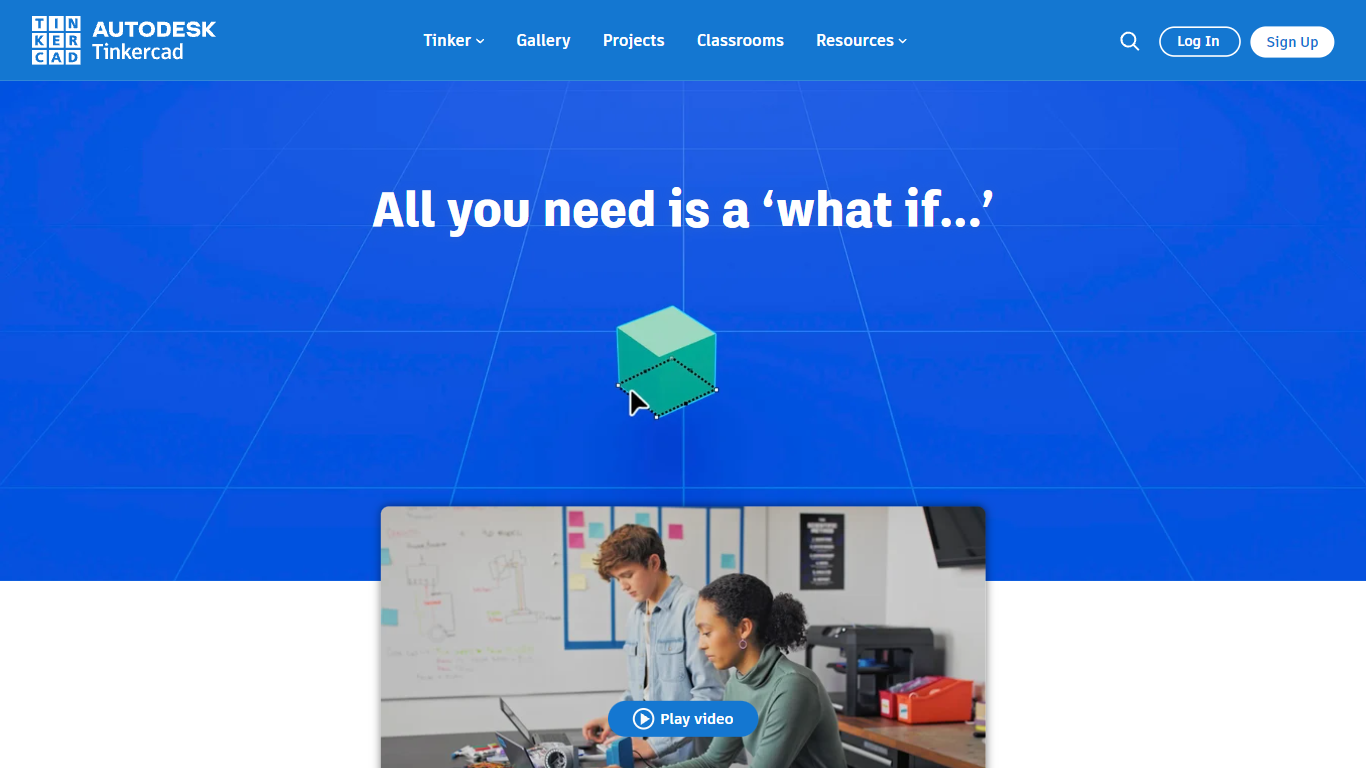

What is Tinkercad?
Tinkercad is a free browser-based 3D design app from Autodesk that also covers electronics circuits and block-based coding. Its homepage cites more than 100 million users and over 800 million designs created in the platform.
Compared with desktop CAD suites built for mechanical engineers, Tinkercad keeps modeling, breadboard circuits, and Codeblocks programming inside one kid-safe web workspace with no install step. That makes it the usual first stop before students graduate to Fusion or other Autodesk tools.
Teachers, students, and hobbyists use Tinkercad for classroom STEM projects, printable 3D models, and introductory Arduino-style circuits. The product is kidSAFE COPPA certified, ad-free, and aligned to Common Core and NGSS lesson plans.
StyleFrame (formerly Glyf)

What is StyleFrame (formerly Glyf)?
StyleFrame is a 3D and video generation toolkit for motion designers and animators. It grew out of Glyf, whose original glyf.in domain now hosts unrelated blog content. StyleFrame puts keyframes on a timeline so you can animate with up to 9 frames, transfer motion from reference videos, and run 3D previsualization with style transfer across up to 9 references.
Most AI video tools generate a single clip from one prompt. StyleFrame is built around procedural, timeline-driven control: storyboards, inbetweening, motion references, restyle passes, and frames-to-video workflows sit in one editor. It also ships image tools for create, restyle, edit, background removal, and upscaling, with models including Seedance 2.5, MiniMax H3, and Gemini Omni Flash.
StyleFrame targets motion designers, animators, and studios who need frame-level control rather than one-shot generation. Credit-based plans start at $9 per month for Basic with 1,000 credits, scaling to Studio at $99 per month for 15,000 credits. Enterprise plans offer unlimited output with custom pricing.
Tinkercad Upvotes
StyleFrame (formerly Glyf) Upvotes
Tinkercad Top Features
Browser-based 3D design with no download required
Circuits workspace for breadboard electronics and Arduino-style builds
Codeblocks editor for parametric designs with block-based code
Trusted by over 100 million users with 800+ million designs created
kidSAFE COPPA certified, ad-free classroom environment
Curriculum aligned to Common Core and NGSS standards
iPad app and Sim Lab modules extend beyond desktop browsers
StyleFrame (formerly Glyf) Top Features
Timeline supports up to 9 keyframes for frames-to-video animation
3D-Previz and 2D-to-3D style transfer with up to 9 reference images
Visual effects mode transfers motion from a reference video onto a still image
Basic plan includes 1,000 credits per month at $9 monthly or $7 billed annually
Pro plan includes 5,000 credits; Studio plan includes 15,000 credits
Built-in image create, restyle, edit, background removal, and upscaler tools
Tinkercad Category
- 3D Generation
StyleFrame (formerly Glyf) Category
- 3D Generation
Tinkercad Pricing Type
- Free
StyleFrame (formerly Glyf) Pricing Type
- Paid