Tinkercad vs MakePose
Dive into the comparison of Tinkercad vs MakePose and discover which AI 3D Generation tool stands out. We examine alternatives, upvotes, features, reviews, pricing, and beyond.
When comparing Tinkercad and MakePose, which one rises above the other?
When we compare Tinkercad and MakePose, two exceptional 3d generation tools powered by artificial intelligence, and place them side by side, several key similarities and differences come to light. The upvote count reveals a draw, with both tools earning the same number of upvotes. Be a part of the decision-making process. Your vote could determine the winner.
Want to flip the script? Upvote your favorite tool and change the game!
Tinkercad

What is Tinkercad?
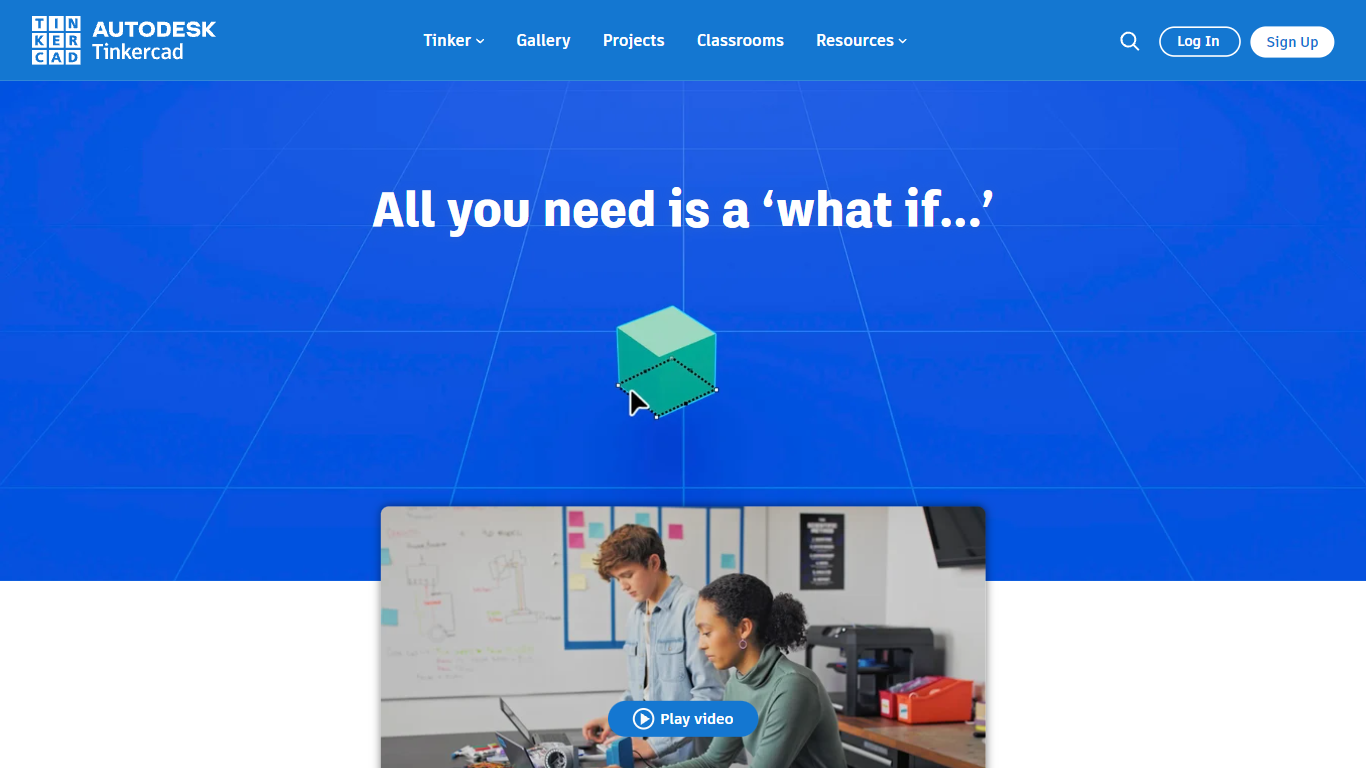
Tinkercad is a free browser-based 3D design app from Autodesk that also covers electronics circuits and block-based coding. Its homepage cites more than 100 million users and over 800 million designs created in the platform.
Compared with desktop CAD suites built for mechanical engineers, Tinkercad keeps modeling, breadboard circuits, and Codeblocks programming inside one kid-safe web workspace with no install step. That makes it the usual first stop before students graduate to Fusion or other Autodesk tools.
Teachers, students, and hobbyists use Tinkercad for classroom STEM projects, printable 3D models, and introductory Arduino-style circuits. The product is kidSAFE COPPA certified, ad-free, and aligned to Common Core and NGSS lesson plans.
MakePose
What is MakePose?
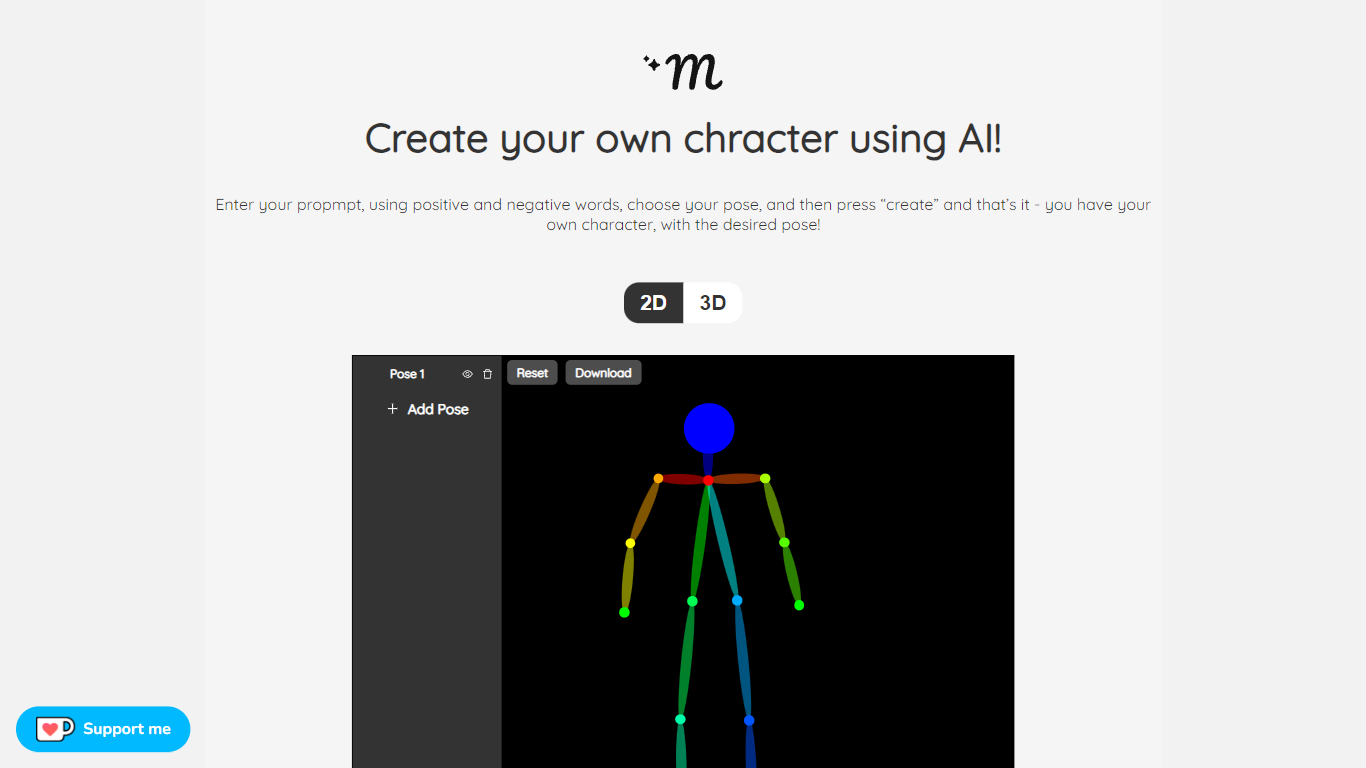
MakePose is an innovative online platform that enables users to create unique characters using advanced AI technology. With the simple click of a button, you can generate a personalized character by entering specific attributes through positive and negative prompts. You have the versatility to choose between 2D and 3D representations, add custom poses, and layer various elements to craft the perfect avatar. Once you are satisfied with your creation, MakePose allows you to easily download your character. Whether for gaming, storytelling, or digital art, MakePose offers a user-friendly interface that caters to both beginners and professionals. The service is always evolving, and user feedback is highly welcomed to enhance the experience further.
Tinkercad Upvotes
MakePose Upvotes
Tinkercad Top Features
Browser-based 3D design with no download required
Circuits workspace for breadboard electronics and Arduino-style builds
Codeblocks editor for parametric designs with block-based code
Trusted by over 100 million users with 800+ million designs created
kidSAFE COPPA certified, ad-free classroom environment
Curriculum aligned to Common Core and NGSS standards
iPad app and Sim Lab modules extend beyond desktop browsers
MakePose Top Features
Custom Character Generation: Utilize AI to create distinctive characters based on input prompts.
Positive and Negative Prompt System: Fine-tune your character's attributes with positive and negative keywords.
2D and 3D Options: Choose between two-dimensional or three-dimensional character representations.
Pose Customization: Adjust and add custom poses to bring your character to life.
Downloadable Creations: Conveniently download your AI-generated character for various uses.
Tinkercad Category
- 3D Generation
MakePose Category
- 3D Generation
Tinkercad Pricing Type
- Free
MakePose Pricing Type
- Freemium