TLDRai.com vs Inbox Narrator
In the battle of TLDRai.com vs Inbox Narrator, which AI Summarizer tool comes out on top? We compare reviews, pricing, alternatives, upvotes, features, and more.
Between TLDRai.com and Inbox Narrator, which one is superior?
Upon comparing TLDRai.com with Inbox Narrator, which are both AI-powered summarizer tools, Interestingly, both tools have managed to secure the same number of upvotes. Every vote counts! Cast yours and contribute to the decision of the winner.
Don't agree with the result? Cast your vote and be a part of the decision-making process!
TLDRai.com

What is TLDRai.com?
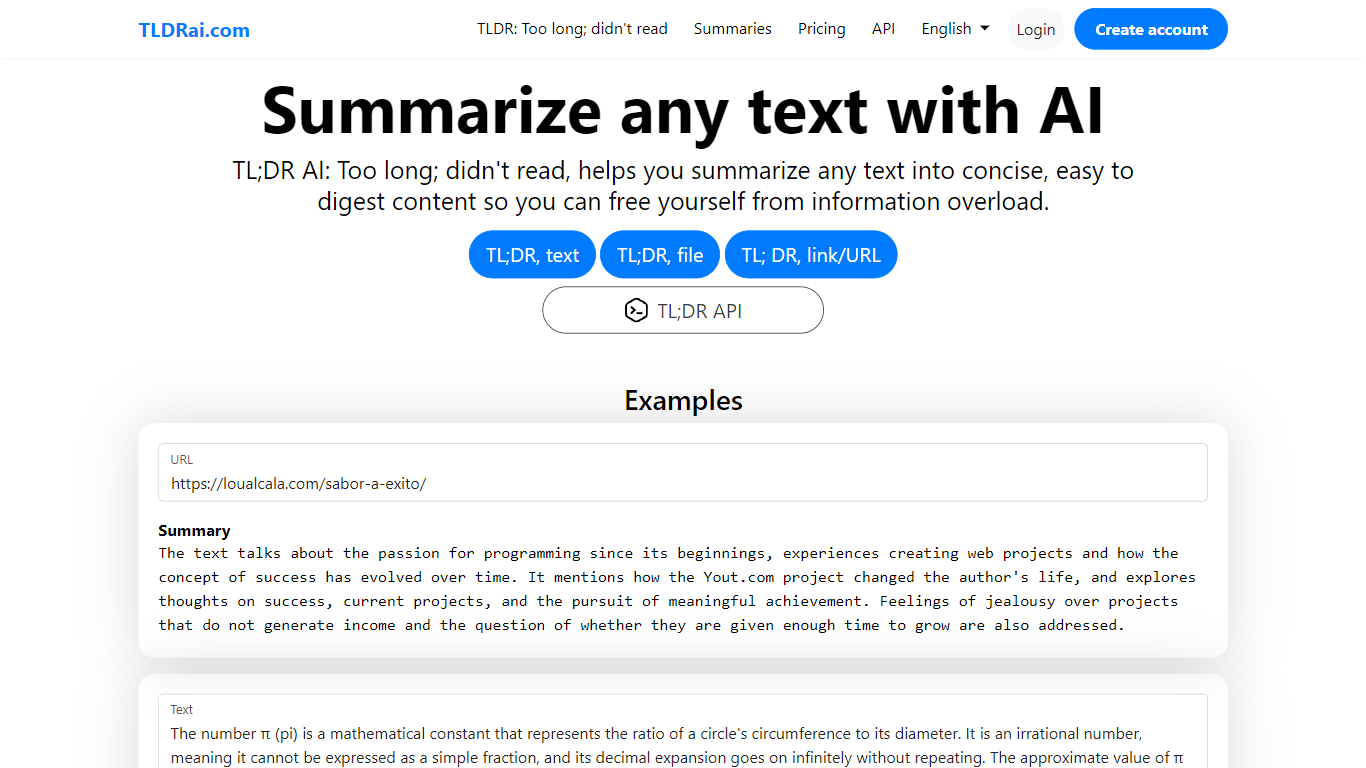
TLDRai.com is a text summarizer that turns long articles, documents, and pasted copy into short TL;DR style summaries. You can paste text directly, upload a file, or point it at a website URL, and the tool returns a condensed version meant to cut through information overload.
Unlike general chatbots that answer questions in a sidebar, TLDRai.com is built around one job: compressing text fast. The paid plan removes summary limits and unlocks every conversion tool, while a separate TLDWai.com sister product handles video summaries. The trade-off is a narrow feature set compared to research assistants that also cite sources or rewrite in multiple styles.
Students, researchers, and busy readers use TLDRai.com to skim news articles, policy PDFs, and long emails. Developers can call the REST API at api.tldrai.com/v1 with an account API key to add summarization to their own apps.
Inbox Narrator

What is Inbox Narrator?
Inbox Narrator is a summarizer that turns unread Gmail into a morning audio briefing you can hear through Siri, Google Assistant, or a private podcast feed. After you connect Gmail with read-only access, the service uses AI to condense new messages and deliver them as spoken summaries so you can catch up while making coffee or commuting.
Unlike text-only inbox digests, Inbox Narrator bets on voice delivery and three linked modes on one subscription: spoken morning summaries, a daily email podcast, and Inbox Chat for asking questions about your mailbox. That mix targets people who want hands-free triage rather than another dashboard to scroll.
Busy professionals, founders, and anyone drowning in Gmail notifications are the core audience. Setup walks through Google sign-in, voice assistant configuration, and optional podcast subscription, with support reachable at [email protected] if billing or Siri setup gets stuck.
TLDRai.com Upvotes
Inbox Narrator Upvotes
TLDRai.com Top Features
Summarize pasted text, uploaded files, or content pulled from a website URL
Paid plan at $7 per user per month with no text summary limit
Annual billing is $70 per year, equal to $5.83 per user per month
REST API at https://api.tldrai.com/v1/ with per-account API keys
Multilingual interface via language parameters on tldrai.com
Sister product TLDWai.com handles Too Long; Didn't Watch video summaries
Built with Django and operated by VPS.org LLC
Inbox Narrator Top Features
Summarizes new Gmail messages and delivers them through Siri or Google Assistant each morning
Email Podcast generates one private daily episode from your inbox for any podcast app
Inbox Chat lets you query, organize, and draft replies to Gmail through a web chat or Siri
30-day free trial, then $5 per month for all three features on one subscription
Read-only Gmail access with email content not stored on Inbox Narrator servers
Works on any device that supports Siri or Google Assistant
TLDRai.com Category
- Summarizer
Inbox Narrator Category
- Summarizer
TLDRai.com Pricing Type
- Freemium
Inbox Narrator Pricing Type
- Paid