TLDRai.com vs Summarize with Kome
When comparing TLDRai.com vs Summarize with Kome, which AI Summarizer tool shines brighter? We look at pricing, alternatives, upvotes, features, reviews, and more.
Between TLDRai.com and Summarize with Kome, which one is superior?
When we put TLDRai.com and Summarize with Kome side by side, both being AI-powered summarizer tools, Both tools have received the same number of upvotes from aitools.fyi users. The power is in your hands! Cast your vote and have a say in deciding the winner.
Disagree with the result? Upvote your favorite tool and help it win!
TLDRai.com

What is TLDRai.com?
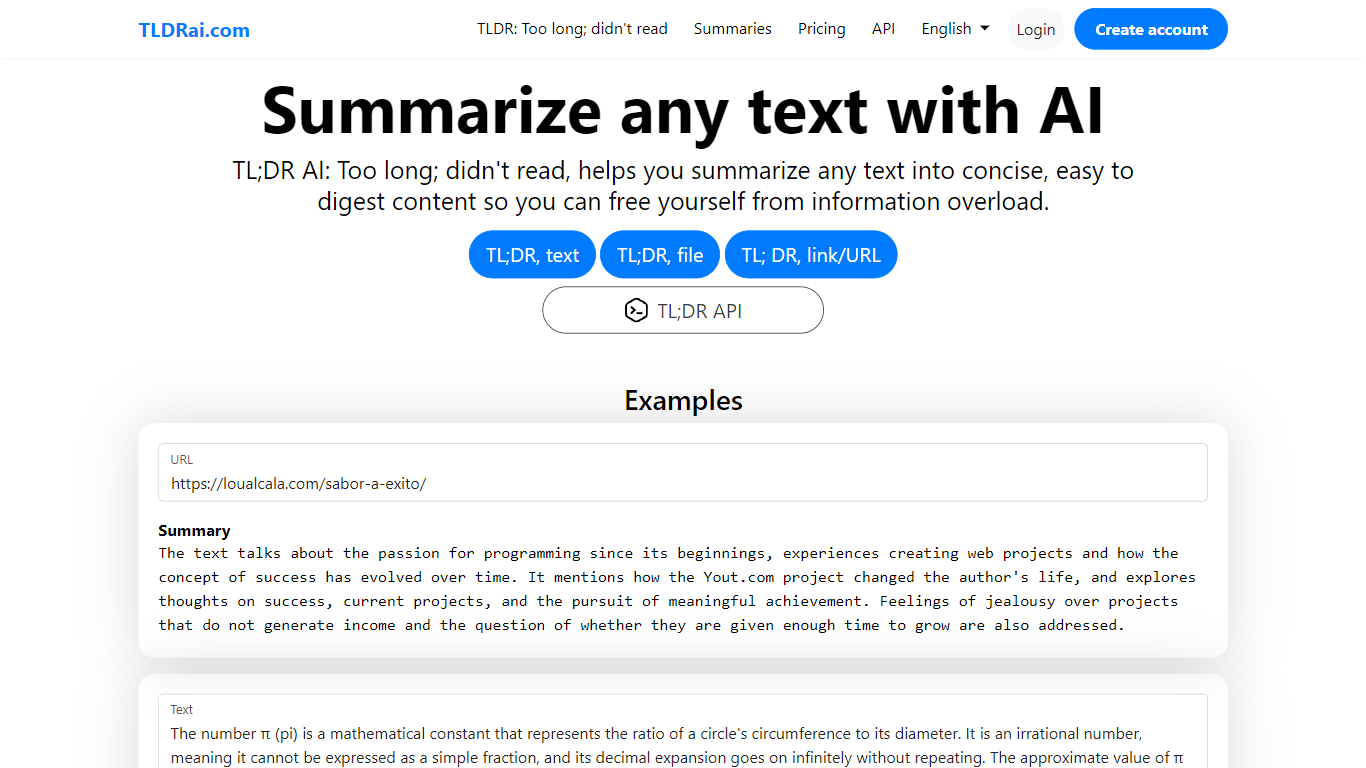
TLDRai.com is a text summarizer that turns long articles, documents, and pasted copy into short TL;DR style summaries. You can paste text directly, upload a file, or point it at a website URL, and the tool returns a condensed version meant to cut through information overload.
Unlike general chatbots that answer questions in a sidebar, TLDRai.com is built around one job: compressing text fast. The paid plan removes summary limits and unlocks every conversion tool, while a separate TLDWai.com sister product handles video summaries. The trade-off is a narrow feature set compared to research assistants that also cite sources or rewrite in multiple styles.
Students, researchers, and busy readers use TLDRai.com to skim news articles, policy PDFs, and long emails. Developers can call the REST API at api.tldrai.com/v1 with an account API key to add summarization to their own apps.
Summarize with Kome
What is Summarize with Kome?
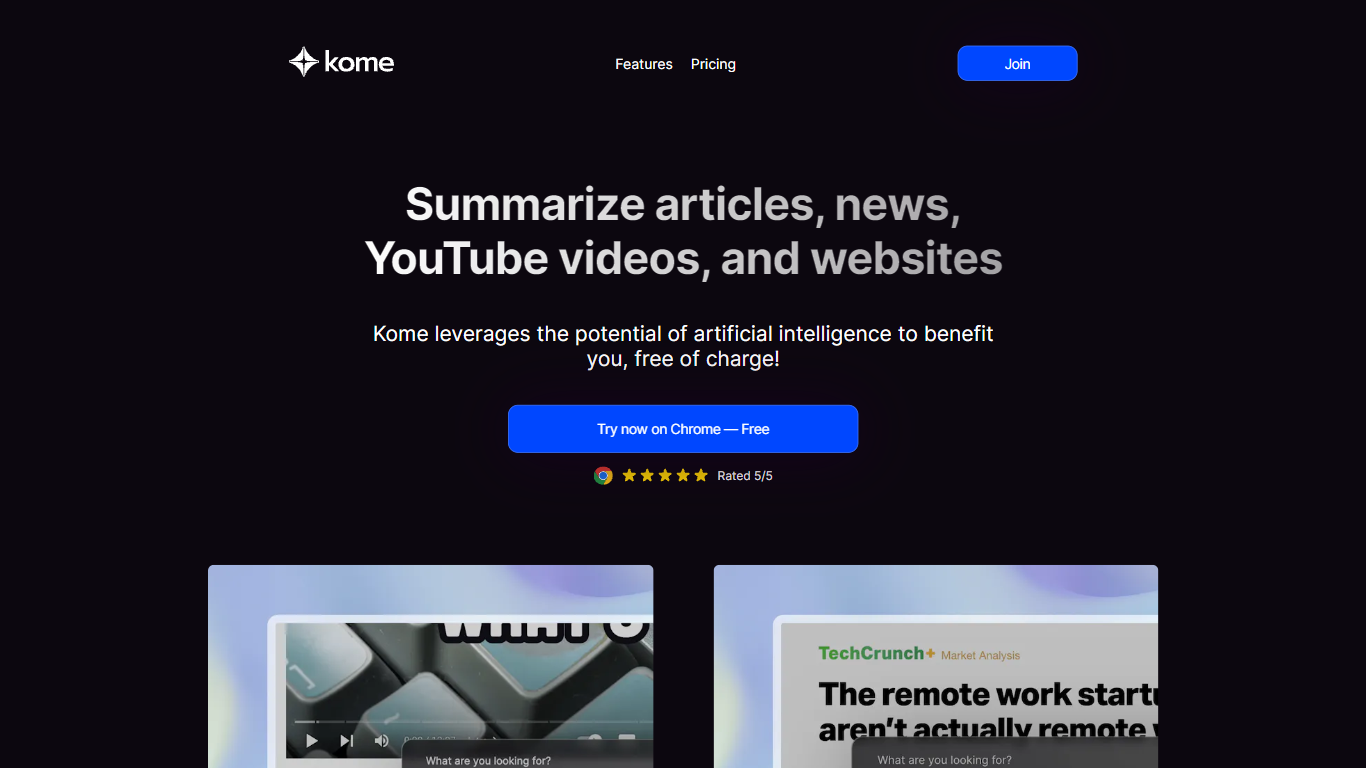
Summarize with Kome is a browser extension that turns long web content into short summaries from the page you are already reading. It works on articles, news stories, YouTube videos, PDF files, and X (Twitter) threads. The summarizer runs inside Chrome, Brave, Opera, Arc, and Edge, so you do not copy URLs into a separate web app.
Most standalone summarizers ask you to paste a link and wait. Kome sits in your toolbar and summarizes whatever tab is open with one click. The same extension also bundles a bookmark manager, Smart Compose for drafting tweets and emails from saved clips, and small utilities like email and color extraction. That combination targets people who read and save content all day, not someone who summarizes one article a month.
Students, researchers, journalists, and news readers use Kome to pull key points from course readings, academic papers, YouTube lectures, and daily headlines. Content creators use it to scan sources before writing. The free tier includes 5 summary credits; Premium at $5.99 per month raises that to 200 credits and adds priority support.
TLDRai.com Upvotes
Summarize with Kome Upvotes
TLDRai.com Top Features
Summarize pasted text, uploaded files, or content pulled from a website URL
Paid plan at $7 per user per month with no text summary limit
Annual billing is $70 per year, equal to $5.83 per user per month
REST API at https://api.tldrai.com/v1/ with per-account API keys
Multilingual interface via language parameters on tldrai.com
Sister product TLDWai.com handles Too Long; Didn't Watch video summaries
Built with Django and operated by VPS.org LLC
Summarize with Kome Top Features
Summarize articles, news, YouTube videos, PDFs, and X threads from the active browser tab
Free plan includes 5 summary credits; Premium includes 200 credits per month at $5.99
Bookmark manager saves and organizes clips from any website inside the extension
Smart Compose drafts tweets, emails, and blog outlines from your saved bookmarks
Works on Chrome, Brave, Opera, Arc, and Edge browsers
YouTube transcript generator supports 120+ languages as a separate free web tool
TLDRai.com Category
- Summarizer
Summarize with Kome Category
- Summarizer
TLDRai.com Pricing Type
- Freemium
Summarize with Kome Pricing Type
- Freemium