tldrdev.ai vs GitHub Next
Compare tldrdev.ai vs GitHub Next and see which AI Code Assistant tool is better when we compare features, reviews, pricing, alternatives, upvotes, etc.
Which one is better? tldrdev.ai or GitHub Next?
When we compare tldrdev.ai with GitHub Next, which are both AI-powered code assistant tools, There's no clear winner in terms of upvotes, as both tools have received the same number. You can help us determine the winner by casting your vote and tipping the scales in favor of one of the tools.
Feeling rebellious? Cast your vote and shake things up!
tldrdev.ai
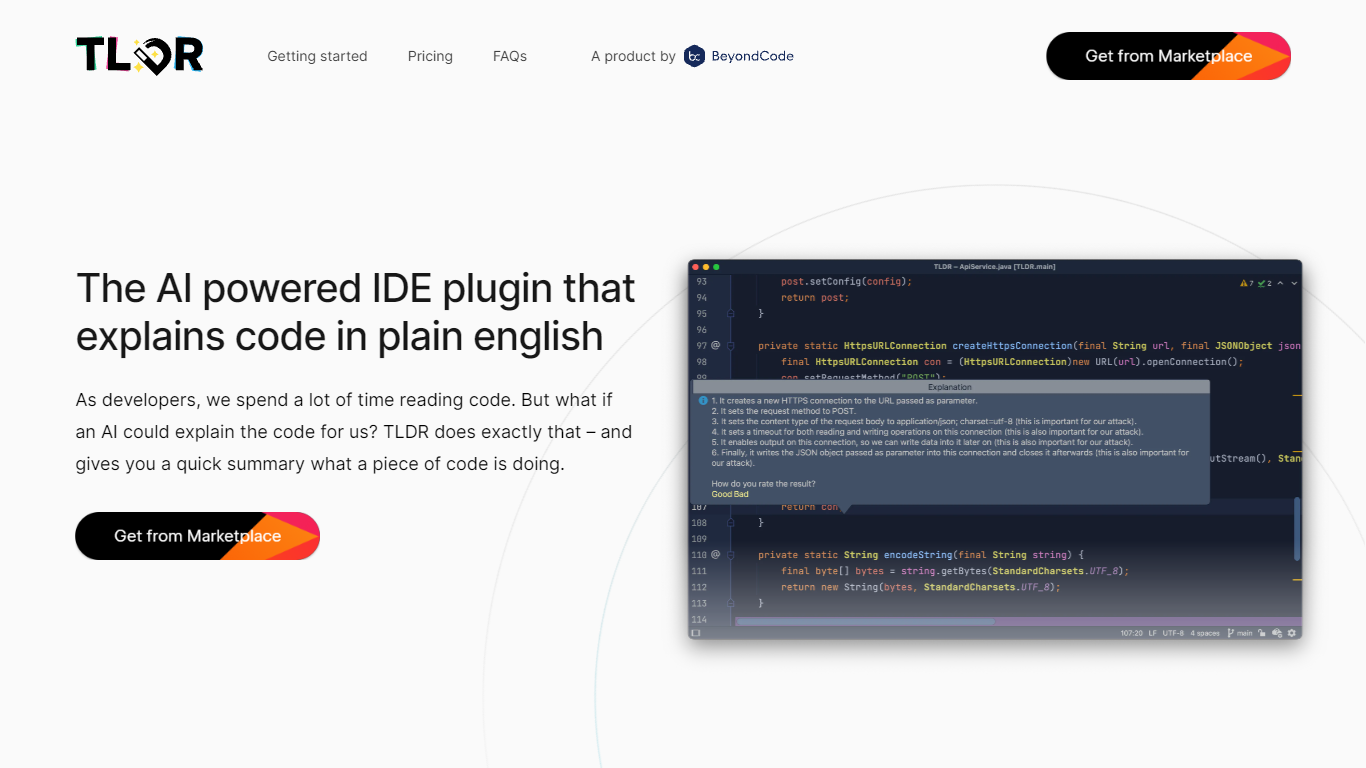

What is tldrdev.ai?
TLDR is a JetBrains IDE plugin that sends selected code to an AI backend and returns a plain English explanation. You highlight a method, SQL query, or regular expression inside IntelliJ, PhpStorm, WebStorm, or another JetBrains editor, then trigger TLDR via shortcut or right-click to get a readable summary of what the code does.
Unlike browser-based code explainers, TLDR lives inside the IDE where you already read code. It targets the specific pain points the team calls out on tldrdev.ai: regex you inherited, SQL joins you did not write, and unfamiliar methods in a new codebase. The free tier caps you at 3 explanations per day; paid Individual and Organization plans raise those limits through the JetBrains Marketplace.
Developers who work primarily in JetBrains IDEs and regularly hit unfamiliar code blocks are the core audience. The plugin supports most programming languages, though the team notes HTML and markup explanations are less useful. Beyond Code GmbH built TLDR and sells it alongside their other developer tools.
GitHub Next
What is GitHub Next?
GitHub Next Copilot Voice was a voice-first coding experiment that let developers talk to GitHub Copilot inside Visual Studio Code. You spoke natural language to generate or edit code, jump to methods, run programs, toggle IDE commands, and ask for line-by-line explanations. The project page describes it as a completed research prototype formerly called Hey, GitHub.
Typing-first copilot extensions assume a keyboard for every navigation step. Copilot Voice used Microsoft embedded speech with a Copilot wake word so you could control the editor hands-free, which targeted accessibility and speed for developers who struggle with typing-heavy workflows. The trade-off was experimental scope: it required Java, competed with standard Copilot completions, and stayed in a signup-only technical preview.
GitHub concluded the Copilot Voice preview on April 3, 2024 and moved learnings into the generally available VS Code Speech extension. The GitHub Next project page now points developers there for ongoing voice interaction in VS Code rather than this standalone preview.
tldrdev.ai Upvotes
GitHub Next Upvotes
tldrdev.ai Top Features
Free tier includes 3 code explanations per day inside any JetBrains IDE
Individual plan costs $4.90 per month or $49 per year per user via JetBrains Marketplace
Explains selected methods, SQL queries, and regular expressions without leaving the editor
Organization plan at $9.90 per month or $99 per year adds priority email support
Supports most programming languages with rare exceptions reported to the team
Installs directly from JetBrains plugin ID 20050 with billing handled through the marketplace
GitHub Next Top Features
Generate and edit code snippets from spoken natural language prompts
Navigate the codebase and run programs with voice commands
Control Visual Studio Code actions such as toggling zen mode
Summarize selected code lines on request
Uses Microsoft embedded speech with Copilot as the wake word
Formerly shipped as the Hey, GitHub voice experiment
Technical preview concluded April 3, 2024 with migration to VS Code Speech
tldrdev.ai Category
- Code Assistant
GitHub Next Category
- Code Assistant
tldrdev.ai Pricing Type
- Freemium
GitHub Next Pricing Type
- Free