Toolbuilder vs Cogram
Dive into the comparison of Toolbuilder vs Cogram and discover which AI All In One tool stands out. We examine alternatives, upvotes, features, reviews, pricing, and beyond.
In a comparison between Toolbuilder and Cogram, which one comes out on top?
When we compare Toolbuilder and Cogram, two exceptional all in one tools powered by artificial intelligence, and place them side by side, several key similarities and differences come to light. Interestingly, both tools have managed to secure the same number of upvotes. The power is in your hands! Cast your vote and have a say in deciding the winner.
Not your cup of tea? Upvote your preferred tool and stir things up!
Toolbuilder
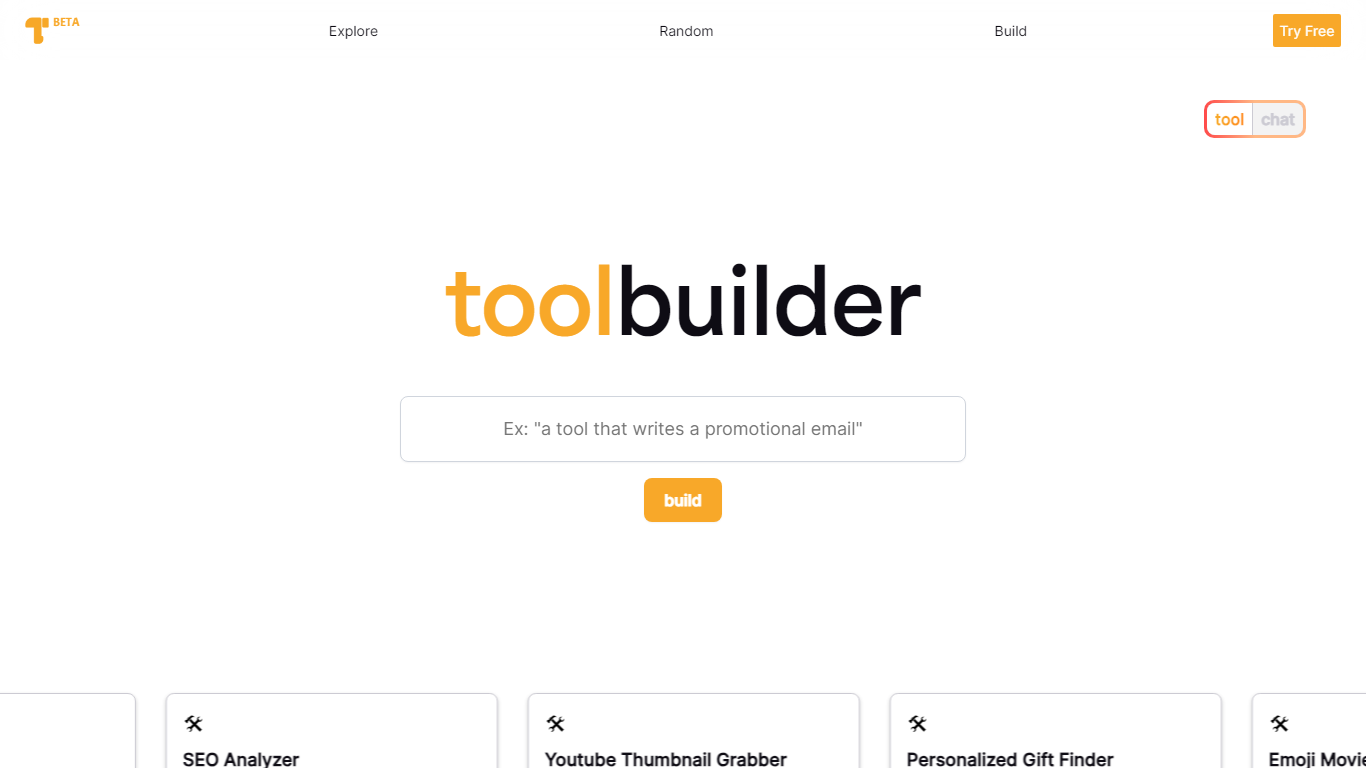

What is Toolbuilder?
Toolbuilder is an innovative online platform that allows you to easily create custom AI-powered tools without any coding experience. Whether you're looking to streamline your workflow, enhance productivity, or just explore the boundaries of artificial intelligence, Toolbuilder has you covered. With a simple interface and quick generation of outputs, you can watch your tool come to life in seconds. Engage with the Toolbuilder community by exploring a plethora of creative tools, or share your own inventions to inspire others. Save your favorite tools in your personal ToolBox for easy access, and boost your collaboration by sharing these tools with your network. Start building for free and join the AI revolution with Toolbuilder – Your idea, AI's execution.
Cogram
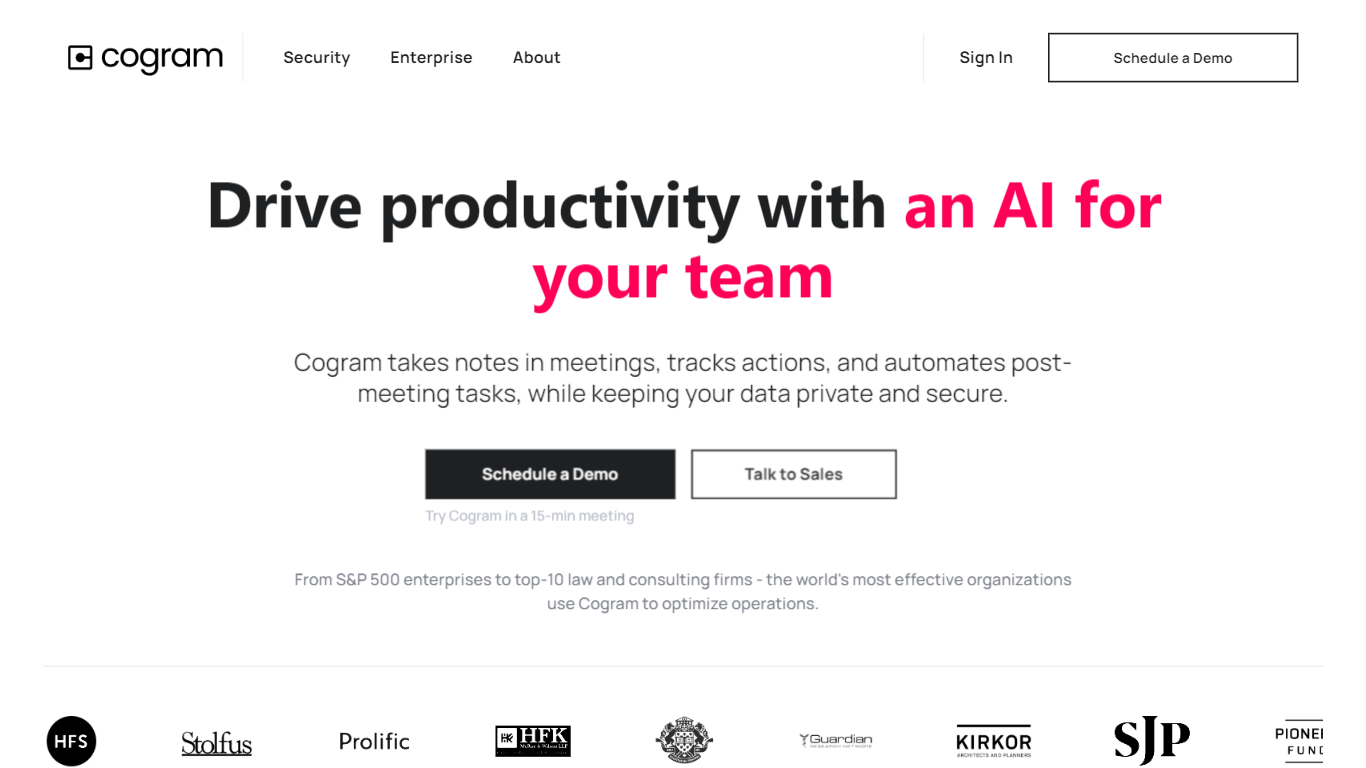
What is Cogram?
Cogram gives architects and engineers one workspace for project documentation, from meeting minutes and field reports to RFIs, submittals, and project email. The platform connects to Procore, Deltek, Unanet, Microsoft Teams, Outlook, Autodesk, Zoom, and Google Meet, then outputs drafts in your firm's templates instead of generic summaries.
Generic meeting assistants capture call notes. Cogram is built around AEC workflows: RFIs and submittals sync with Procore, field reports come from voice and photos on site, and the project Agent answers questions against drawings and correspondence. Modular pricing lets firms buy only the modules they need, and external collaborator accounts are free.
Project managers, design leads, and construction administrators use Cogram to cut repetitive admin work the homepage estimates can save several hours per week. Individuals can start a 14-day trial; team pricing is quoted per seat after a demo.
Toolbuilder Upvotes
Cogram Upvotes
Toolbuilder Top Features
Custom Tool Creation: Create your own tool using just a simple prompt and let AI handle the rest.
Immediate Output Generation: Quickly generate outputs and see your AI tool in action within seconds.
Community Exploration: Get inspired by exploring a wide array of tools built by the Toolbuilder community.
Productivity ToolBox: Boost your workflow by saving and categorizing your favorite tools.
Sharing Capability: Easily share your tools with others to improve collaboration and innovation.
Cogram Top Features
Project Agent answers questions and analyzes AEC documents with project context
Meeting minutes and field reports generated in your firm's templates from calls or site visits
RFI and submittal logging integrated with Procore for faster review cycles
Email filing and search across all project correspondence
Integrations with Procore, Deltek, Unanet, Microsoft Teams, Outlook, Autodesk, Zoom, and Google Meet
SOC 2 Type II certified with SAML SSO, MFA, and no training on customer data
14-day free trial for individuals; external collaborator accounts are free on team plans
Toolbuilder Category
- All In One
Cogram Category
- All In One
Toolbuilder Pricing Type
- Freemium
Cogram Pricing Type
- Freemium