Toolmark.ai vs NocoAI
In the clash of Toolmark.ai vs NocoAI, which AI Web Apps tool emerges victorious? We assess reviews, pricing, alternatives, features, upvotes, and more.
When we put Toolmark.ai and NocoAI head to head, which one emerges as the victor?
Let's take a closer look at Toolmark.ai and NocoAI, both of which are AI-driven web apps tools, and see what sets them apart. Neither tool takes the lead, as they both have the same upvote count. Since other aitools.fyi users could decide the winner, the ball is in your court now to cast your vote and help us determine the winner.
Don't agree with the result? Cast your vote and be a part of the decision-making process!
Toolmark.ai
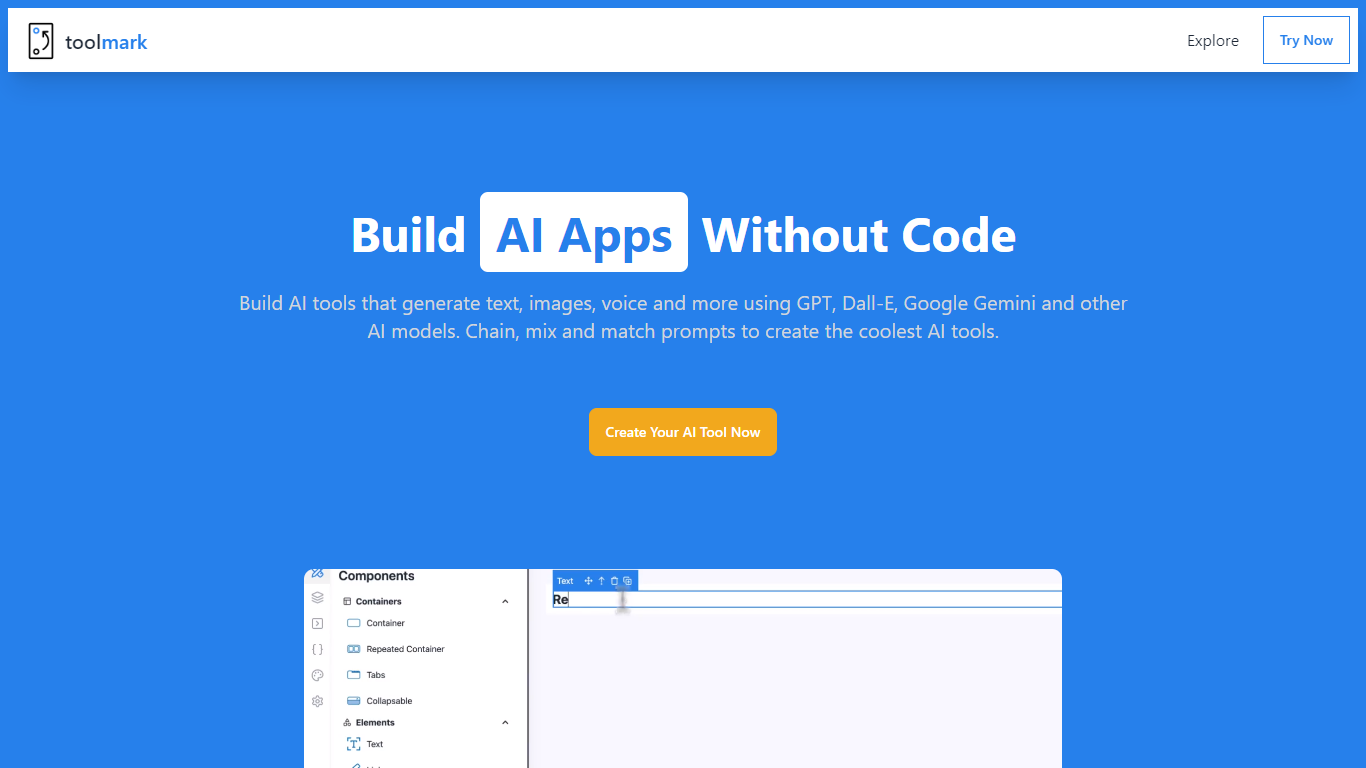

What is Toolmark.ai?
Toolmark.ai is a no-code platform that lets anyone build AI-powered tools and Chrome extensions with a drag-and-drop interface. It supports a wide range of AI models including GPT-4o, Dall-E, Google Gemini, and others, enabling users to generate text, images, voice, and video content easily. The platform is designed for both beginners and professionals, providing extensive customization options for AI prompts and tool appearance to match brand identity.
Users can integrate their AI tools with popular services like Zapier and Airtable to automate workflows and enhance productivity. Toolmark.ai also offers a marketplace where creators can publish and monetize their AI tools, fostering a community of innovation and collaboration.
The platform is particularly strong in career development applications, offering pre-built templates and tools such as resume analyzers, cover letter generators, STAR story builders, and mock interview simulators. These tools help individuals, career coaches, universities, recruiters, and HR teams improve hiring and training processes.
Toolmark.ai provides comprehensive learning resources including tutorials, documentation, and a YouTube channel to help users get started and advance their skills. Pricing plans include a Starter tier for personal use and a Pro tier for businesses, both with fair usage policies and options for white-label Chrome extensions.
With its focus on accessibility, scalability, and customization, Toolmark.ai empowers users to create AI solutions that fit their unique needs without requiring coding expertise. Its combination of powerful AI model support, workflow integration, and community features makes it a versatile choice for building AI tools across various industries.
NocoAI
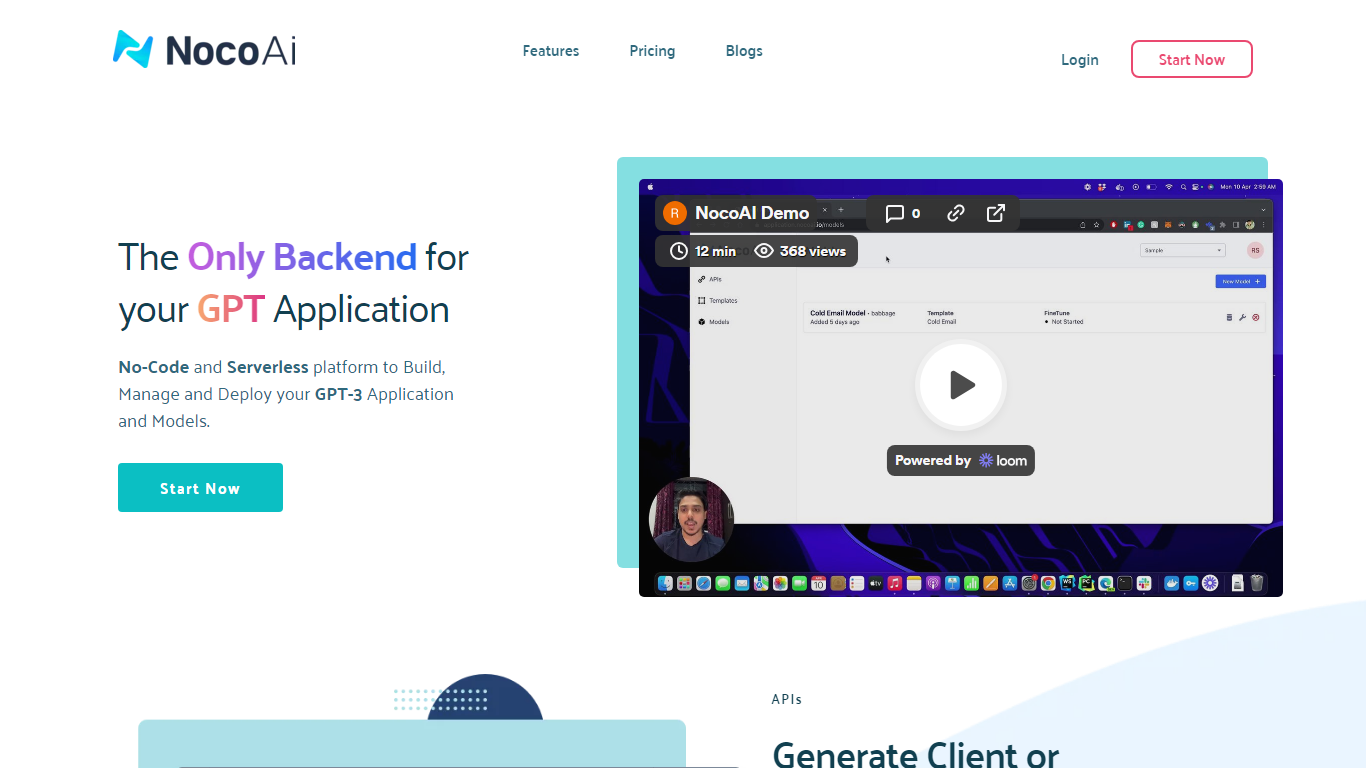
What is NocoAI?
NocoAI revolutionizes the deployment of GPT-based applications with its no-code, serverless platform, designed for simplicity and effectiveness. It empowers businesses to create custom models and API endpoints that cater to the client or backend needs. With NocoAI, you gain the ability to define prompt templates using the Mustache template engine, leading to highly personalized input for fine-tuning applications. The platform offers a unique feature enabling you to control OpenAI costs with request and user limits on your APIs, while the upcoming feature to analyze API usage promises an even more refined custom model optimization. Moreover, the NocoAI team stands ready to assist non-developers in adding datasets for further model fine-tuning via a user-friendly interface.
Toolmark.ai Upvotes
NocoAI Upvotes
Toolmark.ai Top Features
🛠️ Drag-and-Drop Builder: Easily create AI tools and Chrome extensions without coding skills.
🤖 Multi-Model Support: Switch between GPT-4o, Dall-E, Google Gemini, and more for diverse AI outputs.
🔗 Workflow Integration: Connect with Zapier, Airtable, and other apps to automate tasks.
🎨 Custom AI Prompts: Design and chain prompts for complex, personalized AI interactions.
🌐 Embed & Brand: Embed AI tools on websites and customize their look to match your brand.
📈 Career Tools Templates: Use ready-made templates for resumes, cover letters, and interview prep.
💰 Monetization Marketplace: Publish and sell your AI tools to a growing community.
NocoAI Top Features
No-Code Platform: Utilize a serverless environment to build and deploy GPT applications without coding.
API Generation: Easily generate client or backend APIs with custom or inbuilt models.
Template Customization: Define prompt templates and variables with the Mustache template engine for personalized API inputs.
Cost Control: Implement request and user limits to manage OpenAI costs effectively.
Non-Developer Friendly: Engage the NocoAI team for assistance in dataset addition and model fine-tuning.
Toolmark.ai Category
- Web Apps
NocoAI Category
- Web Apps
Toolmark.ai Pricing Type
- Freemium
NocoAI Pricing Type
- Freemium