Totoy vs Bing Microsoft AI Translator
Dive into the comparison of Totoy vs Bing Microsoft AI Translator and discover which AI Translation tool stands out. We examine alternatives, upvotes, features, reviews, pricing, and beyond.
When comparing Totoy and Bing Microsoft AI Translator, which one rises above the other?
When we compare Totoy and Bing Microsoft AI Translator, two exceptional translation tools powered by artificial intelligence, and place them side by side, several key similarities and differences come to light. The community has spoken, Bing Microsoft AI Translator leads with more upvotes. Bing Microsoft AI Translator has garnered 10 upvotes, and Totoy has garnered 6 upvotes.
Feeling rebellious? Cast your vote and shake things up!
Totoy
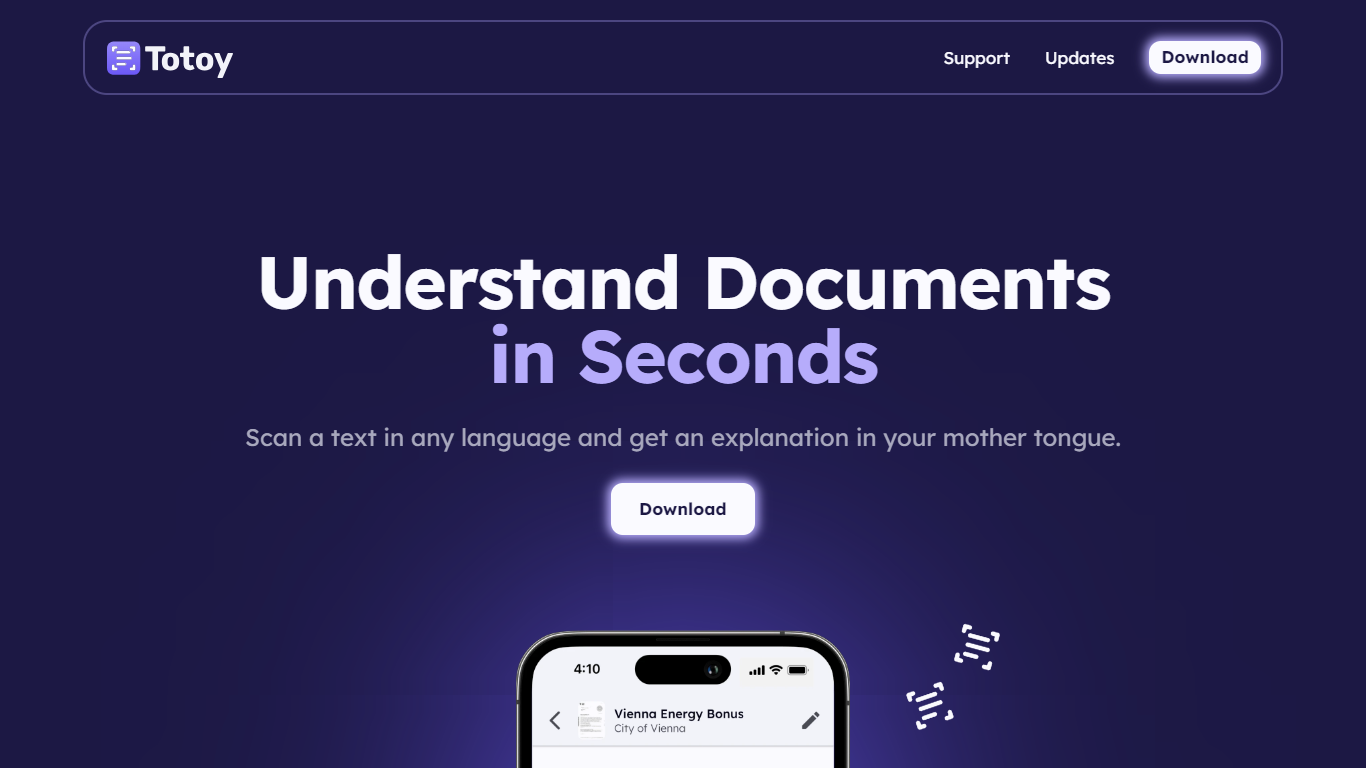

What is Totoy ?
Totoy is an Austrian AI engineering firm that builds custom AI systems integrated into existing business processes. Instead of selling off-the-shelf software, Totoy sends AI specialists into client organizations to analyze workflows, identify high-ROI use cases, and implement production-ready solutions.
The engagement follows a three-step process: a free 45-minute AI workshop, a full-day on-site potential analysis with a cost-benefit report, and evaluation plus implementation with automated performance testing pipelines. Totoy focuses on high-compliance environments and builds GDPR and EU AI Act conformant systems hosted in the EU.
Documented results include a radiology quality-control system that cut manual booking review by 70% at 99.90% accuracy, and a municipal document simplification tool that reduced per-page costs from 125 euros to about 10 cents for plain-language compliance.
Bing Microsoft AI Translator
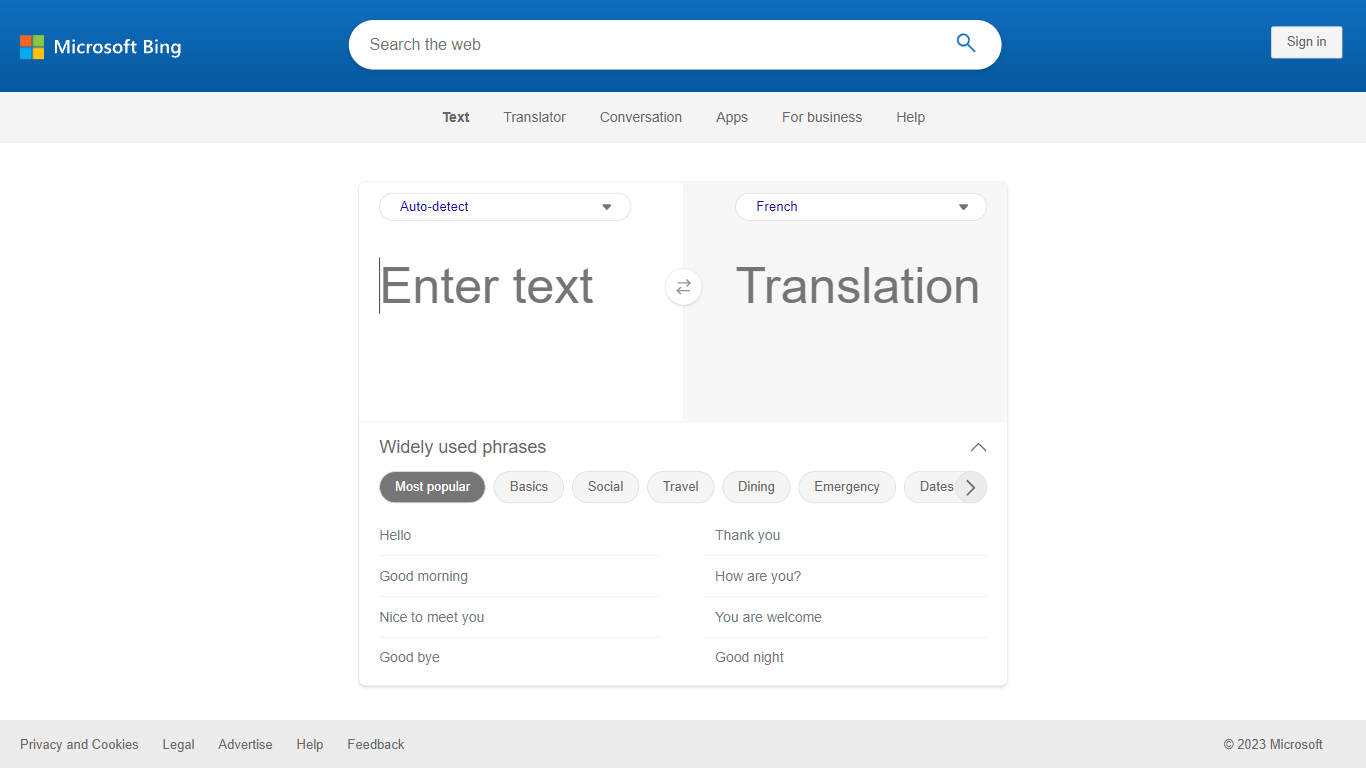
What is Bing Microsoft AI Translator?
Microsoft Translator on Bing is a free web translator for turning words and phrases between English and more than 100 languages. Paste text, pick languages from long dropdown lists, or let the page auto-detect the source language before you translate.
The Bing interface adds practical extras beyond basic text swap. You can listen to a translation, open an on-screen keyboard, capture or upload an image to translate text in photos, and regenerate results in Standard, Casual, or Formal tone. A phrase helper surfaces common expressions grouped by topics like travel, dining, and emergencies.
It fits travelers, students, and anyone who needs a quick translation in the browser without installing software. Navigation on the page also points to separate Microsoft Translator experiences for live conversation, mobile apps, and business use.
Totoy Upvotes
Bing Microsoft AI Translator Upvotes
Totoy Top Features
Free 45-minute AI workshop identifies actionable use cases before any commitment
On-site potential analysis delivers a cost-benefit report with measurable evaluation criteria
Automated evaluation pipelines test new AI models within an hour of release
Use case coverage spans document management, customer support, administration, and quality control
Solutions are GDPR and EU AI Act compliant, developed and hosted in the EU
Direct access to founding AI engineers rather than traditional consulting layers
Bing Microsoft AI Translator Top Features
Auto-detect source language across more than 100 listed language options
Each translation request accepts up to 1,000 characters of input text
Regenerate results in Standard, Casual, or Formal tone with one click
Capture or upload an image to translate text found in photos
Speak to translate when typing is awkward on mobile or desktop
Listen to translations read aloud from the results panel
Browse common phrase sets for travel, dining, and emergencies
Totoy Category
- Translation
Bing Microsoft AI Translator Category
- Translation
Totoy Pricing Type
- Paid
Bing Microsoft AI Translator Pricing Type
- Free