Trancy vs VideoDubber
In the battle of Trancy vs VideoDubber, which AI Translation tool comes out on top? We compare reviews, pricing, alternatives, upvotes, features, and more.
Which one is better? Trancy or VideoDubber?
Upon comparing Trancy with VideoDubber, which are both AI-powered translation tools, Both tools have received the same number of upvotes from aitools.fyi users. Every vote counts! Cast yours and contribute to the decision of the winner.
Does the result make you go "hmm"? Cast your vote and turn that frown upside down!
Trancy

What is Trancy?
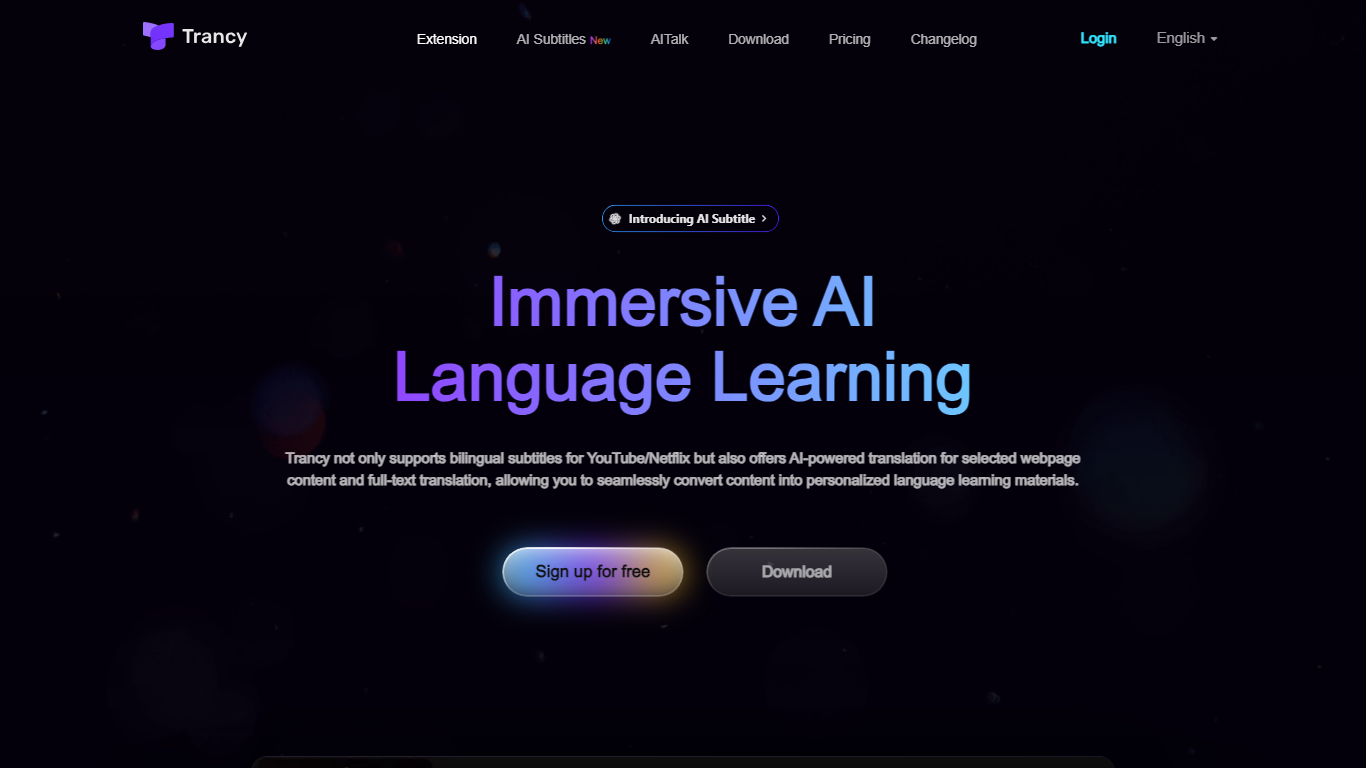
Trancy turns the videos and articles you already read into language lessons by overlaying bilingual subtitles, inline translations, and study tools on top of everyday browsing. It works on YouTube, Netflix, HBO Max, TED, Coursera, and many news or social sites through a browser extension plus mobile app.
Most subtitle tools stop at displaying two languages side by side. Trancy also ships a reading mode that turns subtitles into scrollable text, immersive webpage translation with side-by-side paragraphs, and a learning center where saved words become flashcards, shadowing exercises, and AI speaking feedback. Premium members can run Whisper-based AI subtitle transcription on YouTube and translate PDFs up to 4,000 pages per month.
Self-directed learners and ESL students use Trancy to turn entertainment and news browsing into daily input. The free tier covers core bilingual subtitles and webpage translation, while Premium unlocks higher bookmark limits, AI subtitle generation, PDF translation, and coaching features inside the learning center.
VideoDubber
What is VideoDubber?
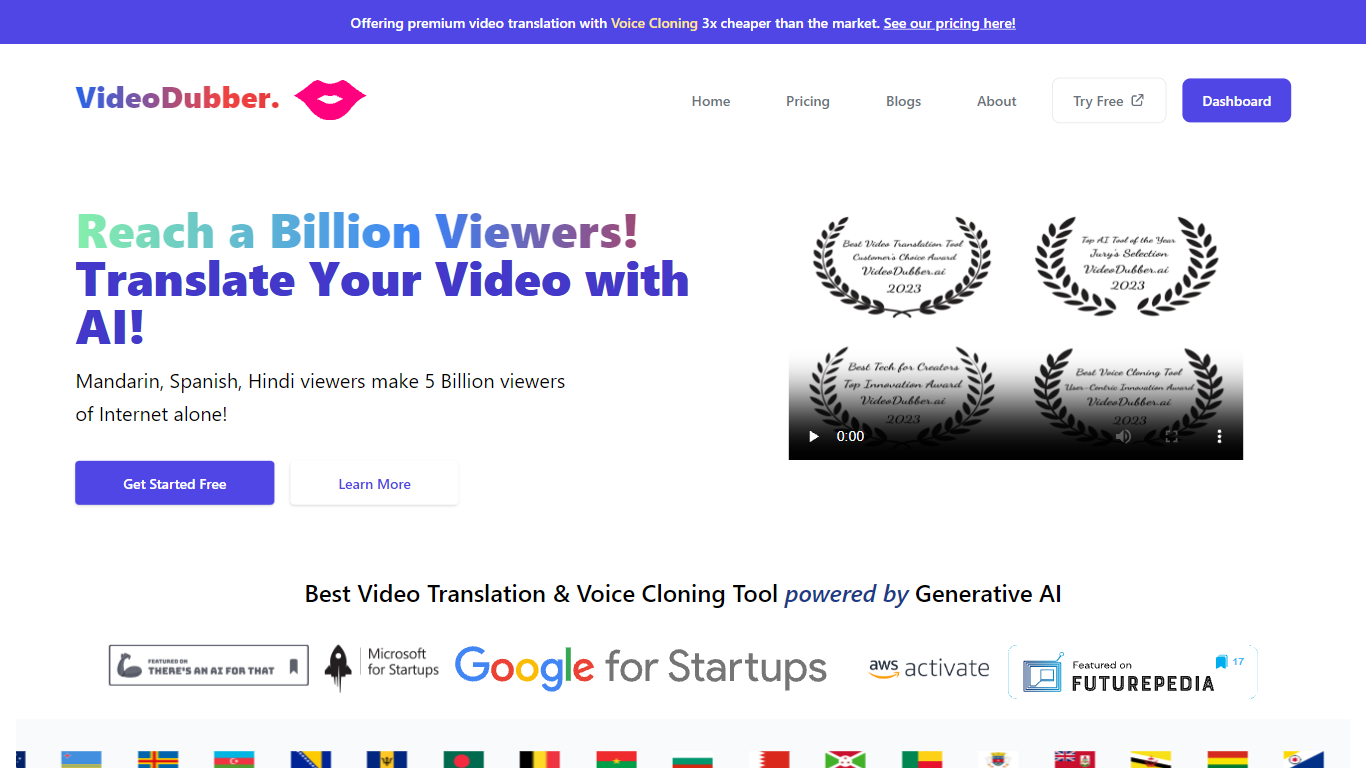
VideoDubber is a video translation and dubbing platform that turns uploaded footage into localized versions with cloned voices, lip sync, and subtitles. You upload a video, pick a target language, and get back a dubbed MP4 or subtitle files in SRT or VTT format. The service covers 150+ languages and handles multi-speaker projects with per-speaker voice selection.
Where most voice tools stop at audio-only dubbing, VideoDubber bundles frame-accurate lip sync (SyncPRO) and unlimited post-export edits in the same workflow. Its per-minute pricing undercuts ElevenLabs on the comparison table the site publishes, and editing scripts or re-exporting does not trigger metered revision fees on any plan.
YouTubers, e-learning teams, and marketing departments use VideoDubber to localize course libraries, YouTube channels, and promotional videos without reshooting. The platform also ships a REST API with translate, dub, and lipsync endpoints for teams embedding dubbing into a CMS or LMS pipeline.
Trancy Upvotes
VideoDubber Upvotes
Trancy Top Features
Bilingual subtitles on YouTube, Netflix, HBO Max, Disney+, TED, Coursera, and Udemy
Reading mode displays subtitles as text beside the video for focused study
Whisper-based AI subtitle transcription improves YouTube segmentation by about 80 percent
Immersive webpage translation compares original and translated paragraphs without leaving the page
Free tier allows 100 word bookmarks, 50 sentence bookmarks, and 50 PDF pages per month
Learning center adds flashcards, AI shadowing, and pronunciation evaluation on saved vocabulary
VideoDubber Top Features
150+ target languages with 180+ voice options listed on the about page
VoicePARROT voice cloning trained on 200K+ hours of real speech for natural dubbing
SyncPRO frame-accurate lip sync that tracks dubbed audio syllable by syllable
Export finished projects as SRT, VTT, or fully dubbed MP4 from one editor
REST API with POST /v1/translate, /v1/dub, and /v1/lipsync endpoints plus job polling
Glossary locking keeps product names and key terms consistent across languages
Unlimited script edits and re-exports with no metered revision fees on any plan
Trancy Category
- Translation
VideoDubber Category
- Translation
Trancy Pricing Type
- Freemium
VideoDubber Pricing Type
- Freemium