Transcript Download vs Synthesia
Dive into the comparison of Transcript Download vs Synthesia and discover which AI tool stands out. We examine alternatives, upvotes, features, reviews, pricing, and beyond.
When comparing Transcript Download and Synthesia, which one rises above the other?
When we compare Transcript Download and Synthesia, two exceptional tools powered by artificial intelligence, and place them side by side, several key similarities and differences come to light. The upvote count favors Synthesia, making it the clear winner. Synthesia has received 9 upvotes from aitools.fyi users, while Transcript Download has received 6 upvotes.
Not your cup of tea? Upvote your preferred tool and stir things up!
Transcript Download
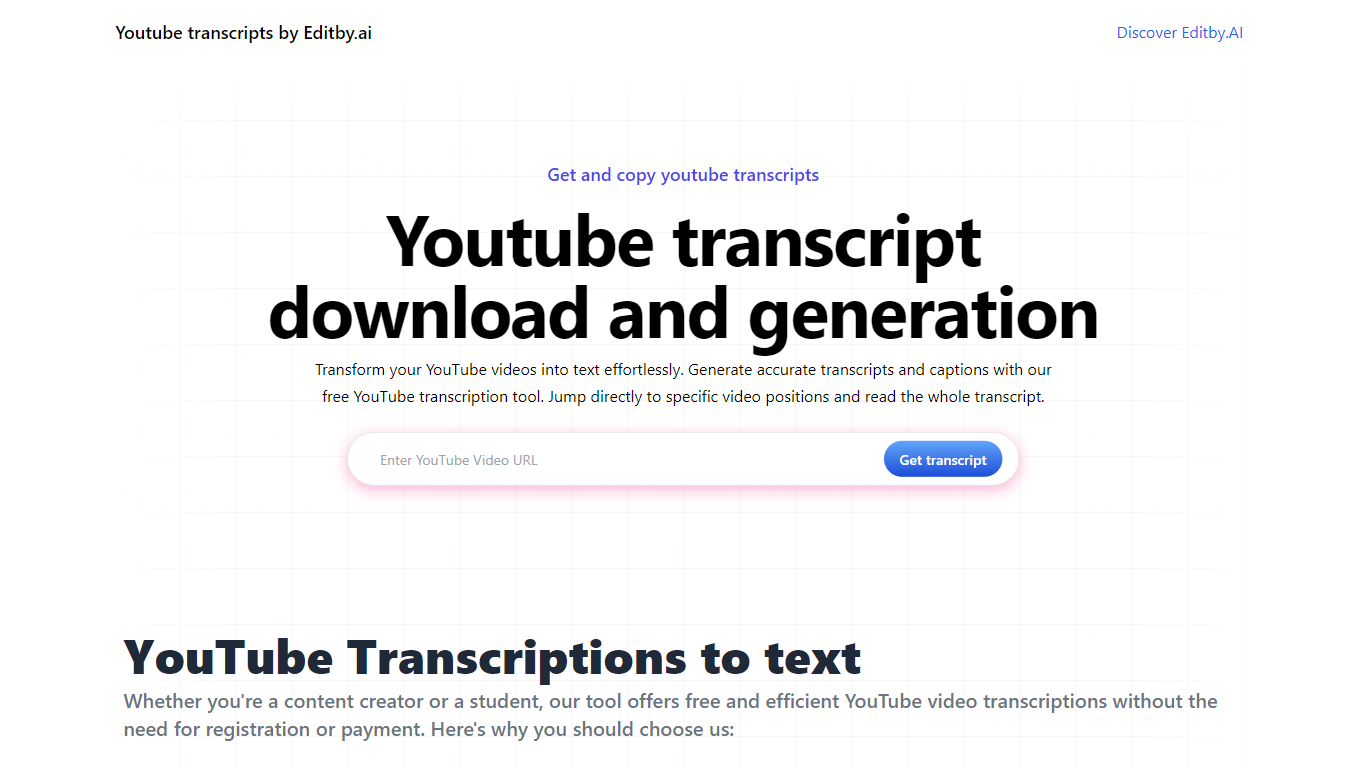

What is Transcript Download?
Unlock the full potential of your YouTube videos with Editby.AI's YouTube Transcription Tool. Our user-friendly platform caters to a range of users including students, researchers, content creators, and SEO professionals by providing an efficient way to generate accurate transcripts and captions. With our tool, there's no need for manual transcription. Simply input a YouTube URL and receive instant transcripts. Highlighted search terms, direct video position jumps, auto-scrolling features, and easy clipboard copying and downloading options streamline your workflow. Our commitment to user privacy is unmatched, requiring no sign-up or personal information. Enhance your productivity and save time with Editby.AI's transcription tool, all at no cost.
Synthesia
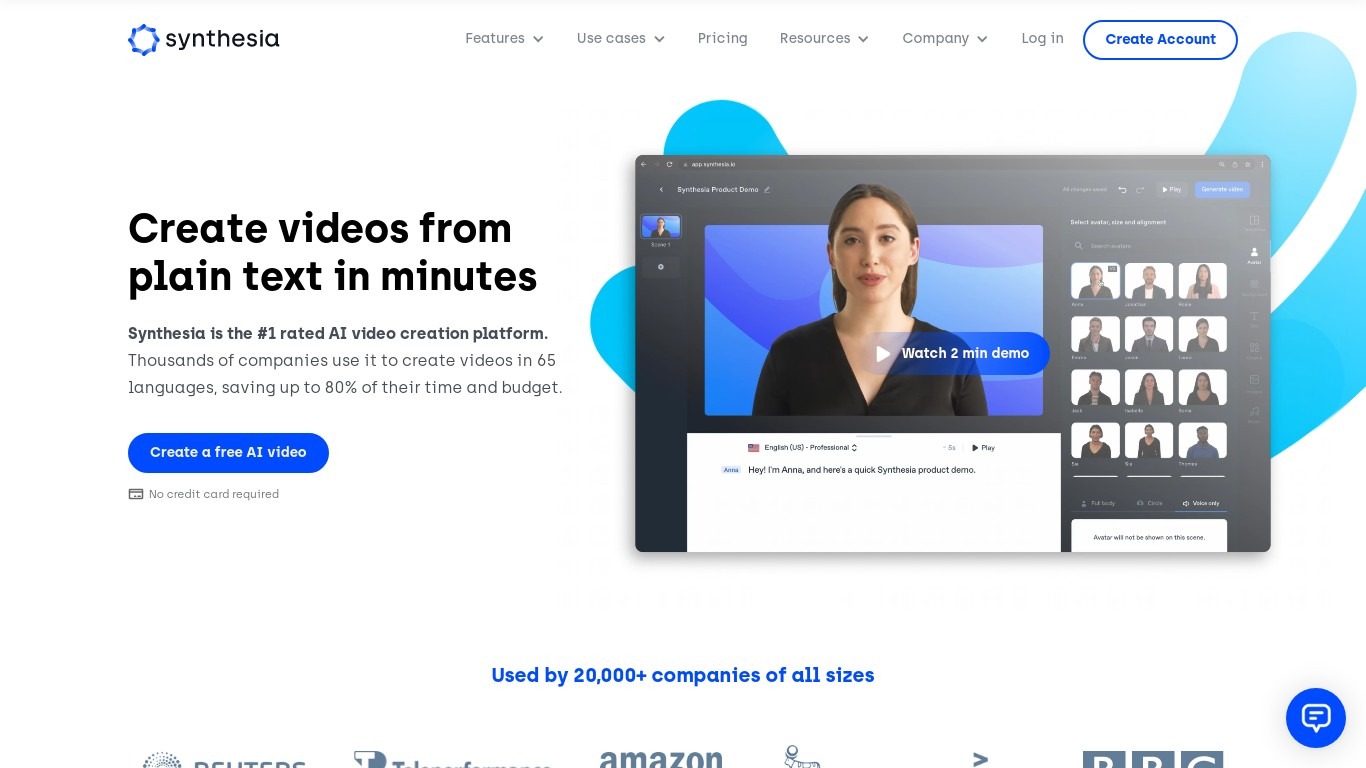
What is Synthesia?
Synthesia turns scripts into presenter-led videos using 240+ stock avatars, cloned voices, and lip-synced dubbing across 160+ languages. You write text, pick an avatar, and export MP4 or SCORM without cameras, studios, or voice actors. The Basic plan includes 10 minutes of generated video per month with 9 stock avatars.
Where most avatar video tools stop at export, Synthesia runs create, localize, collaborate, and publish in one workspace. Embedded videos auto-update when you edit the source, SCORM packages ship with translated versions, and Enterprise teams get Brand Kits plus SAML/SSO. Roleplay Sessions add a newer angle: practice sales or support conversations with interactive avatars that score your responses.
L&D teams use it for compliance and onboarding at scale. Sales enablement groups ship pitch refreshes in minutes instead of booking shoots. Marketing and internal comms teams localize one master video into dozens of languages with one-click translation. Over 50,000 companies use it, including a large share of the Fortune 100.
Transcript Download Upvotes
Synthesia Upvotes
Transcript Download Top Features
Instant Transcripts: Paste a YouTube URL and receive transcripts instantly.
Downloadable Transcripts: Easily download transcripts with a single click.
Jump to Video Position: Navigate directly to specific video segments from the transcript.
Autoscroll Transcripts: Enjoy synchronized transcripts that auto-scroll as the video plays.
No Registration Needed: Access the transcription tool without any account or personal details.
Synthesia Top Features
🎥 AI Avatars: Choose from 240+ avatars or create your own personal avatar to deliver your message naturally.
🌍 Multilingual Support: Translate videos into 80+ languages with one click and use AI dubbing for perfect lip-sync.
🤝 Live Collaboration: Work with your team in real time to edit videos and gather feedback efficiently.
🗣️ Voice Cloning: Clone your voice to create personalized videos with your digital twin speaking in 30+ languages.
🧑💼 Roleplay Sessions: Practice real conversations with interactive AI avatars, get live coaching, and track skill progress.
Transcript Download Category
- Translation
Synthesia Category
- Video Generation
Transcript Download Pricing Type
- Freemium
Synthesia Pricing Type
- Freemium