Transcript Download vs Translate.video
Dive into the comparison of Transcript Download vs Translate.video and discover which AI Translation tool stands out. We examine alternatives, upvotes, features, reviews, pricing, and beyond.
In a comparison between Transcript Download and Translate.video, which one comes out on top?
When we compare Transcript Download and Translate.video, two exceptional translation tools powered by artificial intelligence, and place them side by side, several key similarities and differences come to light. Translate.video stands out as the clear frontrunner in terms of upvotes. Translate.video has been upvoted 8 times by aitools.fyi users, and Transcript Download has been upvoted 6 times.
Not your cup of tea? Upvote your preferred tool and stir things up!
Transcript Download
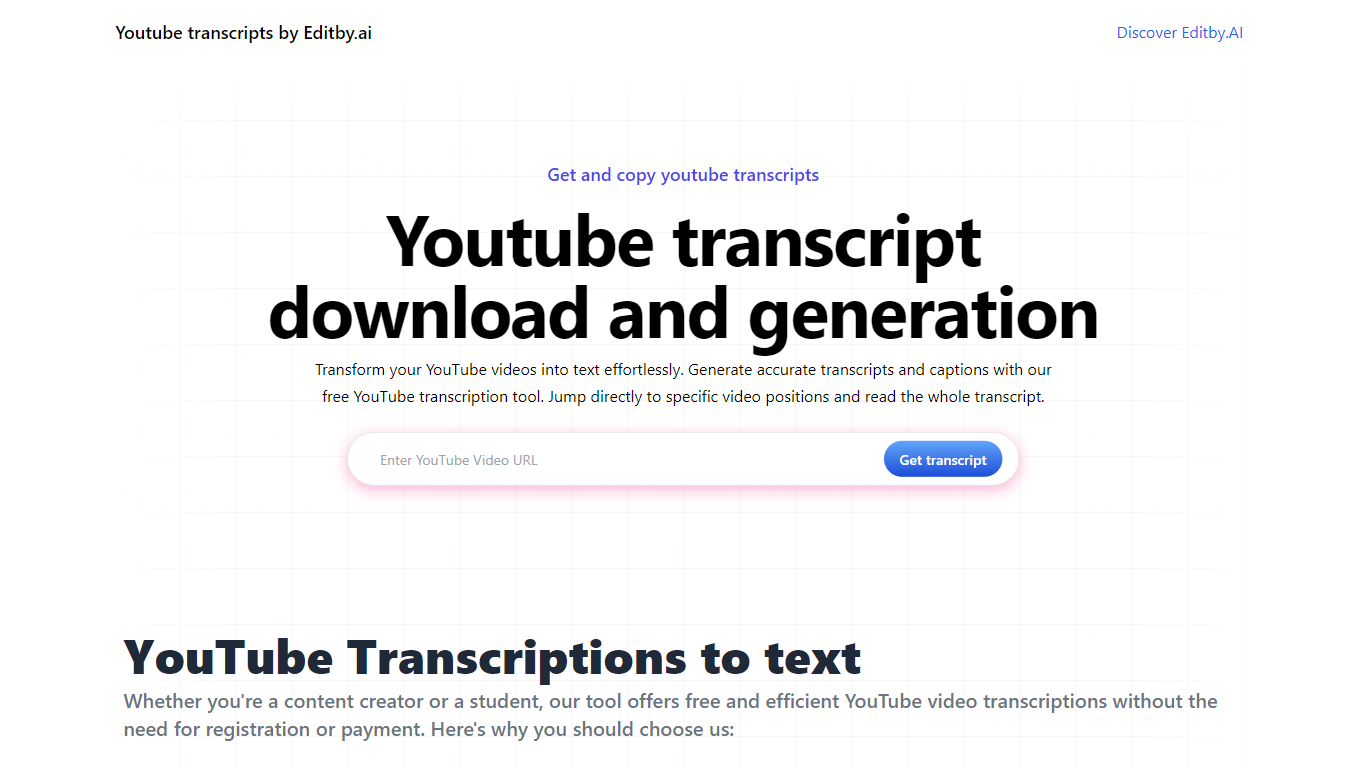

What is Transcript Download?
Unlock the full potential of your YouTube videos with Editby.AI's YouTube Transcription Tool. Our user-friendly platform caters to a range of users including students, researchers, content creators, and SEO professionals by providing an efficient way to generate accurate transcripts and captions. With our tool, there's no need for manual transcription. Simply input a YouTube URL and receive instant transcripts. Highlighted search terms, direct video position jumps, auto-scrolling features, and easy clipboard copying and downloading options streamline your workflow. Our commitment to user privacy is unmatched, requiring no sign-up or personal information. Enhance your productivity and save time with Editby.AI's transcription tool, all at no cost.
Translate.video
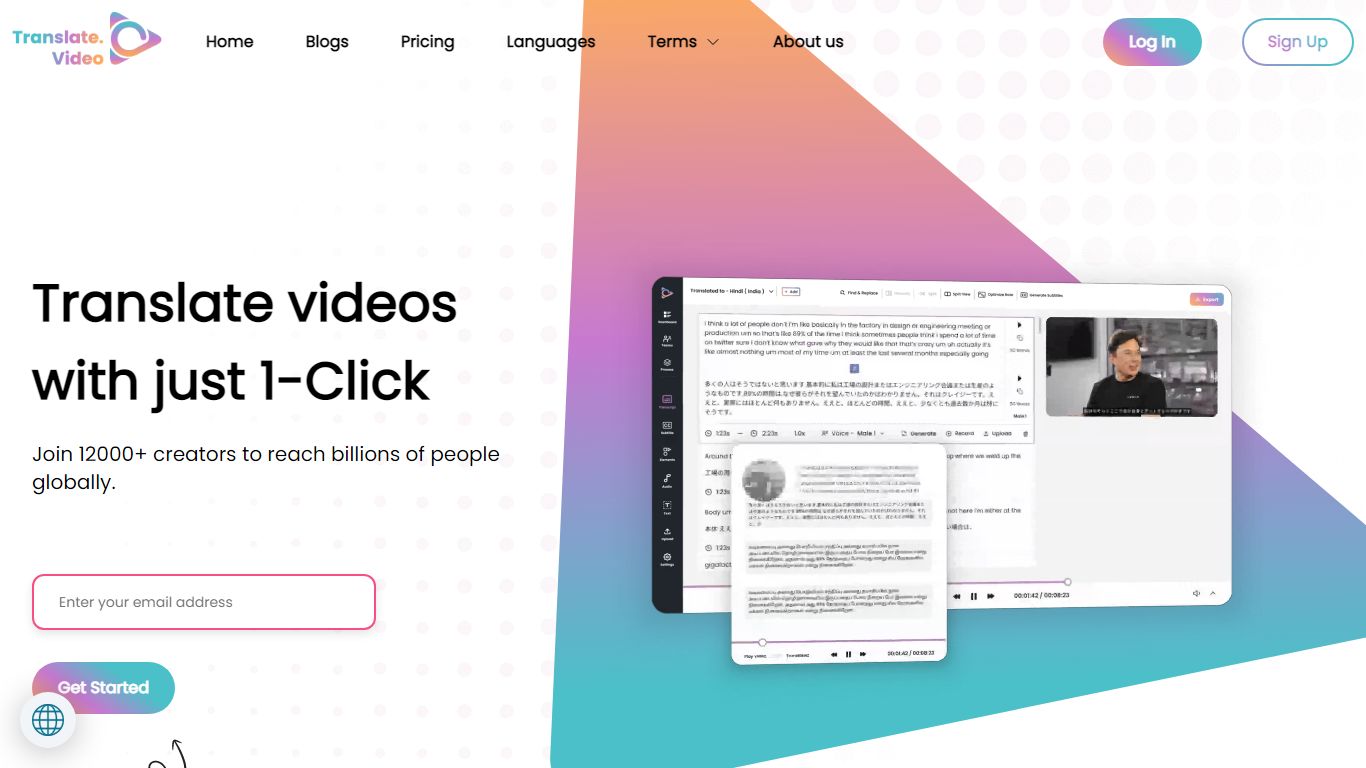
What is Translate.video?
Publishing the same training clip in twelve languages usually means hiring voice actors or reshooting every scene. Translate.video is a video translation platform that dubs, captions, and lip-syncs footage into 75+ languages from one upload. Creators upload MP4, MOV, or WEBM files, pick target languages, and download localized versions with synced audio and optional mouth alignment.
Dedicated dubbing studios charge per minute and queue projects for days. Translate.video bundles dubbing minutes, text-to-speech, voice cloning, speaker diarization, and lip sync in browser workflows priced by monthly minute allowances. That trades studio polish for speed, though lip sync and multi-speaker diarization still cap out on English-only detection on lower tiers.
YouTube creators, course builders, and marketing teams use it to reach global audiences without rebuilding every edit. Pro and Premium plans add 81 languages per process, 1080p exports, animated subtitle styles, and direct publishing hooks for YouTube and Instagram.
Transcript Download Upvotes
Translate.video Upvotes
Transcript Download Top Features
Instant Transcripts: Paste a YouTube URL and receive transcripts instantly.
Downloadable Transcripts: Easily download transcripts with a single click.
Jump to Video Position: Navigate directly to specific video segments from the transcript.
Autoscroll Transcripts: Enjoy synchronized transcripts that auto-scroll as the video plays.
No Registration Needed: Access the transcription tool without any account or personal details.
Translate.video Top Features
Translate and dub videos into 81 languages on paid plans
Lip sync aligns translated voiceover to speaker mouth movements
Pro includes 100 dubbing minutes and 10 lip sync minutes per month
Voice cloning and text-to-speech with instant clone voices
Exports 1080p video with 24 animated subtitle styles on Basic and above
Upload files up to 60 minutes long on Pro with 1 GB max file size
Transcript Download Category
- Translation
Translate.video Category
- Translation
Transcript Download Pricing Type
- Freemium
Translate.video Pricing Type
- Freemium