Translation Strings vs AI TranslateDocs
Explore the showdown between Translation Strings vs AI TranslateDocs and find out which AI Translation tool wins. We analyze upvotes, features, reviews, pricing, alternatives, and more.
In a face-off between Translation Strings and AI TranslateDocs, which one takes the crown?
When we contrast Translation Strings with AI TranslateDocs, both of which are exceptional AI-operated translation tools, and place them side by side, we can spot several crucial similarities and divergences. The upvote count is neck and neck for both Translation Strings and AI TranslateDocs. Join the aitools.fyi users in deciding the winner by casting your vote.
Does the result make you go "hmm"? Cast your vote and turn that frown upside down!
Translation Strings

What is Translation Strings?
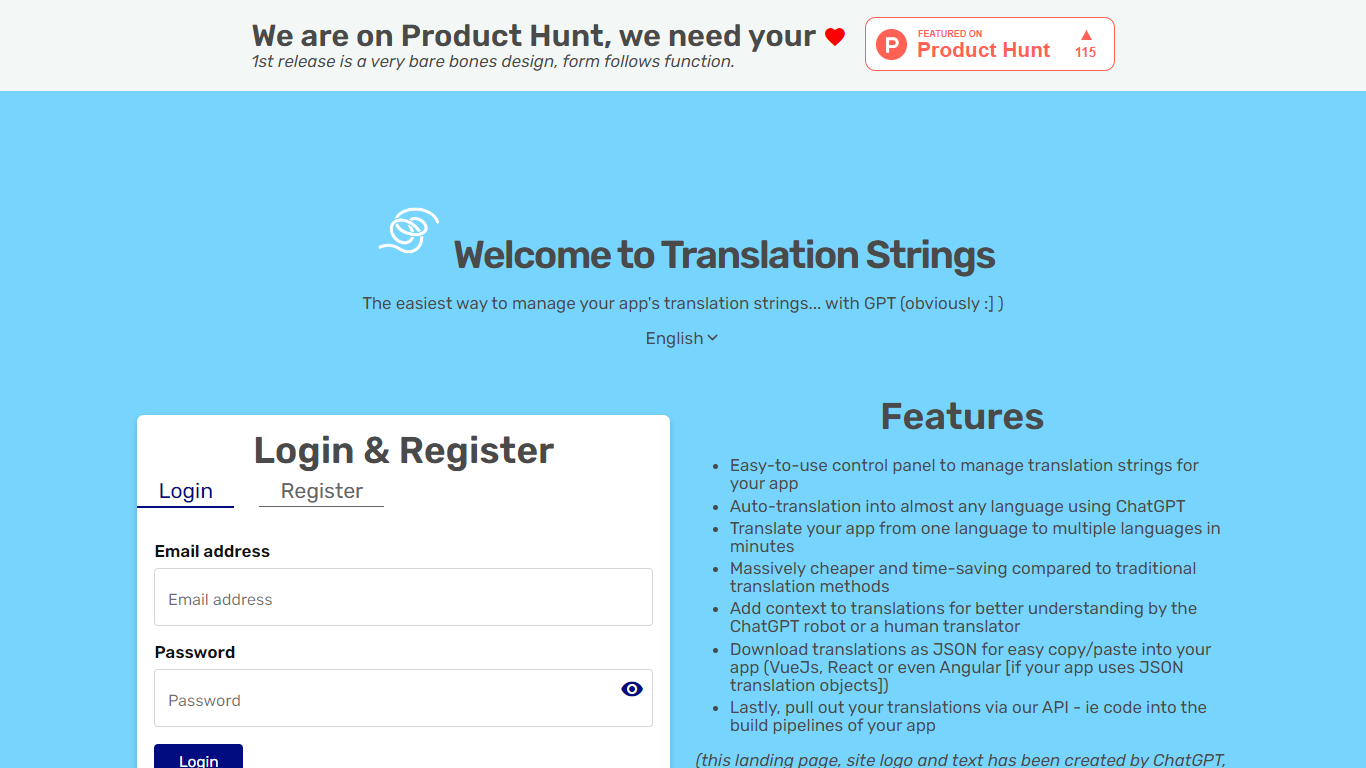
Translation Strings is a web platform for translating app strings into other languages. The site describes the product as translations for apps via AI, with human review available when needed.
The first public release keeps the interface intentionally minimal. The homepage notes that the design is bare bones and that form follows function.
Access runs through a browser login rather than a public marketing site. Users sign in to reach the translation workspace inside the Vue.js web app.
Translation Strings launched on Product Hunt as an early release aimed at developers who need a straightforward place to manage app localization work.
AI TranslateDocs
What is AI TranslateDocs?
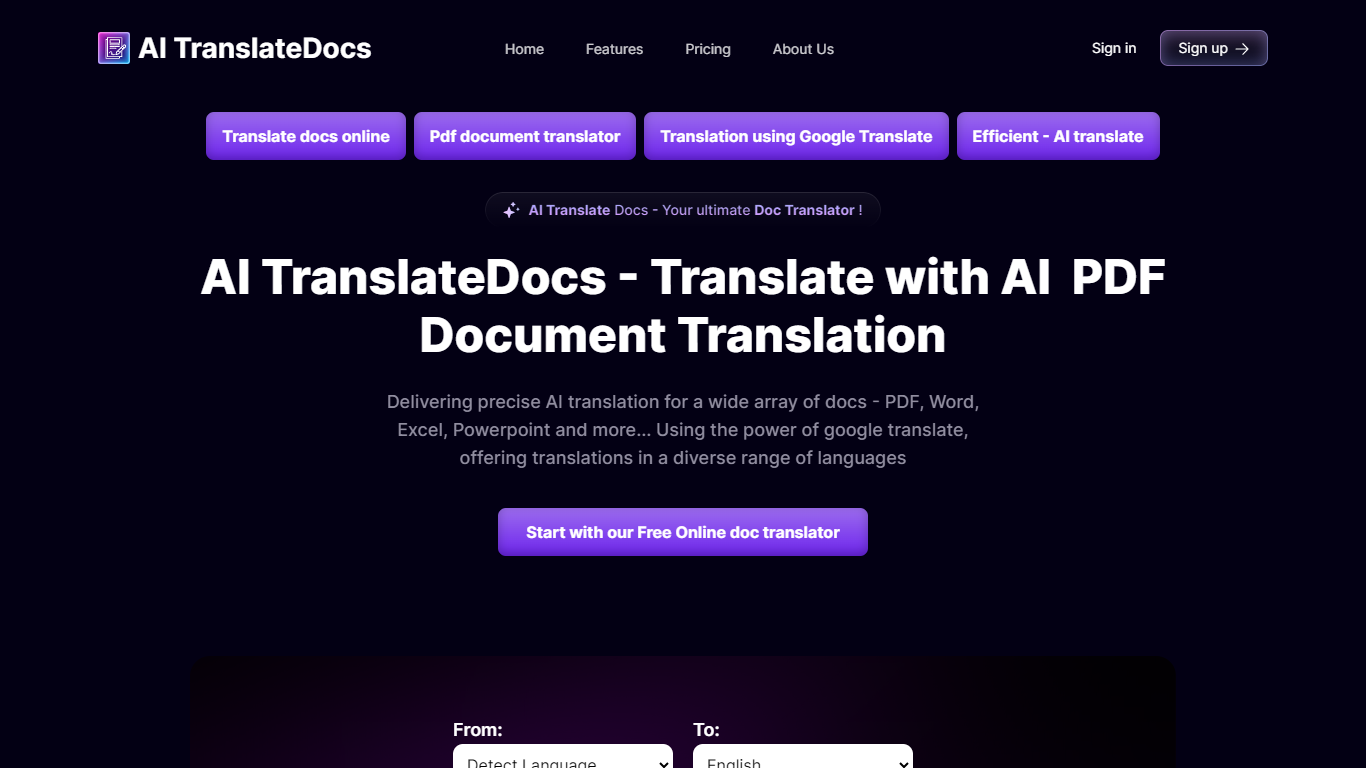
AI TranslateDocs is an online document translator built for people who need full files converted, not just pasted paragraphs. Upload a PDF, Word doc, Excel sheet, PowerPoint deck, CSV, SRT, VTT, or plain text file, pick your source and target language, and get a translated version that keeps the original layout intact.
The platform supports 130+ languages, from widely spoken ones like Spanish and Mandarin to regional dialects. It uses OCR for scanned PDFs and handles format preservation so tables, charts, and page structure survive the translation. Powered by Azure, it targets legal contracts, medical records, academic papers, business reports, and immigration documents where formatting matters as much as the words.
AscentApp Software LLP runs the service from Mumbai. You can try the first 10,000 characters free before buying a character pack or subscription.
Translation Strings Upvotes
AI TranslateDocs Upvotes
Translation Strings Top Features
Handles app translation strings with AI, and human help when you need it
Stripped-down admin UI built around getting translation work done, not flashy design
Sign in through the browser to reach your projects and strings
Installable progressive web app with manifest and home-screen icons
Vue.js frontend with Google Fonts and Material Design Icons styling
AI TranslateDocs Top Features
Drop a PDF, Word, Excel, PowerPoint, CSV, SRT, VTT, or TXT file and get a translated copy with the layout still intact
130+ languages on tap, including regional dialects you won't find on basic translators
OCR handles scanned PDFs so you are not stuck retyping pages before translating
Auto-detect source language or pick from a long dropdown that even includes Klingon
First 10,000 characters free, enough to test a short doc before you commit to a plan
Translation Strings Category
- Translation
AI TranslateDocs Category
- Translation
Translation Strings Pricing Type
- Freemium
AI TranslateDocs Pricing Type
- Freemium