Trebble vs SpeechGPT
In the contest of Trebble vs SpeechGPT, which AI Audio Generation tool is the champion? We evaluate pricing, alternatives, upvotes, features, reviews, and more.
If you had to choose between Trebble and SpeechGPT, which one would you go for?
When we examine Trebble and SpeechGPT, both of which are AI-enabled audio generation tools, what unique characteristics do we discover? The upvote count reveals a draw, with both tools earning the same number of upvotes. The power is in your hands! Cast your vote and have a say in deciding the winner.
Not your cup of tea? Upvote your preferred tool and stir things up!
Trebble

What is Trebble?
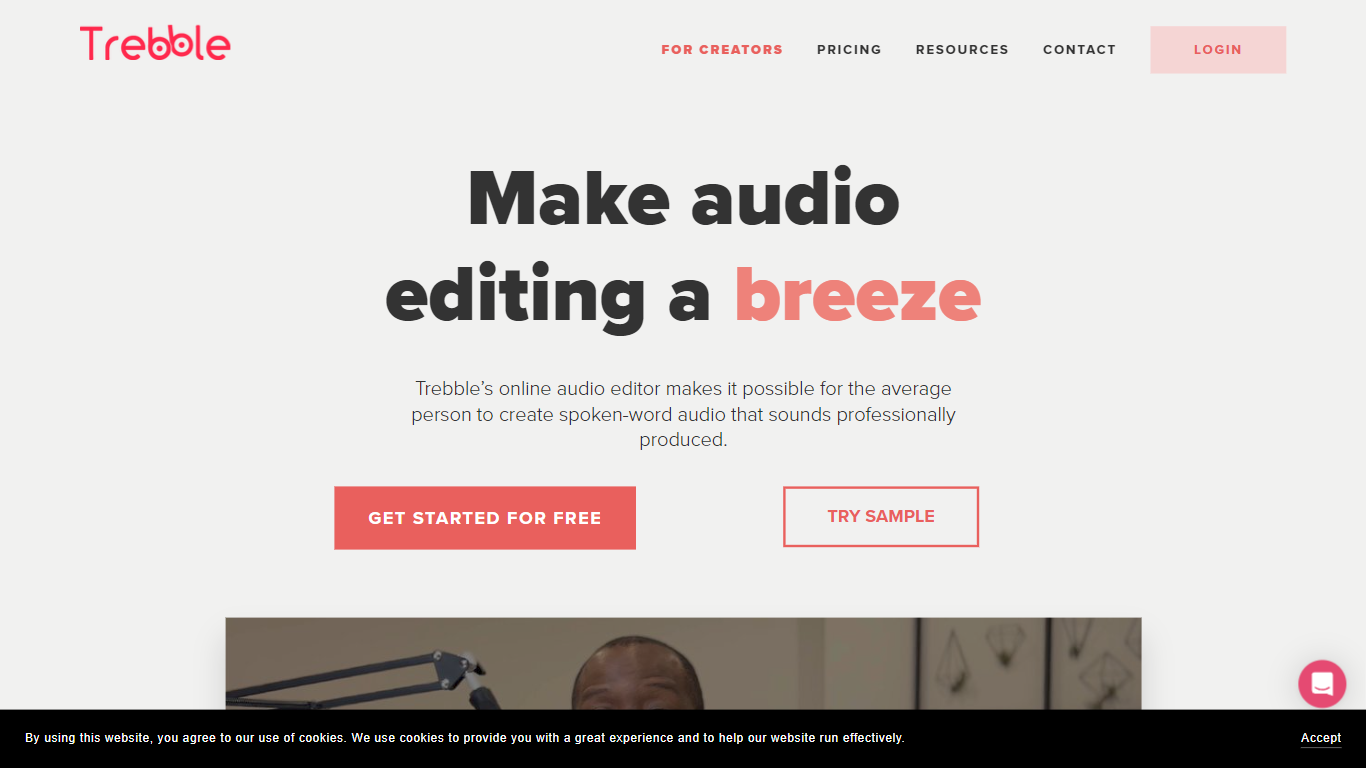
Trebble edits podcasts, courses, and talking-head videos by letting you change the transcript instead of dragging waveforms. Upload audio or video, get a text transcript, then delete filler words, silences, and rambling sentences the way you would in a document. Vocal Glow polishes vocal clarity, and exports go out as MP4 or to Adobe Premiere, Final Cut Pro, and Reaper.
Descript pioneered text-based editing, but Trebble targets solo creators who want flat pricing without AI credit meters or media-minute caps on every feature. Filler removal, silence trimming, noise reduction, and ClaritySpark repetition detection are unlimited on all plans. You mainly pay for transcription hours, starting at 30 minutes per month free and scaling to 20 hours on Pro.
Podcasters, course creators, coaches, and real estate marketers use Trebble to turn raw recordings into publish-ready episodes in minutes. The browser editor supports 100+ transcription languages, files up to 2GB, and 4K video export. Over 5,000 creators are listed on the site.
SpeechGPT

What is SpeechGPT?
SpeechGPT lets you hold voice conversations in the browser using your own OpenAI API key. You type or record messages, send them through a chat interface, and hear spoken replies without installing desktop software.
Unlike hosted TTS services that bundle model costs into a subscription, SpeechGPT runs in the browser and bills you only through the OpenAI, Azure Speech Services, or Amazon Polly accounts you connect. That makes it a lightweight option for developers and language learners who already have API access and want a simple voice chat front end.
The interface supports English, Spanish, and Chinese UI labels, includes a record button for speech input, and stores session data locally in the browser. It suits developers testing voice chat flows, language learners practicing spoken prompts, and anyone who wants a minimal ChatGPT voice client on mobile or desktop.
Trebble Upvotes
SpeechGPT Upvotes
Trebble Top Features
Edit audio or video by deleting words in the transcript instead of dragging timelines
Unlimited one-click filler word removal for um, uh, and like on every plan
Vocal Glow enhances speech clarity even on low-quality microphone recordings
DeepCut AI reviews recordings and drafts goal-aware edit plans automatically
Transcription in 100+ languages with speaker detection and SRT or VTT export
Export timelines to Adobe Premiere, Final Cut Pro, and Reaper for pro finishing
Free plan includes 30 minutes of transcription per month with no credit card
SpeechGPT Top Features
Chat interface accepts typed messages or recorded speech input with Enter to send
Requires your OpenAI API key in settings before the app will run conversations
Optional Azure Speech Services or Amazon Polly access keys for alternate text-to-speech backends
UI available in English, Spanish, and Chinese from the in-app language selector
Shift plus Enter inserts a newline without sending the message
Runs as a web app on Vercel with no separate desktop install required
Trebble Category
- Audio Generation
SpeechGPT Category
- Audio Generation
Trebble Pricing Type
- Freemium
SpeechGPT Pricing Type
- Free