Trimmr vs Timebolt
Explore the showdown between Trimmr vs Timebolt and find out which AI Video Editing tool wins. We analyze upvotes, features, reviews, pricing, alternatives, and more.
In a face-off between Trimmr and Timebolt, which one takes the crown?
When we contrast Trimmr with Timebolt, both of which are exceptional AI-operated video editing tools, and place them side by side, we can spot several crucial similarities and divergences. The upvote count shows a clear preference for Timebolt. Timebolt has garnered 18 upvotes, and Trimmr has garnered 8 upvotes.
Feeling rebellious? Cast your vote and shake things up!
Trimmr
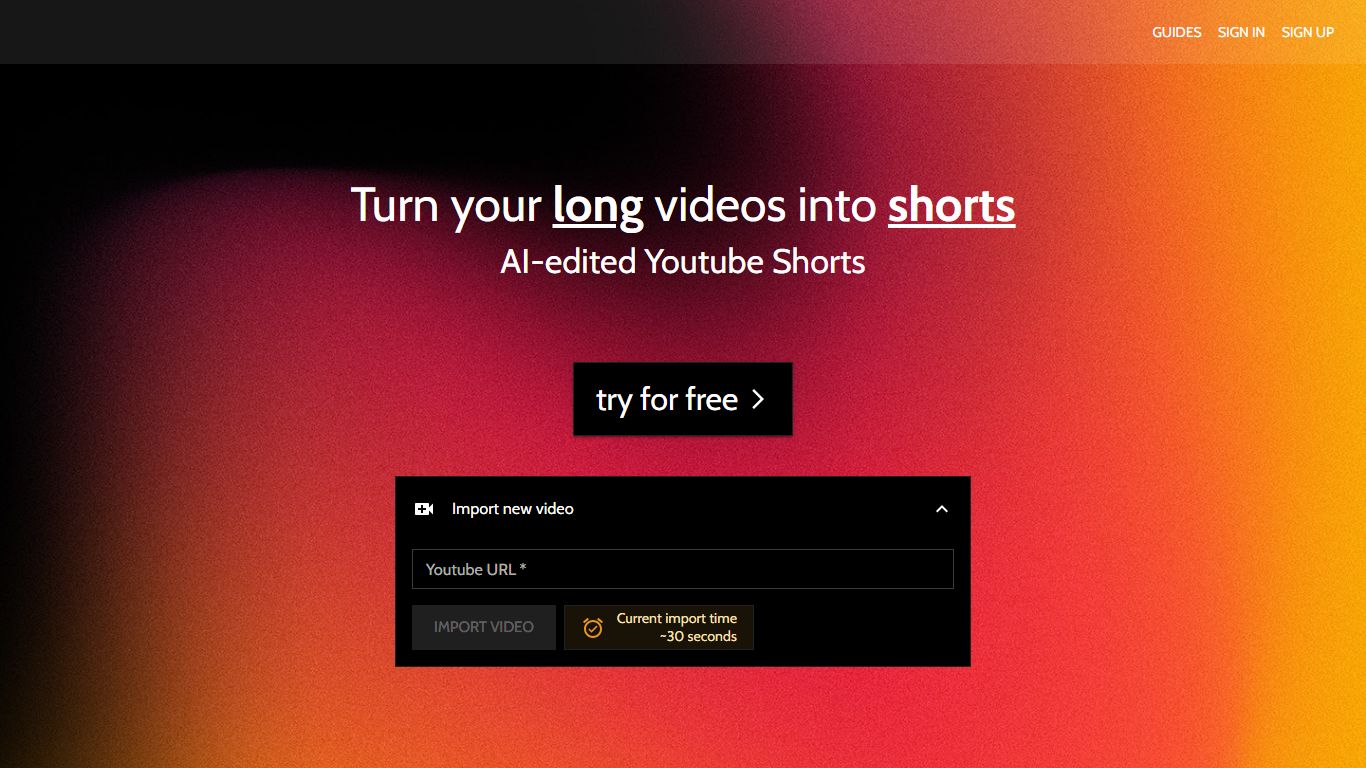

What is Trimmr?
Trimmr handles video editing for creators who already publish long YouTube videos and need dozens of vertical clips without rebuilding each cut by hand. Paste a YouTube URL, and the platform scans the full recording for moments worth clipping, then drops them into a browser editor where you adjust captions, overlays, and preset graphics before export.
Most repurposing tools stop at auto-cropping one highlight reel. Trimmr layers ChatGPT-driven clip suggestions on top of a preset library built for scroll-heavy social feeds, plus word-level caption timing you can tweak while the video plays. That combination targets channels that want many variants from one upload, not a single best-of montage.
YouTube podcasters, interview channels, and marketers who cross-post to TikTok, Instagram Reels, YouTube Shorts, and Pinterest get the most value. The workflow starts from YouTube imports, pulls existing captions automatically, and supports overlay files in MP4, MOV, AVI, MKV, and WEBM formats.
Timebolt

What is Timebolt?
Timebolt is a desktop video editor built around waveform-first jump cuts for podcasts, interviews, and screen recordings. It strips silence, filler words, and bad takes with 0.01 second cut control, then exports timelines to Premiere Pro, Final Cut Pro, DaVinci Resolve, or Camtasia without re-cutting by hand.
Most text-based AI editors guess where pauses live and leave hundreds of missed cuts per hour. Timebolt measures the audio waveform first, which is why its benchmark claims zero mistakes left per hour while rivals like Descript and Gling still need manual cleanup. That trade-off favors editors who want frame-tight cuts over a chat-style transcript workflow.
Podcasters, YouTubers, and course creators use Timebolt to shrink raw talking-head footage before publishing. Post-production teams also route Riverside multicam sessions through Timebolt XML exports so senior editors finish polish work in their preferred NLE.
Trimmr Upvotes
Timebolt Upvotes
Trimmr Top Features
Import long videos via YouTube URL and generate multiple short clip ideas from one upload
ChatGPT selects compelling segments before you fine-tune cuts in the browser editor
Word-level caption animation with real-time timing edits during playback
Overlay graphics support MP4, MOV, AVI, MKV, and WEBM file formats
Starter plan at $7 per month includes 5 hours of YouTube import and 10 minutes of rendered shorts
Zapier integration can batch-create import jobs from new YouTube URLs
Timebolt Top Features
0.01 second cut control on waveform-based silence removal
Processes an hour of footage in about 13 seconds for jump cuts
Exports XML timelines to Premiere Pro, Final Cut Pro, and DaVinci Resolve
UMCHECK removes filler words automatically from recorded speech
Free 4K screen capture tool for Mac and Windows
Benchmark reports zero missed cuts per hour versus hundreds on rival AI editors
Trimmr Category
- Video Editing
Timebolt Category
- Video Editing
Trimmr Pricing Type
- Freemium
Timebolt Pricing Type
- Freemium