
Last updated 08-09-2026
Category:
Reviews:
Join thousands of AI enthusiasts in the World of AI!
Trimmr
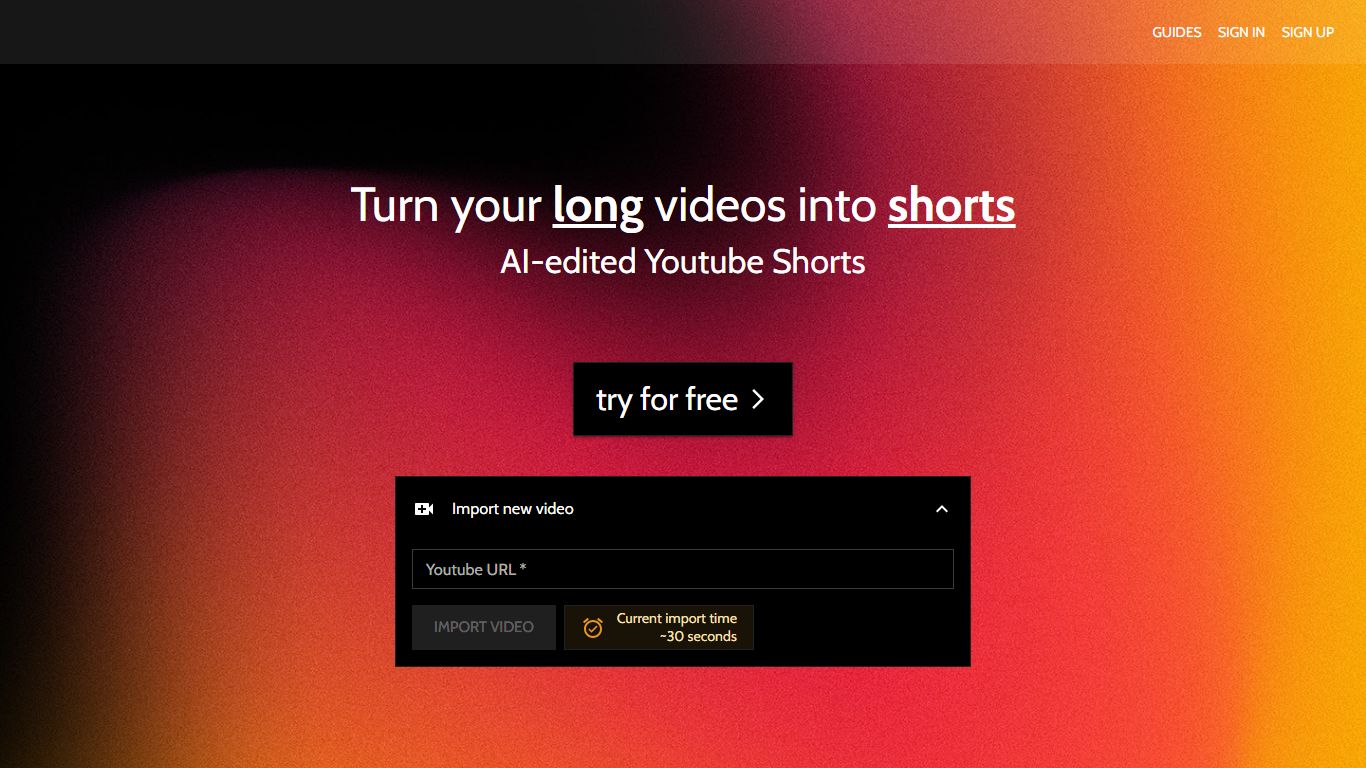
Trimmr handles video editing for creators who already publish long YouTube videos and need dozens of vertical clips without rebuilding each cut by hand. Paste a YouTube URL, and the platform scans the full recording for moments worth clipping, then drops them into a browser editor where you adjust captions, overlays, and preset graphics before export.
Most repurposing tools stop at auto-cropping one highlight reel. Trimmr layers ChatGPT-driven clip suggestions on top of a preset library built for scroll-heavy social feeds, plus word-level caption timing you can tweak while the video plays. That combination targets channels that want many variants from one upload, not a single best-of montage.
YouTube podcasters, interview channels, and marketers who cross-post to TikTok, Instagram Reels, YouTube Shorts, and Pinterest get the most value. The workflow starts from YouTube imports, pulls existing captions automatically, and supports overlay files in MP4, MOV, AVI, MKV, and WEBM formats.
Import long videos via YouTube URL and generate multiple short clip ideas from one upload
ChatGPT selects compelling segments before you fine-tune cuts in the browser editor
Word-level caption animation with real-time timing edits during playback
Overlay graphics support MP4, MOV, AVI, MKV, and WEBM file formats
Starter plan at $7 per month includes 5 hours of YouTube import and 10 minutes of rendered shorts
Zapier integration can batch-create import jobs from new YouTube URLs
Pulls YouTube videos and captions from a URL without manual file uploads
ChatGPT suggests multiple clip ideas from one long recording
Browser editor supports word-level caption timing during playback
Preset graphics library targets scroll-style social feeds
Zapier hooks automate YouTube import and render workflows
Primary video intake is limited to YouTube URL imports
Free accounts cannot cloud-render or export finished shorts
Premium and Unlimited plans are required for heavy monthly render volume
What video sources does Trimmr accept?
Trimmr imports primary video content through YouTube URLs. You paste a link, and Trimmr pulls the recording plus captions into its browser editor for clip selection and short-form export.
Which platforms can Trimmr clips target?
Trimmr is built to repurpose long YouTube uploads into short-form videos sized for YouTube Shorts, Instagram Reels, TikTok, and Pinterest. The editor keeps vertical framing and caption styling under your control.
Does Trimmr include a free plan?
Yes. Trimmr offers a free account that lets you preview premium editing features inside the app. Cloud rendering and exporting finished shorts require a paid subscription.
How much does Trimmr Starter cost?
Trimmr Starter is $7 per month. That plan includes importing 5 hours of YouTube video, rendering 10 minutes of finished shorts, and generating up to 1,000 AI-edited video ideas.
Can Trimmr edit captions from YouTube?
Trimmr automatically imports captions from the linked YouTube video. Its caption editor lets you adjust word-level animation timing while the clip plays back in the browser.
Does Trimmr work with automation tools?
Trimmr connects to Zapier so you can trigger import jobs, content ideas, and renders from other apps. Common setups watch YouTube channels and send new URLs into Trimmr automatically.