Vidon.ai vs Trimmr
When comparing Vidon.ai vs Trimmr, which AI Video Editing tool shines brighter? We look at pricing, alternatives, upvotes, features, reviews, and more.
In a comparison between Vidon.ai and Trimmr, which one comes out on top?
When we put Vidon.ai and Trimmr side by side, both being AI-powered video editing tools, The community has spoken, Trimmr leads with more upvotes. Trimmr has received 8 upvotes from aitools.fyi users, while Vidon.ai has received 6 upvotes.
Don't agree with the result? Cast your vote and be a part of the decision-making process!
Vidon.ai


What is Vidon.ai?
Vidon.ai turns text, URLs, and prompts into finished marketing videos, then lets you schedule, publish, and host them from one dashboard. You type copy, paste a blog link, or describe an idea, and the tool writes a script, selects clips from a 12-million-item stock library, adds voiceover and captions, and builds the video. The web editor runs free with no login required, and you pay only when you export.
Most AI video generators stop at the export button. Vidon.ai bundles a content calendar, one-click social publishing, CDN video hosting with Schema.org metadata, and performance analytics in the same product. That end-to-end pipeline fits teams repurposing blogs or product pages at volume rather than making one-off clips.
Marketers, content teams, and solo creators use Vidon.ai for blog-to-video repurposing, product page videos, and scheduled social series. Business plans add brand kits, API access, bulk CSV import, and video triggers that auto-generate when new blog posts appear.
Trimmr
What is Trimmr?
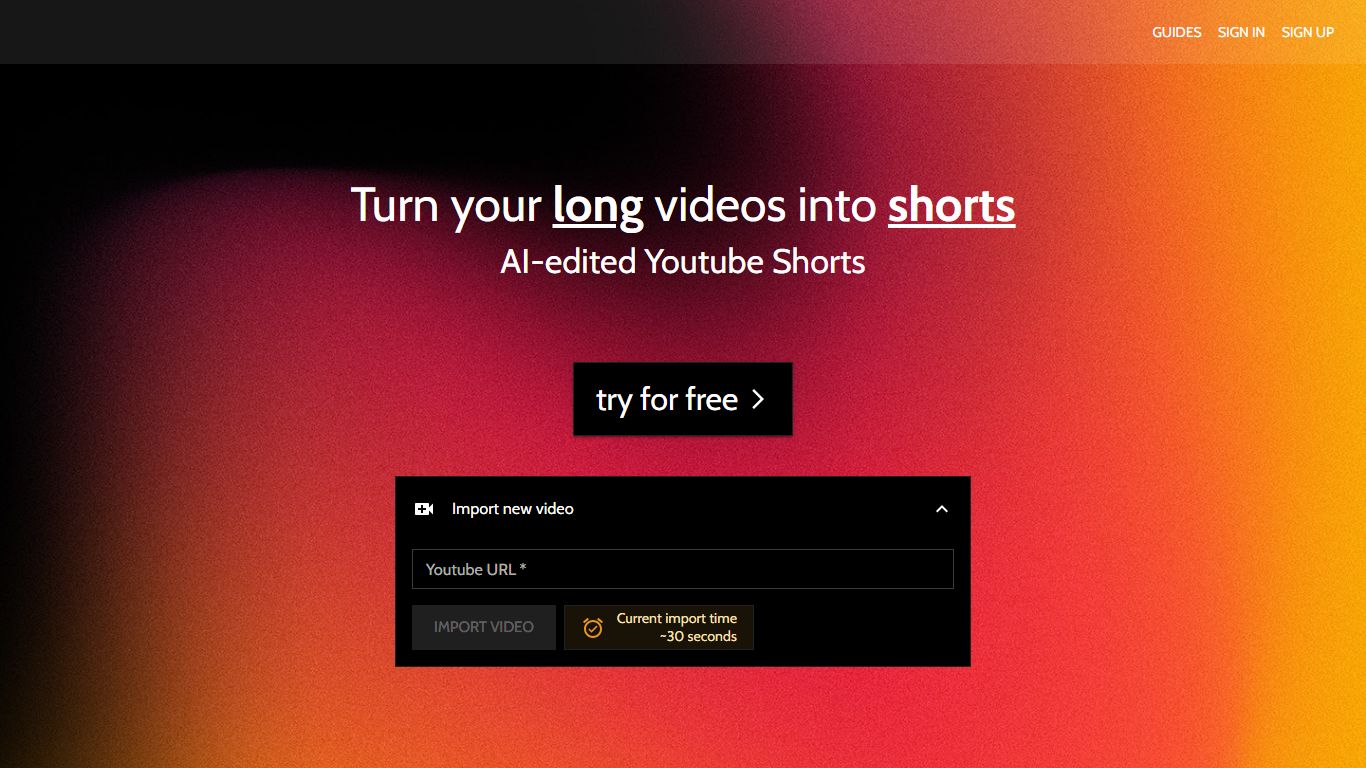
Trimmr handles video editing for creators who already publish long YouTube videos and need dozens of vertical clips without rebuilding each cut by hand. Paste a YouTube URL, and the platform scans the full recording for moments worth clipping, then drops them into a browser editor where you adjust captions, overlays, and preset graphics before export.
Most repurposing tools stop at auto-cropping one highlight reel. Trimmr layers ChatGPT-driven clip suggestions on top of a preset library built for scroll-heavy social feeds, plus word-level caption timing you can tweak while the video plays. That combination targets channels that want many variants from one upload, not a single best-of montage.
YouTube podcasters, interview channels, and marketers who cross-post to TikTok, Instagram Reels, YouTube Shorts, and Pinterest get the most value. The workflow starts from YouTube imports, pulls existing captions automatically, and supports overlay files in MP4, MOV, AVI, MKV, and WEBM formats.
Vidon.ai Upvotes
Trimmr Upvotes
Vidon.ai Top Features
Stock library access covers 12M+ clips with automatic image selection per scene
One video credit exports landscape, square, and vertical aspect ratios together
Prompt to Video uses ChatGPT to write scripts with voiceover in 50+ languages
Business plan includes 40 video exports per month plus REST API and CSV bulk import
Individual plan covers 10 monthly exports with content calendar and social publishing
Videos support up to 4000 characters per script, roughly 5 to 10 minutes of narration
Trimmr Top Features
Import long videos via YouTube URL and generate multiple short clip ideas from one upload
ChatGPT selects compelling segments before you fine-tune cuts in the browser editor
Word-level caption animation with real-time timing edits during playback
Overlay graphics support MP4, MOV, AVI, MKV, and WEBM file formats
Starter plan at $7 per month includes 5 hours of YouTube import and 10 minutes of rendered shorts
Zapier integration can batch-create import jobs from new YouTube URLs
Vidon.ai Category
- Video Editing
Trimmr Category
- Video Editing
Vidon.ai Pricing Type
- Freemium
Trimmr Pricing Type
- Freemium