Supercreator vs Trimmr
In the clash of Supercreator vs Trimmr, which AI Video Editing tool emerges victorious? We assess reviews, pricing, alternatives, features, upvotes, and more.
When we put Supercreator and Trimmr head to head, which one emerges as the victor?
Let's take a closer look at Supercreator and Trimmr, both of which are AI-driven video editing tools, and see what sets them apart. With more upvotes, Trimmr is the preferred choice. Trimmr has been upvoted 8 times by aitools.fyi users, and Supercreator has been upvoted 6 times.
Want to flip the script? Upvote your favorite tool and change the game!
Supercreator


What is Supercreator?
Supercreator.ai is a creator platform from CLB Creative that pairs AI-assisted scripting and video tools with templates, communities, and automations. The product is available through the web app at app.supercreator.ai and an iOS app where users sign in with Apple ID, pick interest categories, and move from idea to finished short-form content.
The public site positions Supercreator as an invitation-only entry point for creators and partners, while legal pages describe a broader ecosystem: registered users can browse template libraries, join free or paid communities, and publish creations after account review. Premium subscribers keep scripts and videos private; free users may have their generated content visible to others on the platform.
Trimmr
What is Trimmr?
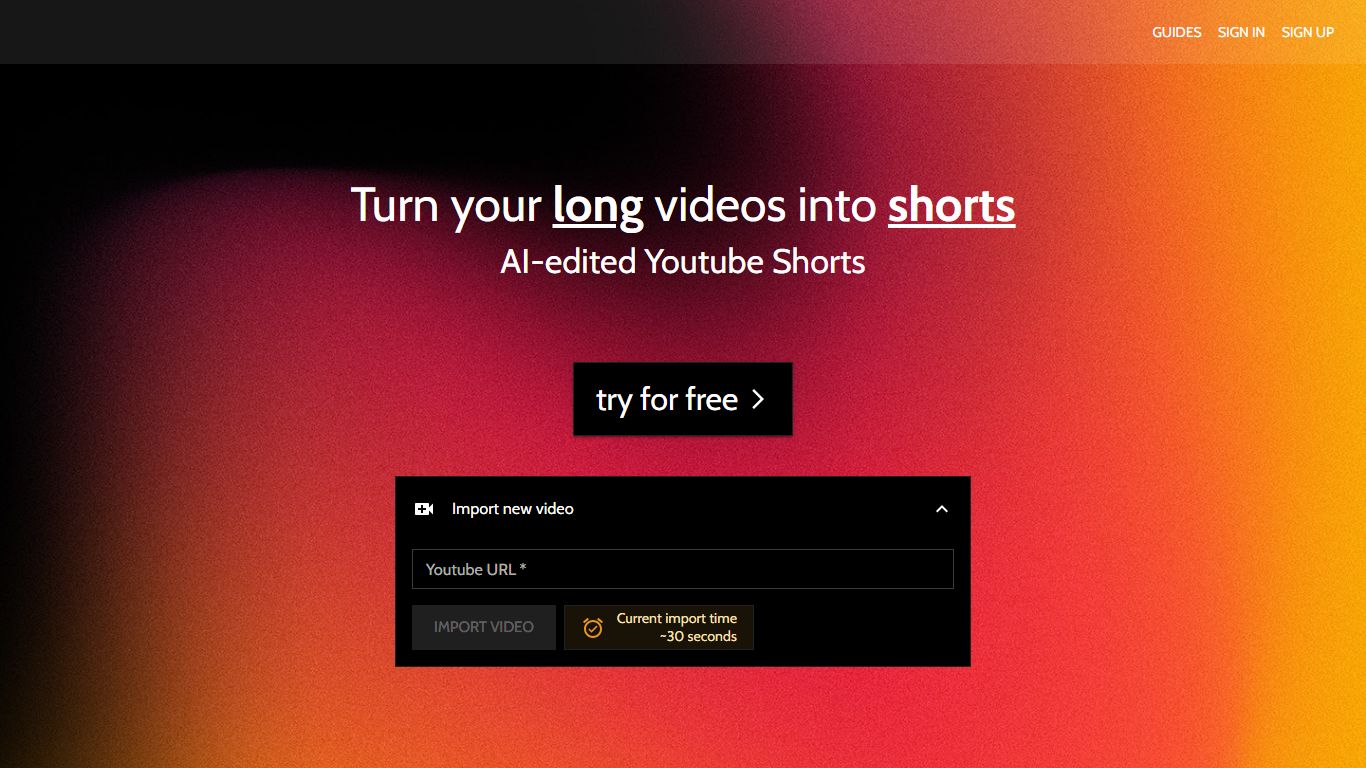
Trimmr handles video editing for creators who already publish long YouTube videos and need dozens of vertical clips without rebuilding each cut by hand. Paste a YouTube URL, and the platform scans the full recording for moments worth clipping, then drops them into a browser editor where you adjust captions, overlays, and preset graphics before export.
Most repurposing tools stop at auto-cropping one highlight reel. Trimmr layers ChatGPT-driven clip suggestions on top of a preset library built for scroll-heavy social feeds, plus word-level caption timing you can tweak while the video plays. That combination targets channels that want many variants from one upload, not a single best-of montage.
YouTube podcasters, interview channels, and marketers who cross-post to TikTok, Instagram Reels, YouTube Shorts, and Pinterest get the most value. The workflow starts from YouTube imports, pulls existing captions automatically, and supports overlay files in MP4, MOV, AVI, MKV, and WEBM formats.
Supercreator Upvotes
Trimmr Upvotes
Supercreator Top Features
Generate video scripts with AI from your topics or existing source material
Record in-app with speech mode that turns spoken lines into on-screen text
Apply TrueDepth AR face masks and effects while filming on iPhone
Separate foreground subjects from backgrounds for green-screen style shots
Browse a template library to start projects faster
Join free or paid creator communities inside the platform
Choose interest categories such as sports, fashion, education, or finance for tailored suggestions
Trimmr Top Features
Import long videos via YouTube URL and generate multiple short clip ideas from one upload
ChatGPT selects compelling segments before you fine-tune cuts in the browser editor
Word-level caption animation with real-time timing edits during playback
Overlay graphics support MP4, MOV, AVI, MKV, and WEBM file formats
Starter plan at $7 per month includes 5 hours of YouTube import and 10 minutes of rendered shorts
Zapier integration can batch-create import jobs from new YouTube URLs
Supercreator Category
- Video Editing
Trimmr Category
- Video Editing
Supercreator Pricing Type
- Freemium
Trimmr Pricing Type
- Freemium