Typeframes vs Trimmr
In the clash of Typeframes vs Trimmr, which AI Video Editing tool emerges victorious? We assess reviews, pricing, alternatives, features, upvotes, and more.
If you had to choose between Typeframes and Trimmr, which one would you go for?
Let's take a closer look at Typeframes and Trimmr, both of which are AI-driven video editing tools, and see what sets them apart. The upvote count shows a clear preference for Trimmr. The number of upvotes for Trimmr stands at 8, and for Typeframes it's 7.
You don't agree with the result? Cast your vote to help us decide!
Typeframes


What is Typeframes?
Typeframes converts simple text prompts into engaging product videos optimized for social media platforms like YouTube, Instagram, and TikTok. It enables users to produce high-quality videos quickly without advanced video editing skills.
What sets Typeframes apart is its AI-driven approach that simplifies video production by offering customizable templates and automated suggestions to boost engagement. Unlike traditional video editors, it focuses on speed and ease of use, allowing creators to generate videos in minutes rather than hours.
The platform supports exporting videos in multiple resolutions tailored for different social media formats, including vertical videos. This makes Typeframes especially useful for content creators and marketers aiming to produce consistent, platform-optimized video content efficiently.
By streamlining the video creation process, Typeframes helps users save time and resources while enhancing their social media presence with visually appealing videos.
Trimmr
What is Trimmr?
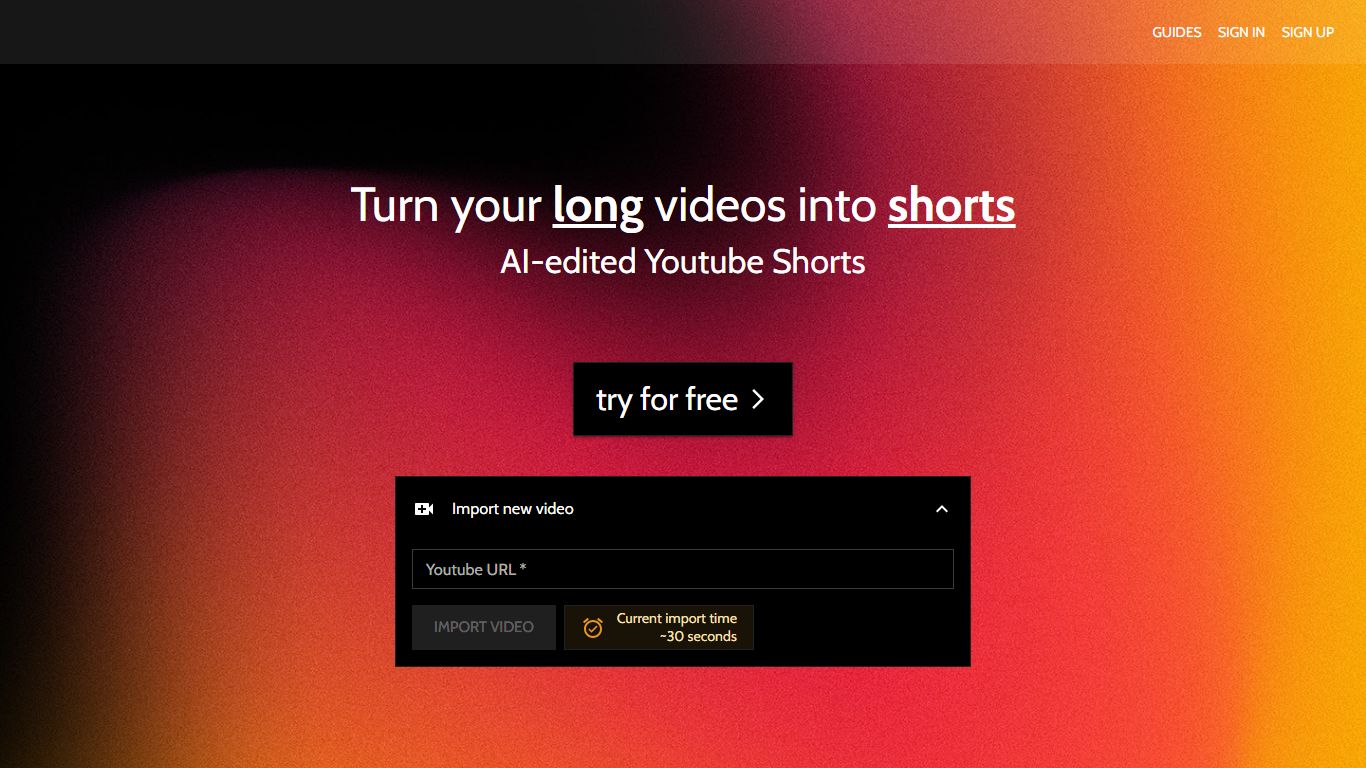
Trimmr handles video editing for creators who already publish long YouTube videos and need dozens of vertical clips without rebuilding each cut by hand. Paste a YouTube URL, and the platform scans the full recording for moments worth clipping, then drops them into a browser editor where you adjust captions, overlays, and preset graphics before export.
Most repurposing tools stop at auto-cropping one highlight reel. Trimmr layers ChatGPT-driven clip suggestions on top of a preset library built for scroll-heavy social feeds, plus word-level caption timing you can tweak while the video plays. That combination targets channels that want many variants from one upload, not a single best-of montage.
YouTube podcasters, interview channels, and marketers who cross-post to TikTok, Instagram Reels, YouTube Shorts, and Pinterest get the most value. The workflow starts from YouTube imports, pulls existing captions automatically, and supports overlay files in MP4, MOV, AVI, MKV, and WEBM formats.
Typeframes Upvotes
Trimmr Upvotes
Typeframes Top Features
Transform text prompts into engaging videos quickly
Customize templates to match your brand style easily
Create vertical videos optimized for social platforms
Simple interface requires no video editing skills
Export videos in multiple resolutions including high quality
AI-driven suggestions to boost video engagement
Trimmr Top Features
Import long videos via YouTube URL and generate multiple short clip ideas from one upload
ChatGPT selects compelling segments before you fine-tune cuts in the browser editor
Word-level caption animation with real-time timing edits during playback
Overlay graphics support MP4, MOV, AVI, MKV, and WEBM file formats
Starter plan at $7 per month includes 5 hours of YouTube import and 10 minutes of rendered shorts
Zapier integration can batch-create import jobs from new YouTube URLs
Typeframes Category
- Video Editing
Trimmr Category
- Video Editing
Typeframes Pricing Type
- Freemium
Trimmr Pricing Type
- Freemium