Trinka AI vs Writer's brew
In the face-off between Trinka AI vs Writer's brew, which AI Writing Assistant tool takes the crown? We scrutinize features, alternatives, upvotes, reviews, pricing, and more.
In a face-off between Trinka AI and Writer's brew, which one takes the crown?
If we were to analyze Trinka AI and Writer's brew, both of which are AI-powered writing assistant tools, what would we find? The upvote count favors Trinka AI, making it the clear winner. Trinka AI has been upvoted 6 times by aitools.fyi users, and Writer's brew has been upvoted 4 times.
Want to flip the script? Upvote your favorite tool and change the game!
Trinka AI

What is Trinka AI?
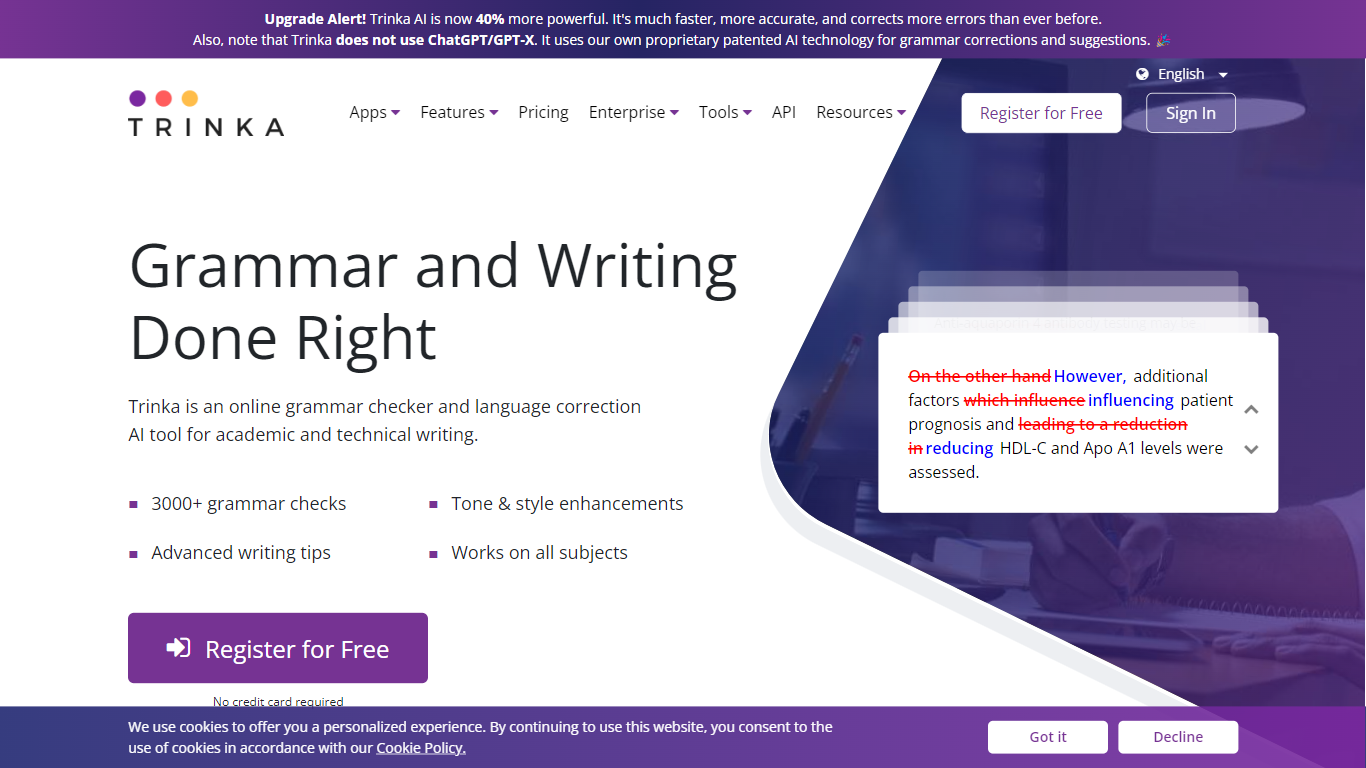
Trinka AI is a writing assistant built for academic and technical English and Spanish. It checks grammar, tone, and style guide rules, then adds paraphrasing, file proofreading for Word and LaTeX, plagiarism scores, and AI content detection in one dashboard. You can start on a free Basic plan or plug it into Microsoft Word, browsers, and LMS tools.
General grammar apps flag typos. Trinka targets publication-ready academic copy with style guide modes for APA, AMA, ACS, AGU, and IEEE, plus inclusive language and consistency checks that catch subject-specific phrasing other checkers miss. Premium Plus bundles 240 pages per year of standard plagiarism and AI detection, while the Confidential Data tier adds real-time deletion and compliance with SOC2, HIPAA, ISO, and GDPR.
Researchers, students, and editors at universities use Trinka to polish theses, journal submissions, and lab reports. Institutions can buy team plans starting at six seats, and non-native English authors lean on its subject-aware suggestions before sending work to reviewers.
Writer's brew
What is Writer's brew?
Writer's brew is a macOS writing assistant that rewrites, summarizes, translates, and replies to text you highlight in any app. It runs from the menu bar, a Spotlight-style popup, or keyboard shortcuts, and includes snippets, 15+ text utilities, and OCR that pulls words from images before sending them to AI. You bring your own OpenAI API key, so usage costs go to OpenAI rather than a monthly SaaS bill.
Most writing assistants live inside one browser tab or web editor. Writer's brew works system-wide on macOS 15.0 or later, which suits people who jump between Notes, email, Slack, and docs all day. The trade-off is it is Mac-only, requires your own OpenAI key, and skips the managed cloud workflow that all-in-one web tools provide.
Product managers, founders, and students who draft in multiple native Mac apps are the core audience. Power users pair it with Raycast or PopClip extensions for one-click rewrites, while snippet forms with placeholders like {date} and {clipboard} handle repetitive replies.
Trinka AI Upvotes
Writer's brew Upvotes
Trinka AI Top Features
Basic plan includes 5,000 words per month of writing assistance at no cost
Style guide corrections for APA, AMA, ACS, AGU, and IEEE on paid tiers
Proofread up to 120 MS Word or LaTeX files per year on Premium
Grammar and paraphrasing support in English and Spanish
Microsoft Word add-in, browser extensions, and Windows desktop app available
Writer's brew Top Features
30+ AI writing tools plus 50+ community presets for rewrite, summarize, translate, and reply tasks
Works across any macOS app via menu bar, Spotlight-style popup, or custom keyboard shortcuts
Snippet engine with smart placeholders like {date}, {clipboard}, and custom form fields
OCR extracts text from images anywhere on macOS before running AI transforms
Raycast and PopClip integrations add one-click presets from selected text
Pro license covers 2 devices for $29 with lifetime use and requires your own OpenAI API key
Translates highlighted text across 15+ languages from the same popup interface
Trinka AI Category
- Writing Assistant
Writer's brew Category
- Writing Assistant
Trinka AI Pricing Type
- Freemium
Writer's brew Pricing Type
- Paid