Try OC Maker vs toon-crafter
Compare Try OC Maker vs toon-crafter and see which AI Anime Generator tool is better when we compare features, reviews, pricing, alternatives, upvotes, etc.
Which one is better? Try OC Maker or toon-crafter?
When we compare Try OC Maker with toon-crafter, which are both AI-powered anime generator tools, With more upvotes, toon-crafter is the preferred choice. toon-crafter has garnered 7 upvotes, and Try OC Maker has garnered 6 upvotes.
Don't agree with the result? Cast your vote and be a part of the decision-making process!
Try OC Maker
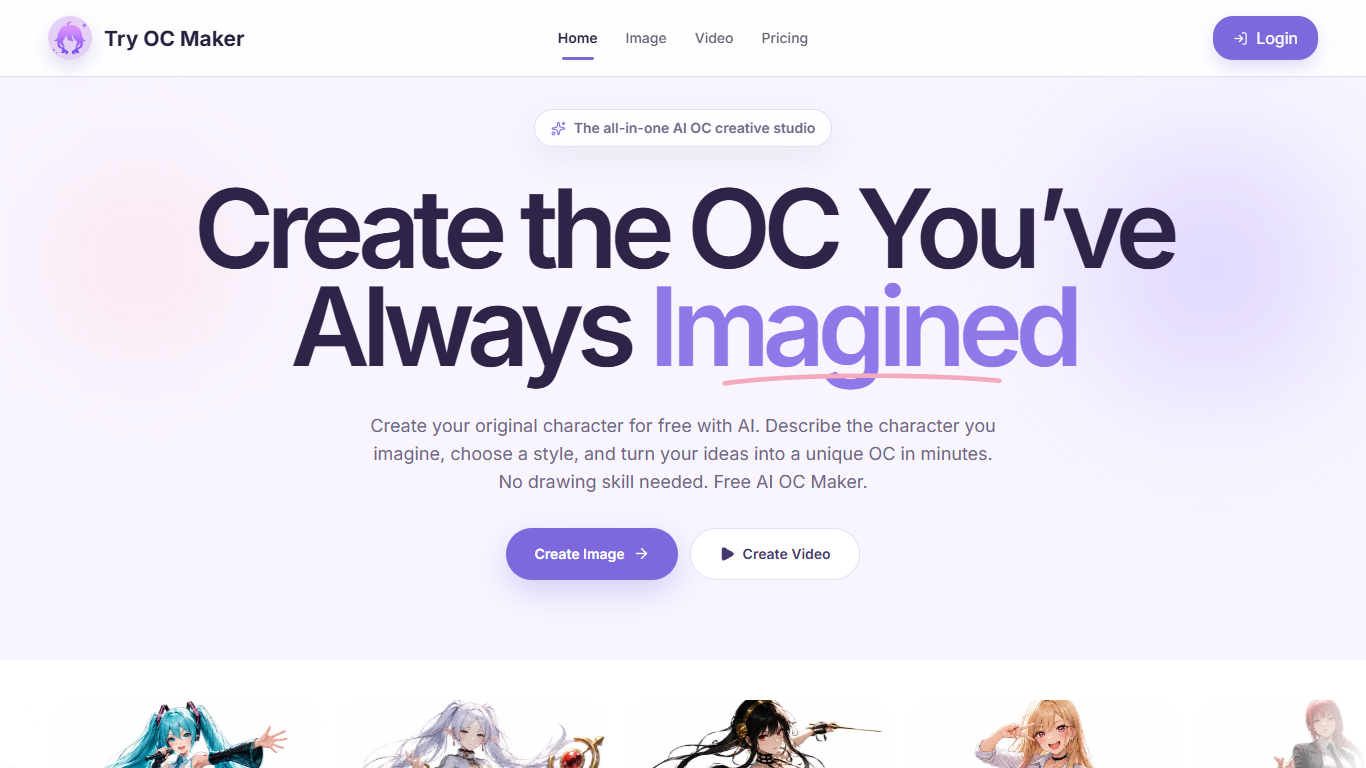

What is Try OC Maker?
Try OC Maker is a browser studio for designing anime-style original characters and turning them into short animated clips. You describe the look, upload a reference image, or use the guided builder, then iterate on face, outfit, pose, and full-body sheets without drawing by hand. It fits fans, roleplayers, and indie creators who already know the character in their head but need a visual they can keep refining.
Most anime generators stop at a one-off portrait. Try OC Maker is built as an OC pipeline: keep one character identity across outfits and scenes, then push the same still into image-to-video with first and last frame control. That continuity focus is the product, not just the art style.
Writers, VTuber creators, game concept teams, and roleplayers use it when they need a recognizable avatar, sheet, or social clip faster than commissioning art. The privacy policy also states prompts and uploads are not used to train third-party generative models, which matters if you are iterating on a private character for months.
toon-crafter
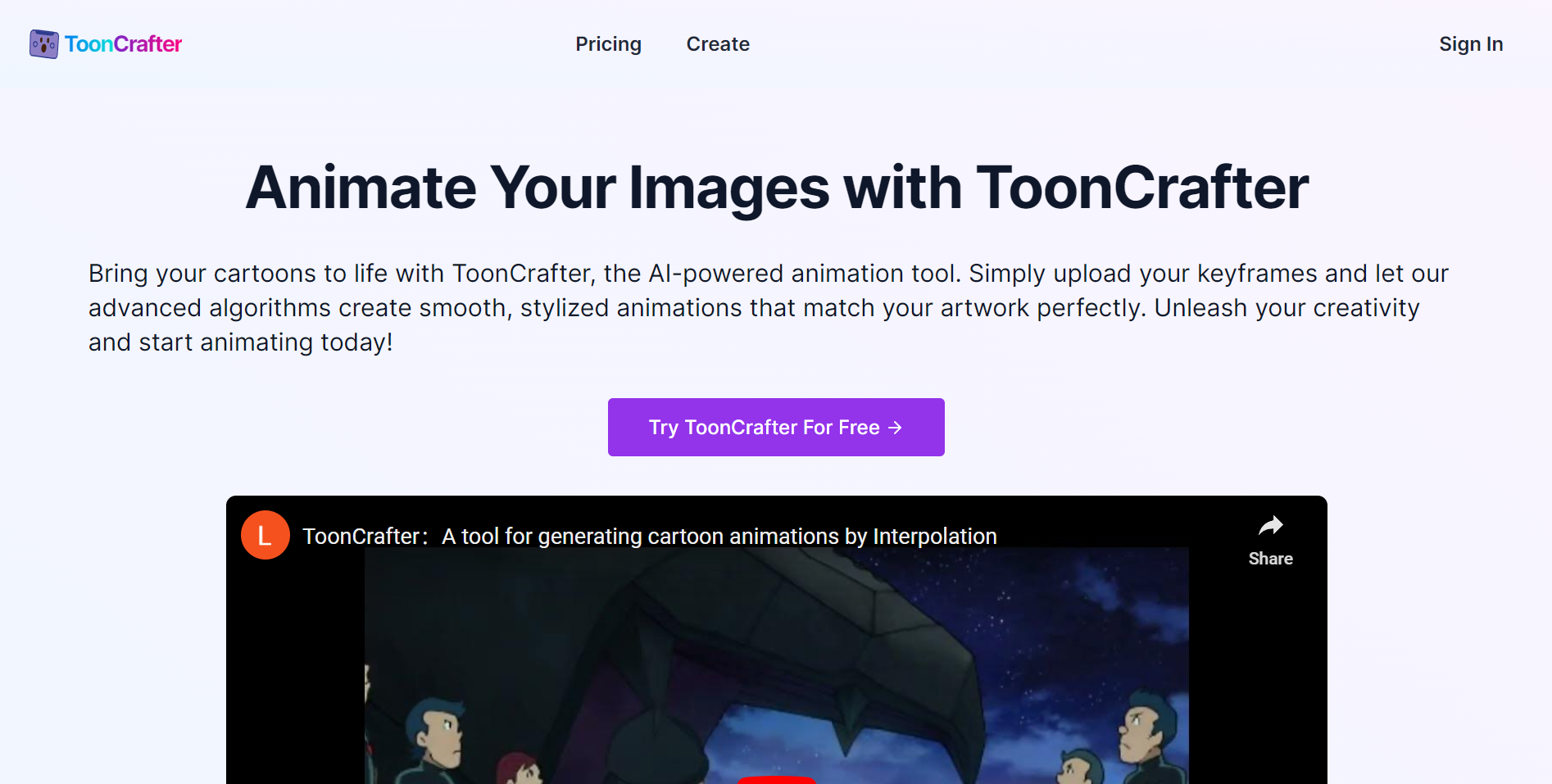
What is toon-crafter?
ToonCrafter is an AI-powered animation tool that transforms static cartoon images into smooth, lifelike animations by generating fluid transitions between keyframes. Users upload two to four keyframe images and can add text prompts to guide the animation style, producing short MP4 clips typically around two seconds long at 8 frames per second. The AI preserves the original artwork's style and pixel-level details, ensuring visual consistency and high-quality output.
The platform caters to both beginners and professionals, requiring no animation skills. It supports popular image formats like WEBP, PNG, and JPG with a maximum resolution of 512x512 pixels. Paid users benefit from faster processing, the ability to upload multiple keyframes for longer animations, and advanced features such as dynamic portrait animation and premium looping for seamless playback.
ToonCrafter's AI is trained on extensive cartoon datasets and employs techniques like toon rectification learning, dual-reference-based 3D VAE decoding, and sparse sketch guidance to generate smooth and natural motion. Users can manage their creation history within the platform, making it easy to revisit and refine past projects.
The tool is ideal for content creators, marketers, illustrators, and hobbyists who want to quickly bring their drawings to life for social media, presentations, animated stickers, and other creative projects. Processing times for paid users are typically around 20 seconds, depending on animation complexity and system load.
ToonCrafter also offers a free playground for users to try the tool with basic features before upgrading. The service is continuously updated with new tools and improvements, including a suite of related AI-powered cartoon and animation tools such as photo-to-cartoon converters and Disney Pixar style generators.
Overall, ToonCrafter simplifies the animation process by combining AI-driven style transfer and pixel-level detail extraction, making professional-quality cartoon animations accessible to a wide audience without requiring technical expertise.
Try OC Maker Upvotes
toon-crafter Upvotes
Try OC Maker Top Features
Model picker includes Seedream 5.0 Pro, Flux 2 Pro, Kling 3.0, and Seedance 2.0
Seedance 1.5 Pro image-to-video runs about 5 seconds at 480P for 45 credits
Seedream 5.0 Pro text-to-image costs 14 credits at 1K or 2K resolution
Upload up to 10 reference images (10 MB each) to lock face and outfit details
First and last frame controls pin motion between two OC stills
Free plan includes 40 credits for prompt-based OC image generation
toon-crafter Top Features
🎨 AI-Powered Animation: Automatically create smooth animations from 2-4 cartoon keyframes with style consistency.
⚡ Fast Processing: Generate animations in about 20 seconds for paid users, speeding up creative workflows.
🖼️ Multi-Format Support: Upload WEBP, PNG, or JPG images up to 512x512 pixels for flexible input options.
🔄 Premium Looping: Create seamless, looping animations ideal for social media and presentations.
📂 Creation History: Easily track and manage past animations for quick revisions and reuse.
Try OC Maker Category
- Anime Generator
toon-crafter Category
- Anime Generator
Try OC Maker Pricing Type
- Freemium
toon-crafter Pricing Type
- Freemium