TubeMagic vs AI Video Editing | Clipchamp
Compare TubeMagic vs AI Video Editing | Clipchamp and see which AI Video Editing tool is better when we compare features, reviews, pricing, alternatives, upvotes, etc.
Which one is better? TubeMagic or AI Video Editing | Clipchamp?
When we compare TubeMagic with AI Video Editing | Clipchamp, which are both AI-powered video editing tools, Both tools have received the same number of upvotes from aitools.fyi users. Every vote counts! Cast yours and contribute to the decision of the winner.
Want to flip the script? Upvote your favorite tool and change the game!
TubeMagic
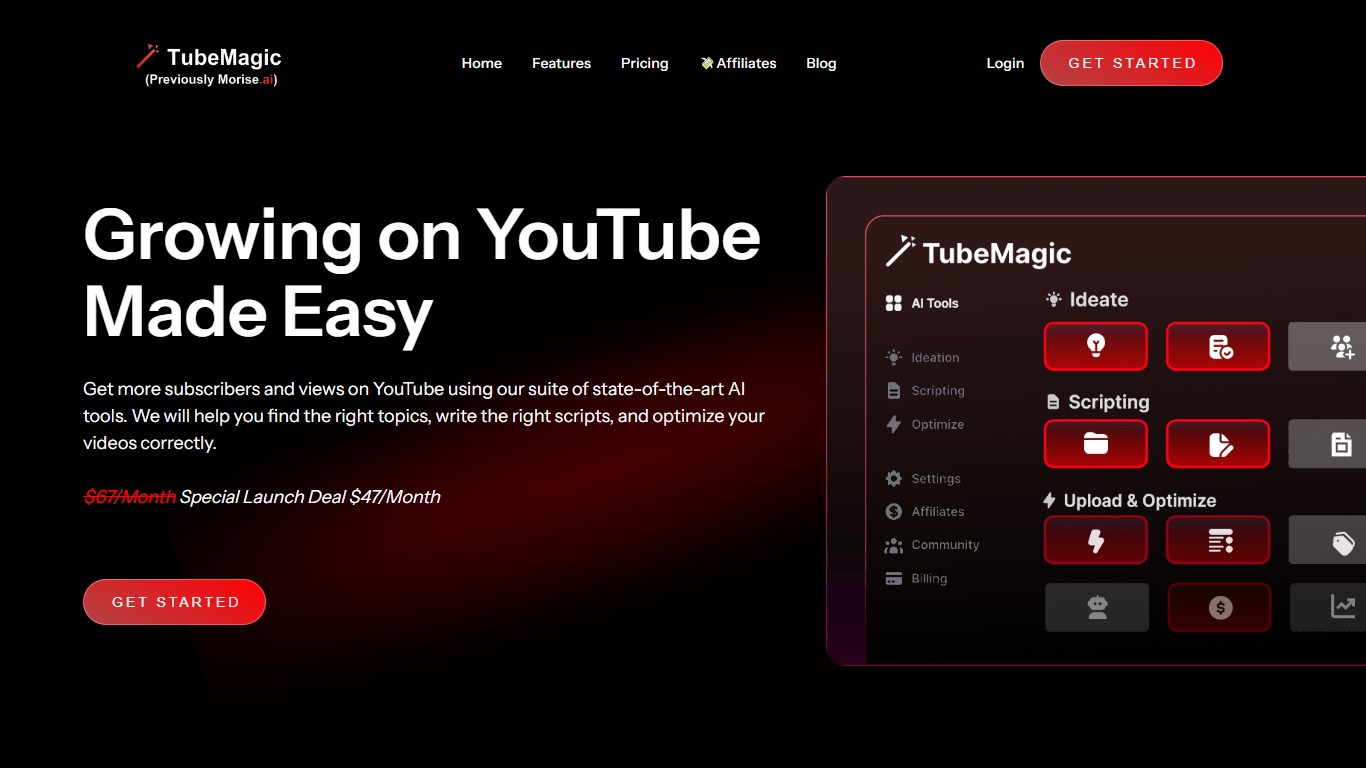

What is TubeMagic?
TubeMagic is a revolutionary suite of AI tools tailored for YouTube creators looking to enhance their channel's performance. This online platform provides a comprehensive solution for content creators by generating AI-powered titles, descriptions, tags, and scripts that drive more views and increase subscriber count.
Whether you are a seasoned YouTuber or just starting, TubeMagic aids in topic selection, script writing, and video optimization, ensuring your content ranks high and resonates with your target audience. With TubeMagic, you get to focus on creating engaging content while the AI handles the intricacies of SEO, promising to make your growth journey on YouTube simpler and more rewarding.
AI Video Editing | Clipchamp
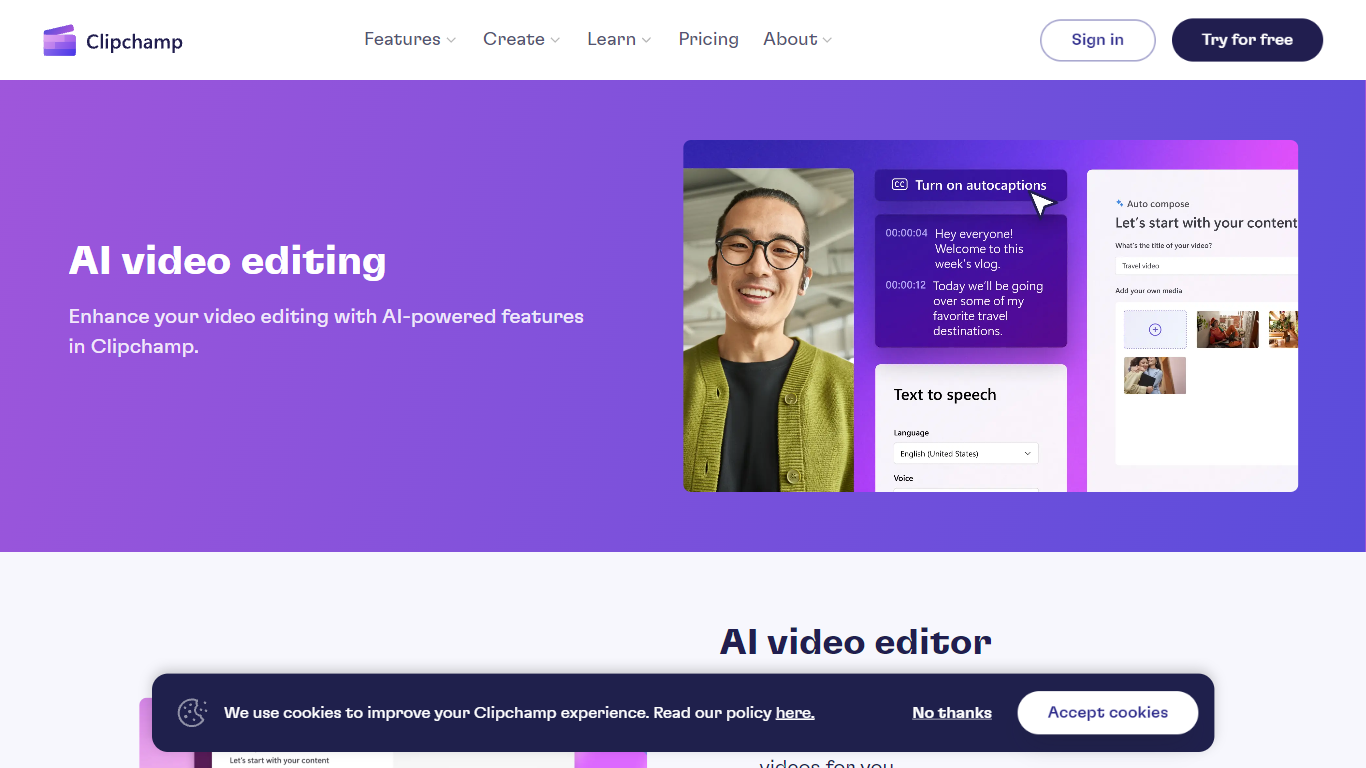
What is AI Video Editing | Clipchamp?
Experience the next level of video editing with Clipchamp's AI Video Editing tools, designed to elevate your creative projects effortlessly. Clipchamp harnesses the power of AI to provide an array of intelligent features that assist you in producing stunning videos without the need for any downloads. It's time to unleash your inner director using the AI video editor and craft short videos that leave a lasting impression. Whether you’re a TikTok enthusiast or a business professional, the AI voiceover maker offers over 400 lifelike voices in various languages and styles to match your video's tone. Autocaptions make your content more accessible, with precise voice detection technology for captions in 140 languages. For those looking to refine their speaking skills, the Speaker Coach offers real-time feedback on your recording sessions. Discover the wealth of AI-powered capabilities at your fingertips with Clipchamp and transform your digital storytelling.
TubeMagic Upvotes
AI Video Editing | Clipchamp Upvotes
TubeMagic Top Features
Unlimited Video Ideas & Topics: Generate unlimited video ideas based on channel data to plan your content.
Instant Video Scripts: Automatically create video scripts using a variety of templates.
Optimizations: Achieve the best title, description, and tags for your videos with automatic generation.
Keyword Research: Perform keyword research to identify search trends and harness them for better visibility.
Affordable Pricing: Take advantage of a special launch deal, offering comprehensive YouTube growth tools at a reduced rate.
AI Video Editing | Clipchamp Top Features
AI Video Editor: Simplify the video creation process with an AI editor that can generate engaging short videos automatically.
Text to Speech: Utilize a versatile AI voiceover maker featuring over 400 lifelike voices in a variety of languages.
Autocaptions: Increase accessibility and engagement with precise autocaptions available in 140 languages.
Speaker Coach: Improve your presentation skills with real-time feedback on your speech during recording.
AI Audio Enhancements: Look forward to upcoming features that will further enhance audio quality in your videos.
TubeMagic Category
- Video Editing
AI Video Editing | Clipchamp Category
- Video Editing
TubeMagic Pricing Type
- Freemium
AI Video Editing | Clipchamp Pricing Type
- Freemium