TubeMagic vs Dubbah (formerly Clippah)
In the battle of TubeMagic vs Dubbah (formerly Clippah), which AI Video Editing tool comes out on top? We compare reviews, pricing, alternatives, upvotes, features, and more.
Between TubeMagic and Dubbah (formerly Clippah), which one is superior?
Upon comparing TubeMagic with Dubbah (formerly Clippah), which are both AI-powered video editing tools, The users have made their preference clear, Dubbah (formerly Clippah) leads in upvotes. Dubbah (formerly Clippah) has been upvoted 53 times by aitools.fyi users, and TubeMagic has been upvoted 6 times.
Disagree with the result? Upvote your favorite tool and help it win!
TubeMagic

What is TubeMagic?
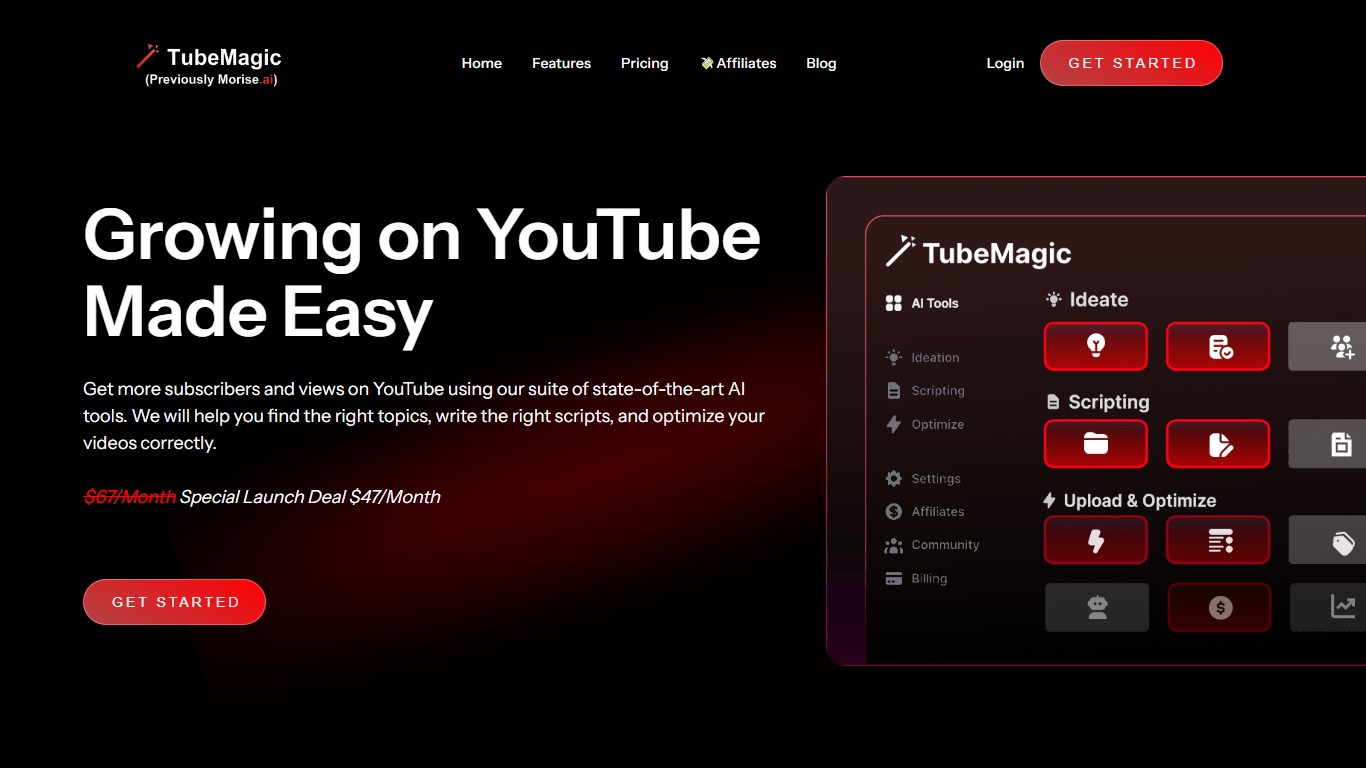
TubeMagic helps YouTube creators script, research, and optimize videos from one dashboard instead of juggling separate apps. Its script writer generates retention-focused drafts in seconds, and the same subscription covers titles, tags, descriptions, thumbnails, keyword research, and upload prep.
Where VidIQ and TubeBuddy lean on analytics and browser-side optimization, TubeMagic puts script drafting first. You paste a channel link to mirror your tone, pick models like Claude 4.0 or GPT-4o, set length from one to twenty minutes, and feed in top-performing videos as inspiration. The site reports over 200K scripts generated and lists creators with large followings as users.
TubeMagic started as Morise.AI in 2023, was acquired by YouTuber Matt Par in January 2024, and by mid-2025 the team narrowed focus to the script writer while keeping the rest of the toolkit available. It suits solo creators, agencies, and channel managers who publish regularly and need faster scripting plus SEO-minded metadata.
Dubbah (formerly Clippah)
What is Dubbah (formerly Clippah)?
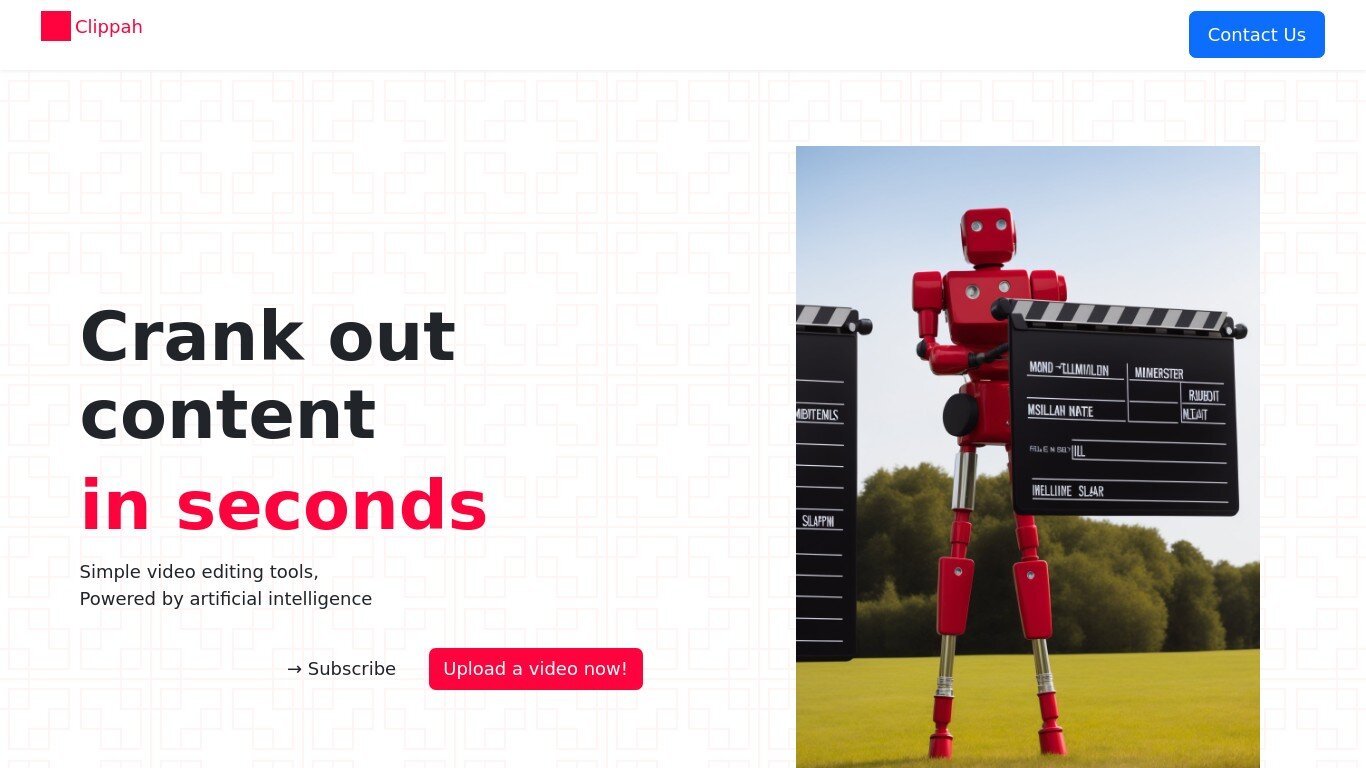
Drop an MP4 or MOV into Dubbah, pick from 14 languages, and get back a dubbed video with the original speaker's voice matched in each target language. The whole pipeline runs on your Mac, so footage stays on your machine and never gets uploaded for processing.
Most dubbing services upload your video to remote servers and bill by the minute. Dubbah runs locally after setup, works offline, and charges nothing for unlimited exports. That privacy-first, on-device model is the trade-off: it is Mac-only (macOS 13+, Apple Silicon and Intel), not a browser tool or Windows app.
YouTube creators, marketing teams, and educators who need localized clips without studio budgets are the clearest fit. The workflow is drag, pick languages, review each translated line, tweak wording or timing, then export finished video files.
TubeMagic Upvotes
Dubbah (formerly Clippah) Upvotes
TubeMagic Top Features
Paste your channel link and TubeMagic mirrors your tone and structure
Choose Claude 4.0, GPT-4o, or other models when drafting scripts
Match script length to video time with word targets from 100 words for 1 minute up to 3000 words for 20 minutes
Add inspiration videos and it merges their patterns into your draft
Warp Upload Optimizer suggests titles, tags, and descriptions before publish
Keyword research shows volume, competition, and a Magic Score per topic
Supports 95+ languages for titles, descriptions, tags, and video ideas
Dubbah (formerly Clippah) Top Features
Dubs videos into 14 languages including Spanish, Mandarin, Hindi, Arabic, Japanese, French, German, Korean, Portuguese, Italian, Polish, Turkish, Tamil, and English
Voice cloning keeps the original speaker's tone in each target language instead of generic text-to-speech
Runs on macOS 13+ for both Apple Silicon and Intel Macs with no account or sign-up required
Processes MP4, MOV, and other common video formats entirely on your Mac with no per-minute fees
Works offline after initial setup so you can dub on a plane or on set without uploading files
Line-by-line editor lets you change translated wording, adjust timing, or re-generate individual segments before export
TubeMagic Category
- Video Editing
Dubbah (formerly Clippah) Category
- Video Editing
TubeMagic Pricing Type
- Paid
Dubbah (formerly Clippah) Pricing Type
- Freemium