TubeMagic vs Personify
Dive into the comparison of TubeMagic vs Personify and discover which AI Video Editing tool stands out. We examine alternatives, upvotes, features, reviews, pricing, and beyond.
When comparing TubeMagic and Personify, which one rises above the other?
When we compare TubeMagic and Personify, two exceptional video editing tools powered by artificial intelligence, and place them side by side, several key similarities and differences come to light. The upvote count reveals a draw, with both tools earning the same number of upvotes. You can help us determine the winner by casting your vote and tipping the scales in favor of one of the tools.
Not your cup of tea? Upvote your preferred tool and stir things up!
TubeMagic

What is TubeMagic?
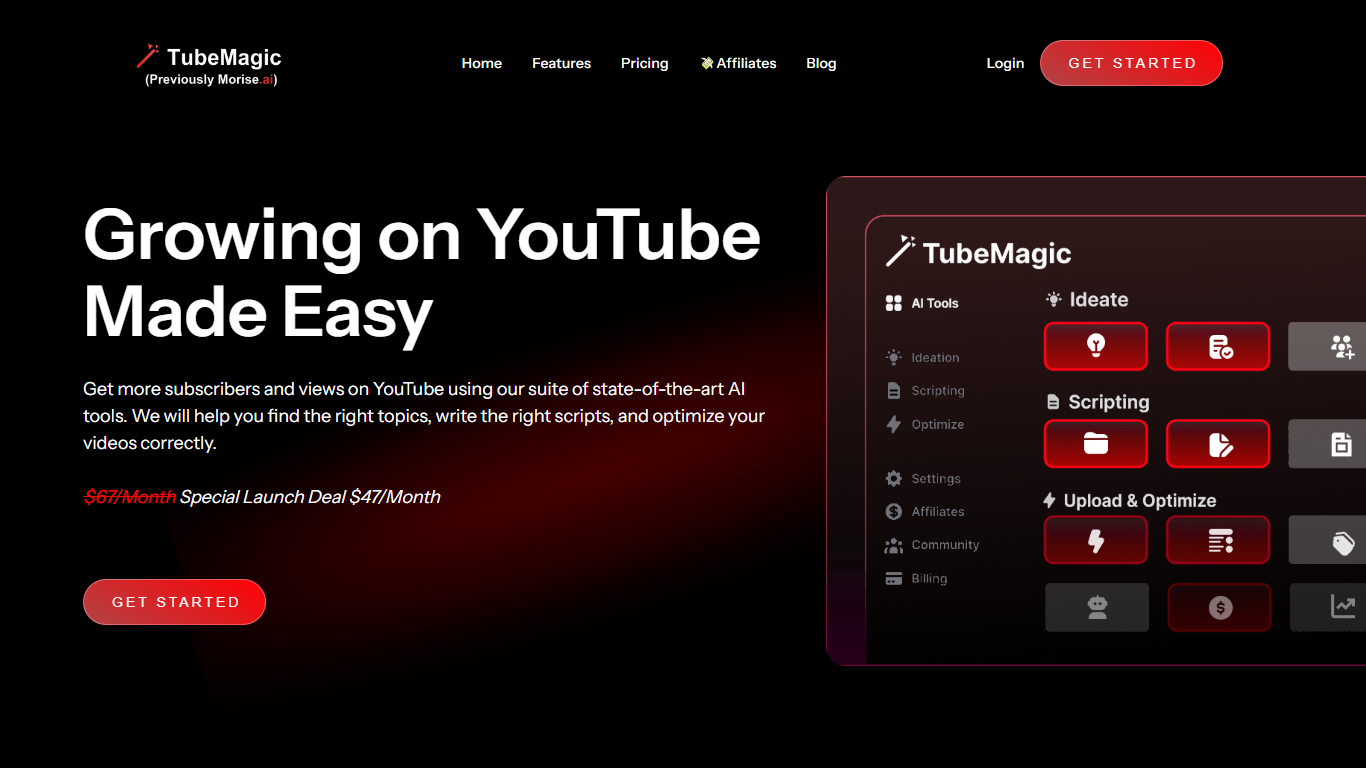
TubeMagic helps YouTube creators script, research, and optimize videos from one dashboard instead of juggling separate apps. Its script writer generates retention-focused drafts in seconds, and the same subscription covers titles, tags, descriptions, thumbnails, keyword research, and upload prep.
Where VidIQ and TubeBuddy lean on analytics and browser-side optimization, TubeMagic puts script drafting first. You paste a channel link to mirror your tone, pick models like Claude 4.0 or GPT-4o, set length from one to twenty minutes, and feed in top-performing videos as inspiration. The site reports over 200K scripts generated and lists creators with large followings as users.
TubeMagic started as Morise.AI in 2023, was acquired by YouTuber Matt Par in January 2024, and by mid-2025 the team narrowed focus to the script writer while keeping the rest of the toolkit available. It suits solo creators, agencies, and channel managers who publish regularly and need faster scripting plus SEO-minded metadata.
Personify
What is Personify?
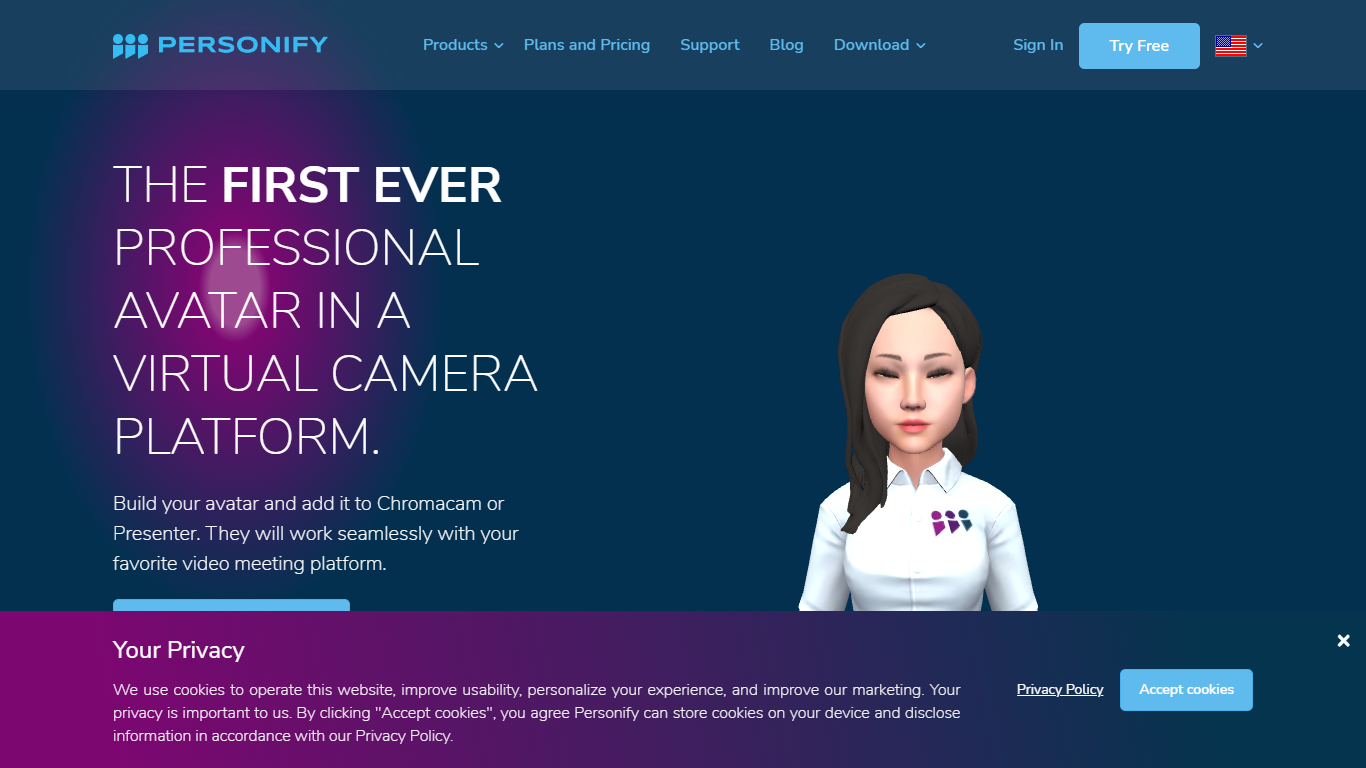
Personify is a virtual camera platform for professional video meetings and presentations. Build a 3D avatar with VRoid Studio, import it into ChromaCam or Presenter, and join Zoom, Teams, WebEx, or other conferencing apps with custom backgrounds or an on-screen avatar.
ChromaCam replaces or blurs your background during webcam calls. Presenter places your live persona or avatar over slides and screen shares. Presenter for Web adds browser-based presentation creation with AI image generation and multiplatform formatting for social channels.
The Personify SDK lets companies embed virtual background tech into their own software. Plans range from free ChromaCam Lite through Pro, Presenter, and Ultimate bundles.
TubeMagic Upvotes
Personify Upvotes
TubeMagic Top Features
Paste your channel link and TubeMagic mirrors your tone and structure
Choose Claude 4.0, GPT-4o, or other models when drafting scripts
Match script length to video time with word targets from 100 words for 1 minute up to 3000 words for 20 minutes
Add inspiration videos and it merges their patterns into your draft
Warp Upload Optimizer suggests titles, tags, and descriptions before publish
Keyword research shows volume, competition, and a Magic Score per topic
Supports 95+ languages for titles, descriptions, tags, and video ideas
Personify Top Features
Build and import custom 3D avatars from VRoid Studio into ChromaCam or Presenter
ChromaCam Pro for virtual green screen, blur, video backgrounds, and Twitch bot support
Presenter for placing yourself over slides with Studio Mode and MP4 recording
Presenter for Web with AI image generation and social media formatting
Personify SDK for embedding virtual background capabilities in third-party apps
TubeMagic Category
- Video Editing
Personify Category
- Video Editing
TubeMagic Pricing Type
- Paid
Personify Pricing Type
- Freemium