TubeMagic vs Shortdeo
In the face-off between TubeMagic vs Shortdeo, which AI Video Editing tool takes the crown? We scrutinize features, alternatives, upvotes, reviews, pricing, and more.
In a face-off between TubeMagic and Shortdeo, which one takes the crown?
If we were to analyze TubeMagic and Shortdeo, both of which are AI-powered video editing tools, what would we find? Both tools have received the same number of upvotes from aitools.fyi users. Your vote matters! Help us decide the winner among aitools.fyi users by casting your vote.
Want to flip the script? Upvote your favorite tool and change the game!
TubeMagic

What is TubeMagic?
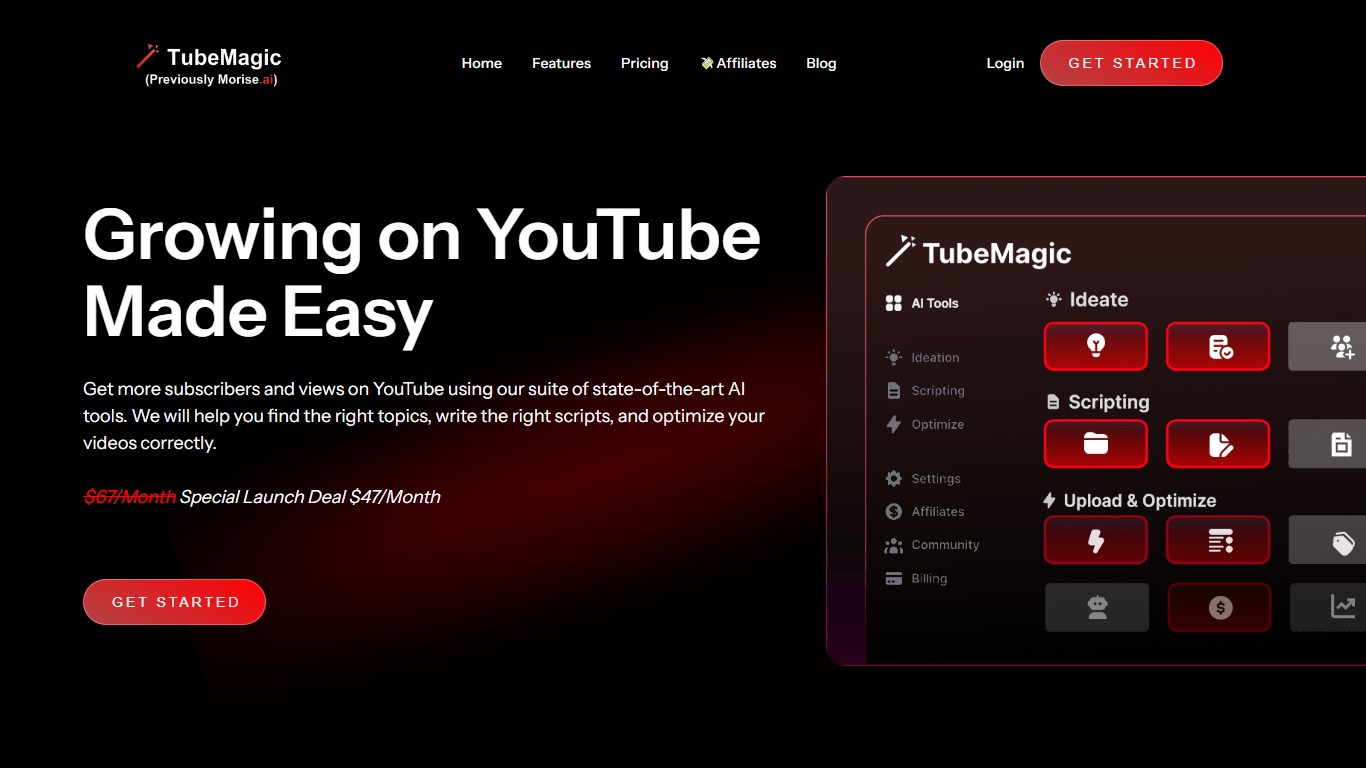
TubeMagic helps YouTube creators script, research, and optimize videos from one dashboard instead of juggling separate apps. Its script writer generates retention-focused drafts in seconds, and the same subscription covers titles, tags, descriptions, thumbnails, keyword research, and upload prep.
Where VidIQ and TubeBuddy lean on analytics and browser-side optimization, TubeMagic puts script drafting first. You paste a channel link to mirror your tone, pick models like Claude 4.0 or GPT-4o, set length from one to twenty minutes, and feed in top-performing videos as inspiration. The site reports over 200K scripts generated and lists creators with large followings as users.
TubeMagic started as Morise.AI in 2023, was acquired by YouTuber Matt Par in January 2024, and by mid-2025 the team narrowed focus to the script writer while keeping the rest of the toolkit available. It suits solo creators, agencies, and channel managers who publish regularly and need faster scripting plus SEO-minded metadata.
Shortdeo

What is Shortdeo?
Shortdeo turns long uploads or YouTube links into short vertical clips with auto captions. Paste a URL or MP4, and its scene detection splits the footage into shareable segments sized for TikTok, Instagram Reels, and similar feeds. The tool targets Video Editing workflows where you already have a long recording and need many social clips fast.
Manual clipping means scrubbing timelines and typing subtitles by hand. Shortdeo chains scene detection, auto-cropping around active speakers, multi-face split screens, and transcription into one workflow, then exports up to 4K at 2160x3840. That combination suits creators who have a long podcast or webinar recording and want dozens of social clips without hiring an editor.
Podcasters, course creators, and social media managers use it to repurpose interviews, reviews, and commentary videos across platforms. Paid plans start at $19.99 per month with clip export limits, and the company currently disables free trials while offering purchase refunds for unsatisfied customers.
TubeMagic Upvotes
Shortdeo Upvotes
TubeMagic Top Features
Paste your channel link and TubeMagic mirrors your tone and structure
Choose Claude 4.0, GPT-4o, or other models when drafting scripts
Match script length to video time with word targets from 100 words for 1 minute up to 3000 words for 20 minutes
Add inspiration videos and it merges their patterns into your draft
Warp Upload Optimizer suggests titles, tags, and descriptions before publish
Keyword research shows volume, competition, and a Magic Score per topic
Supports 95+ languages for titles, descriptions, tags, and video ideas
Shortdeo Top Features
Starter plan exports 50 clips per month at up to 1080x1920 Full HD
Professional plan exports 400 clips monthly with 4K output at 2160x3840
Magic Scene Detection splits long videos into short segments automatically
Auto-captions transcribe speech and add subtitles without manual typing
Multi-face detection builds split-screen layouts when several speakers are active
Supports 11 languages including English, French, German, Spanish, and Japanese
TubeMagic Category
- Video Editing
Shortdeo Category
- Video Editing
TubeMagic Pricing Type
- Paid
Shortdeo Pricing Type
- Paid