Tune vs mshumer/gpt-prompt-engineer - GitHub
Compare Tune vs mshumer/gpt-prompt-engineer - GitHub and see which AI Model Generation tool is better when we compare features, reviews, pricing, alternatives, upvotes, etc.
Which one is better? Tune or mshumer/gpt-prompt-engineer - GitHub?
When we compare Tune with mshumer/gpt-prompt-engineer - GitHub, which are both AI-powered model generation tools, Interestingly, both tools have managed to secure the same number of upvotes. The power is in your hands! Cast your vote and have a say in deciding the winner.
Feeling rebellious? Cast your vote and shake things up!
Tune


What is Tune?
Tune is an enterprise GenAI stack from NimbleBox that helps teams fine-tune, deploy, and run open-source large language models on their own cloud or on-prem infrastructure. The platform centers on Tune Studio for model experimentation and fine-tuning, Tune Chat for customizable AI assistants, and professional services for organizations that want hands-on help.
Tune Studio gives developers a playground to test LLMs, save high-quality interaction datasets, fine-tune models on dedicated GPU hardware, and deploy through public APIs or inference engines like TGI, vLLM, and Triton. Supported base models include Llama 3.1, Qwen 2, Gemma 2, Mixtral, and others.
The company positions itself for enterprises that need data ownership, compliance, and flexibility beyond closed-source APIs. Tune reports SOC 2 Type 2, HIPAA, and ISO 27001 compliance, with options for dedicated cloud, user cloud, and on-premises deployment.
mshumer/gpt-prompt-engineer - GitHub
What is mshumer/gpt-prompt-engineer - GitHub?
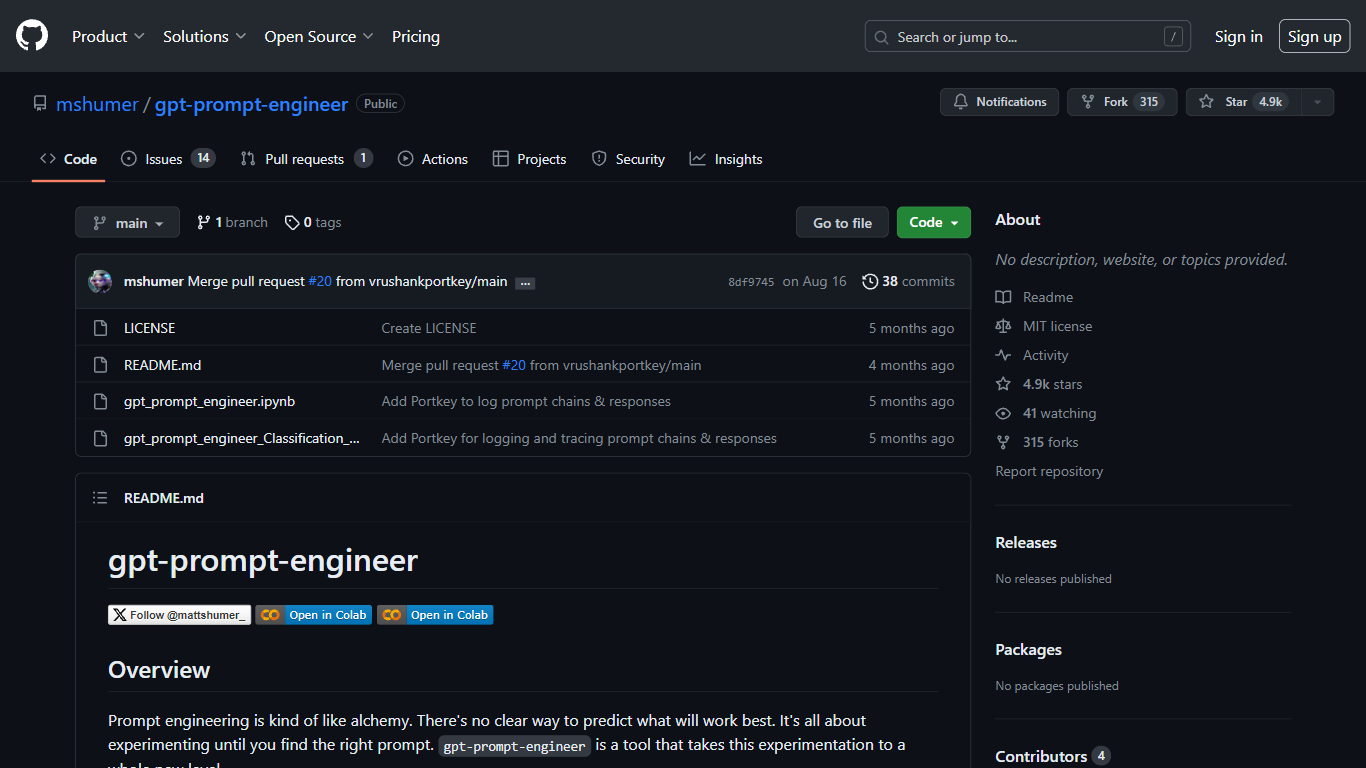
mshumer/gpt-prompt-engineer is an open source prompt engineering toolkit that generates, tests, and ranks candidate prompts for a task you define. You describe the use case, supply test cases, and the notebooks create multiple prompt variants, run them against every test case, and sort results with an ELO rating system starting at 1200. It ships as Jupyter notebooks you can run in Google Colab or locally.
Most prompt tools help you write one prompt at a time. gpt-prompt-engineer treats prompt selection like a tournament: dozens of candidates compete on your test cases, and the highest ELO scores surface the winners. Separate notebooks cover classification tasks, Claude 3 Opus with auto-generated test cases, and Opus-to-Haiku conversion for cheaper inference. Optional Weights & Biases and Portkey logging trace each run.
ML engineers, prompt engineers, and AI developers use it when they need reproducible prompt tuning instead of manual trial and error. The repo has 9.7k GitHub stars and runs on your own OpenAI or Anthropic API keys. It is free under the MIT license.
Tune Upvotes
mshumer/gpt-prompt-engineer - GitHub Upvotes
Tune Top Features
Fine-tune open-source LLMs like Llama 3.1, Qwen 2, Gemma 2, and Mixtral on dedicated GPU hardware
Deploy models through public APIs or inference stacks including TGI, vLLM, and Triton
Tune Studio playground to test models and save interaction datasets for training
Tune Chat for customizable AI assistants with document and web search support
Enterprise deployment on dedicated cloud, user cloud, or on-prem with SOC 2, HIPAA, and ISO 27001 compliance
mshumer/gpt-prompt-engineer - GitHub Top Features
Generates multiple prompt candidates from a task description and user-supplied test cases
Ranks prompts with an ELO rating system starting at 1200 per candidate
Supports GPT-4, GPT-3.5-Turbo, and Claude 3 Opus model backends
Classification notebook scores true/false test cases and prints a results table
Claude 3 notebook auto-generates test cases from input variable definitions
Opus-to-Haiku conversion notebook cuts latency and cost while preserving output quality
Optional Weights & Biases and Portkey logging for experiment tracking
Tune Category
- Model Generation
mshumer/gpt-prompt-engineer - GitHub Category
- Model Generation
Tune Pricing Type
- Freemium
mshumer/gpt-prompt-engineer - GitHub Pricing Type
- Free