TurboScribe vs Transcript Download
When comparing TurboScribe vs Transcript Download, which AI Translation tool shines brighter? We look at pricing, alternatives, upvotes, features, reviews, and more.
Between TurboScribe and Transcript Download, which one is superior?
When we put TurboScribe and Transcript Download side by side, both being AI-powered translation tools, Neither tool takes the lead, as they both have the same upvote count. Since other aitools.fyi users could decide the winner, the ball is in your court now to cast your vote and help us determine the winner.
Think we got it wrong? Cast your vote and show us who's boss!
TurboScribe
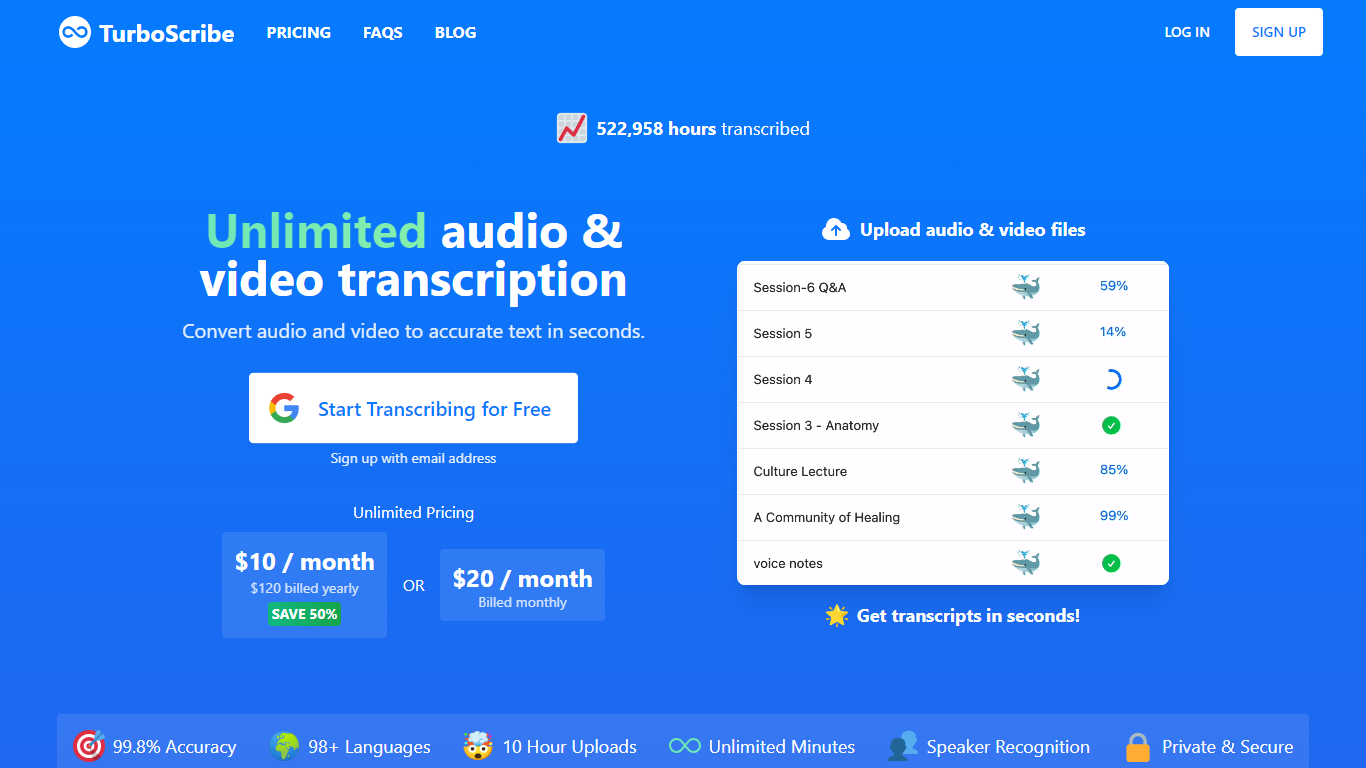

What is TurboScribe?
TurboScribe transcribes audio and video files to text using OpenAI Whisper with claimed 99.8% accuracy across 98+ languages. Upload MP3, MP4, WAV, and other common formats, pick the spoken language, and get transcripts in seconds with optional speaker recognition, translation, and subtitle export.
The service offers a free tier with three daily transcripts and an Unlimited plan with no caps on overall usage for a single account. Files can be up to 10 hours or 5 GB each, with batch uploads of 50 files and exports to DOCX, PDF, TXT, and SRT subtitle formats.
TurboScribe is operated by Leif Erikson Ventures, LLC and targets podcasters, journalists, researchers, and teams that need fast speech-to-text without per-minute billing. The site reports more than 47 million hours transcribed.
Transcript Download
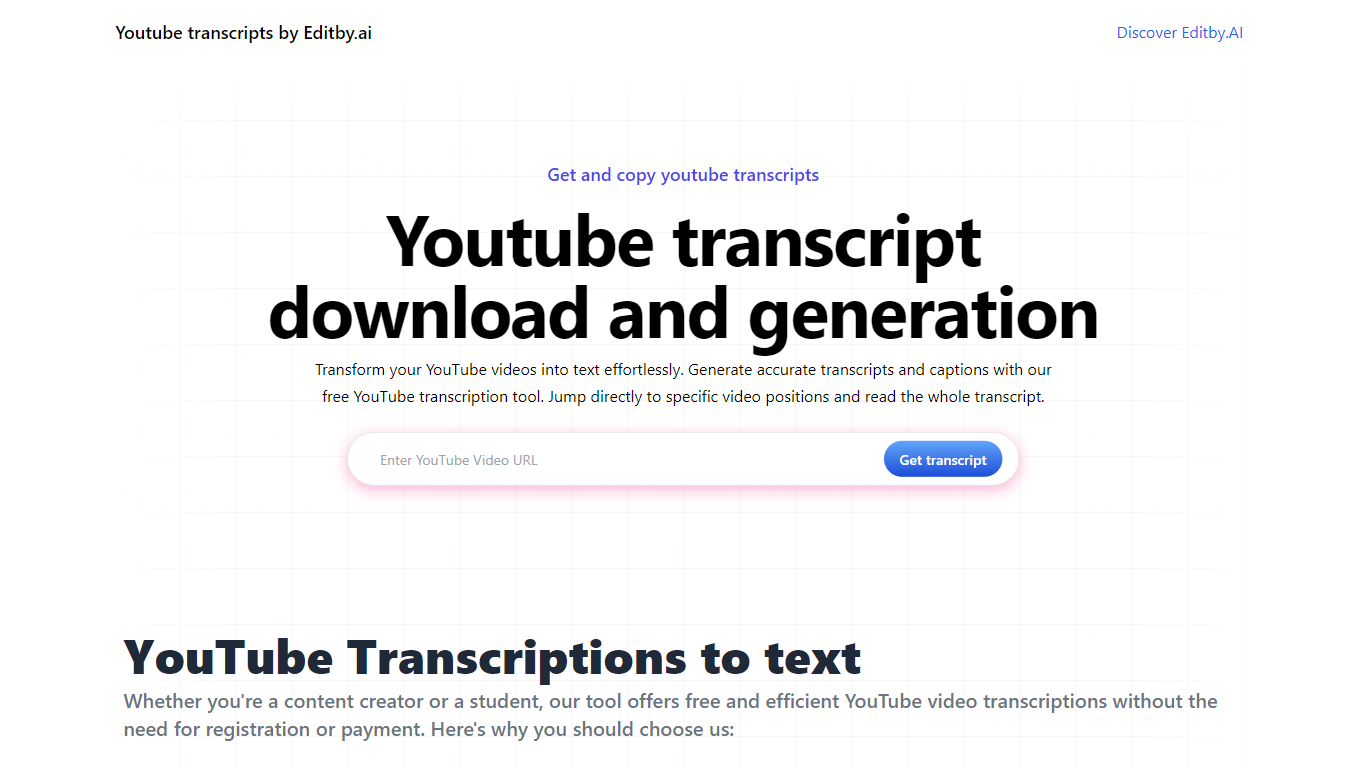
What is Transcript Download?
Unlock the full potential of your YouTube videos with Editby.AI's YouTube Transcription Tool. Our user-friendly platform caters to a range of users including students, researchers, content creators, and SEO professionals by providing an efficient way to generate accurate transcripts and captions. With our tool, there's no need for manual transcription. Simply input a YouTube URL and receive instant transcripts. Highlighted search terms, direct video position jumps, auto-scrolling features, and easy clipboard copying and downloading options streamline your workflow. Our commitment to user privacy is unmatched, requiring no sign-up or personal information. Enhance your productivity and save time with Editby.AI's transcription tool, all at no cost.
TurboScribe Upvotes
Transcript Download Upvotes
TurboScribe Top Features
Whisper-powered transcription with 99.8% claimed accuracy across 98+ languages
Speaker recognition with automatic or manual speaker count detection
Upload files up to 10 hours or 5 GB, with 50-file batch uploads on Unlimited
Export transcripts as DOCX, PDF, TXT, or SRT subtitles with custom segmentation
Translate transcripts to 134+ languages or transcribe foreign audio directly to English
Restore Audio tool to reduce background noise on poor-quality recordings
Three transcription modes: Whale, Dolphin, and Cheetah for speed vs accuracy tradeoffs
Transcript Download Top Features
Instant Transcripts: Paste a YouTube URL and receive transcripts instantly.
Downloadable Transcripts: Easily download transcripts with a single click.
Jump to Video Position: Navigate directly to specific video segments from the transcript.
Autoscroll Transcripts: Enjoy synchronized transcripts that auto-scroll as the video plays.
No Registration Needed: Access the transcription tool without any account or personal details.
TurboScribe Category
- Translation
Transcript Download Category
- Translation
TurboScribe Pricing Type
- Freemium
Transcript Download Pricing Type
- Freemium